
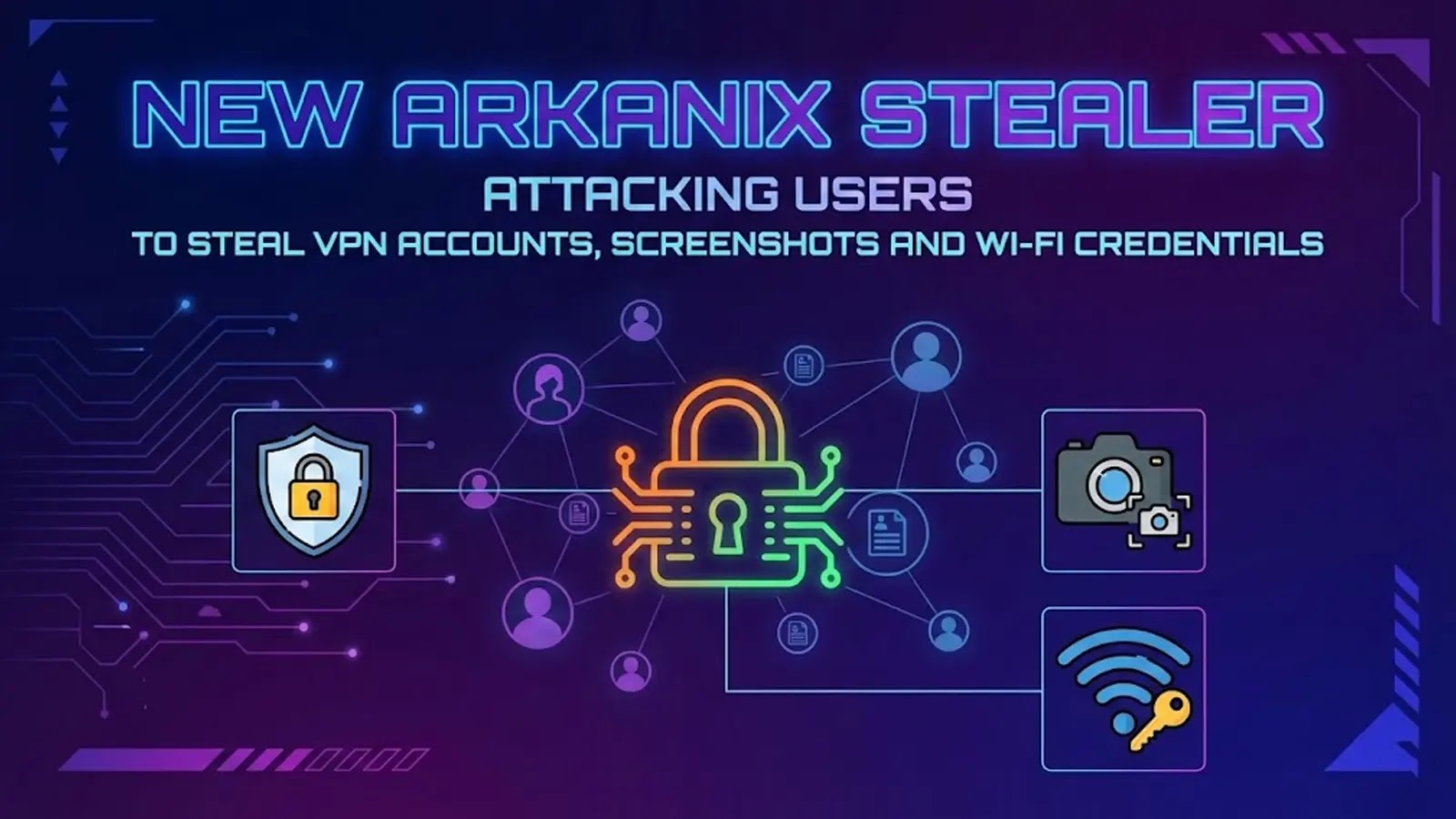
New Arkanix Stealer Attacking Users to Steal VPN Accounts, Screenshots and Wi-Fi Credentials
Urgent Threat: New Arkanix Stealer Targets VPNs, Wi-Fi, and Credentials
The digital landscape is constantly challenged by new and evolving cyber threats. A new and particularly insidious malware family, dubbed the Arkanix stealer, has recently emerged, posing a significant risk to home users and small offices. This stealer specifically targets critical access points: Virtual Private Network (VPN) clients, wireless networks, and stored browser credentials. Understanding its modus operandi and implementing robust defenses is now more crucial than ever.
According to reports, the Arkanix stealer is actively spreading, with a primary focus on compromising systems to exfiltrate sensitive data. Its ability to capture screenshots and harvest Wi-Fi profiles grants attackers a high degree of access, potentially leading to broader network infiltration and data breaches.
What is the Arkanix Stealer?
The Arkanix stealer is a new breed of information-stealing malware designed for targeted data exfiltration. Unlike broader threats, Arkanix focuses its efforts on specific, high-value data types that can be leveraged for unauthorized network access and persistent surveillance. Its design suggests an emphasis on stealth and efficient data collection, making it a formidable new adversary in the cybersecurity threat landscape.
Arkanix Stealer’s Modus Operandi and Key Targets
Once Arkanix infiltrates a system, it immediately begins its reconnaissance and data harvesting operations. Its primary targets include:
- VPN Account Data: Arkanix specifically seeks to compromise VPN client configurations and credentials. This allows attackers direct access to private networks, bypassing perimeter defenses and potentially moving laterally within an organization’s infrastructure.
- Wi-Fi Profiles: The stealer extracts Wi-Fi network names (SSIDs) and their corresponding passwords. This enables attackers to connect to local wireless networks, facilitating proximity attacks or providing further network access if the compromised device is an employee’s personal device connecting to a corporate Wi-Fi.
- Browser Credentials: Usernames and passwords stored within web browsers are a prime target. This grants attackers access to online accounts, including banking portals, social media, and enterprise applications.
- Desktop Screenshots: Arkanix captures screenshots of the desktop. This provides attackers with visual information about the user’s activities, open applications, and sensitive data displayed on the screen, further aiding in their reconnaissance and exploitation efforts.
This combination of stolen data provides threat actors with comprehensive access, enabling them to impersonate users, access sensitive resources, and maintain a foothold within targeted environments.
Remediation Actions Against the Arkanix Stealer
Protecting against sophisticated stealers like Arkanix requires a multi-layered security approach. Implementing the following actions can significantly reduce the risk of compromise:
- Strong, Unique Passwords and Multi-Factor Authentication (MFA): Enforce strong, unique passwords for all accounts, especially VPNs, and enable MFA wherever possible. MFA adds a critical layer of security, making it exponentially harder for attackers to gain access even if they steal credentials.
- Regular Software Updates: Keep all operating systems, applications, and especially VPN clients, web browsers, and antivirus software updated. Patches often address vulnerabilities that malware exploits.
- Endpoint Detection and Response (EDR): Utilize EDR solutions that can detect and respond to suspicious activities indicative of malware, including attempts to access sensitive files or capture screenshots.
- Network Segmentation: For small offices, consider network segmentation to limit lateral movement if one segment is compromised.
- Employee Awareness Training: Educate users about phishing, suspicious attachments, and safe browsing practices. Many stealer infections begin with social engineering tactics.
- Disable Saving Passwords in Browsers: Instruct users to avoid saving passwords directly within their web browsers, or use a reputable password manager that encrypts credentials.
- Principle of Least Privilege: Ensure users and devices only have the necessary permissions to perform their tasks, limiting the damage an attacker can inflict if a system is compromised.
Security Tools for Detection and Mitigation
Leveraging appropriate security tools is essential for detecting and mitigating threats like the Arkanix stealer. While no specific CVE number has been assigned to the Arkanix stealer itself (as it’s a malware family, not a specific vulnerability), general security practices apply.
| Tool Name | Purpose | Link |
|---|---|---|
| Endpoint Detection & Response (EDR) Solutions | Advanced threat detection, incident response, and behavioral analysis on endpoints. | (Consult vendor websites – e.g., CrowdStrike, SentinelOne) |
| Antivirus/Antimalware Software | Signature-based and heuristic detection of known malware. | (Consult vendor websites – e.g., Malwarebytes, Bitdefender) |
| Network Intrusion Detection/Prevention Systems (NIDS/NIPS) | Monitor network traffic for malicious activity and policy violations. | (Consult vendor websites – e.g., Snort, Suricata) |
| Password Managers | Securely store and manage complex passwords, reducing reliance on browser-saved credentials. | (Consult vendor websites – e.g., LastPass, 1Password) |
Protecting Against Information Stealers
The emergence of the Arkanix stealer underscores the ongoing need for vigilance in cybersecurity. Its focus on VPN accounts, Wi-Fi credentials, and screenshots provides attackers with immediate and direct access to personal and corporate data. Proactive security measures, including strong authentication, regular updates, endpoint protection, and user education, are paramount to defending against this and similar threats. Remaining informed about new malware families and adapting security postures accordingly is not just a recommendation; it is a necessity for maintaining digital security.




