
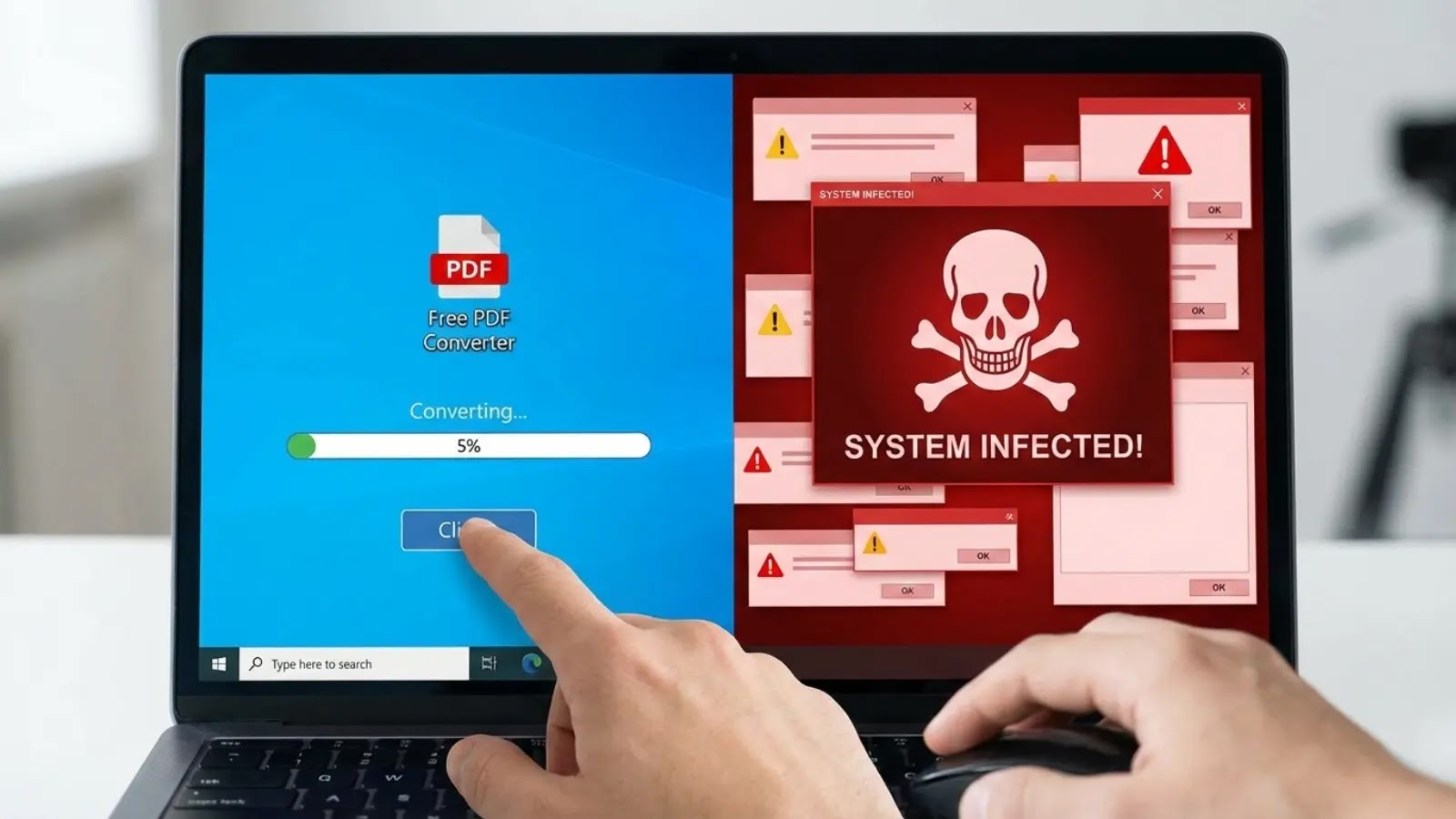
Free Converter Apps that Convert your Clean System to Infected in Seconds
The Hidden Threat: How Free Converter Apps Turn Your Clean System into an Infected Minefield
The promise of free utility applications often masks a more sinister truth. In the realm of cybersecurity, seemingly innocuous tools, particularly “free” file converter apps, are being weaponized to compromise systems with persistent remote access trojans (RATs). This post delves into the mechanics of this widespread threat, explaining how these deceptive applications operate, the sophisticated infection chain, and crucial remediation strategies.
The Deceptive Lure of Free Converter Utility
Many users routinely seek out free software to perform simple tasks like converting file formats. Cybercriminals exploit this demand by advertising malicious file converter applications. These applications are engineered to function exactly as advertised, successfully converting files. This perceived legitimacy is a critical component of their deception, allowing them to blend in while secretly installing backdoors. The malicious intent often goes unnoticed because the primary function of the app appears to work perfectly.
The Infection Chain: From Malicious Ads to Persistent RATs
The initial vector for these infections frequently stems from malicious Google advertisements. When users search for “free converter” tools, these deceptive ads, often crafted to appear legitimate, direct them to compromised websites or direct download links for the malicious applications. Once downloaded and executed, the application performs its advertised conversion function in the foreground, while simultaneously deploying a Remote Access Trojan (RAT) in the background. Researchers at Nextron Systems have meticulously tracked these infection chains, highlighting their stealth and effectiveness.
These RATs establish a persistent presence on the victim’s machine, granting attackers continuous, surreptitious access. This access can be used for a variety of malicious activities, including data exfiltration, keystroke logging, further malware deployment, and even using the compromised system as a pivot point for attacking other networks. Unlike simpler forms of malware, RATs are designed for long-term control and often employ sophisticated evasion techniques to remain undetected by traditional antivirus solutions.
Understanding Remote Access Trojans (RATs)
A Remote Access Trojan (RAT) is a type of malware that enables surveillance and control of a computer without the user’s knowledge. RATs are particularly dangerous because they can allow an attacker to:
- Access files and directories.
- Capture screenshots and webcam feeds.
- Log keystrokes (keylogging).
- Download and upload files.
- Execute commands remotely.
- Modify system settings.
The persistence mechanisms employed by these RATs ensure that even after a system reboot, the attacker retains control, making remediation a more challenging task.
Remediation Actions: Securing Your System
Given the stealth and persistence of these threats, proactive measures and swift remediation are essential. Here’s how to protect your systems:
- Exercise Extreme Caution with Downloads: Only download software from official, trusted sources (e.g., direct from the vendor’s website, not third-party download sites). Be wary of “free” software found through search engine advertisements.
- Strong Endpoint Protection: Deploy and maintain robust Endpoint Detection and Response (EDR) solutions. These tools are designed to detect anomalous behavior indicative of RAT activity, even if signature-based antivirus fails.
- Network Monitoring: Implement network traffic monitoring to identify unusual outbound connections from internal hosts. RATs will often communicate with command-and-control (C2) servers.
- User Education: Train users on the risks associated with downloading untrusted software and the importance of verifying file origins.
- Regular Backups: Maintain regular, off-site backups of critical data to mitigate the impact of data theft or encryption.
- Principle of Least Privilege: Limit user permissions to prevent the installation of unauthorized software. Configure systems so that administrative privileges are required for software installation.
- Application Whitelisting: Consider implementing application whitelisting to only allow approved software to execute on endpoints. This is a highly effective, albeit more complex, defense mechanism.
| Tool Name | Purpose | Link |
|---|---|---|
| Malwarebytes | Malware scanning and removal, real-time protection. | https://www.malwarebytes.com/ |
| Microsoft Defender for Endpoint | Comprehensive EDR capabilities, next-gen protection. | https://www.microsoft.com/en-us/security/business/endpoint-security/microsoft-defender-endpoint |
| Wireshark | Network protocol analyzer for detecting suspicious C2 traffic. | https://www.wireshark.org/ |
| Sysinternals Suite (Process Explorer, Autoruns) | Advanced system process and startup item analysis for RAT detection. | https://learn.microsoft.com/en-us/sysinternals/downloads/ |
Conclusion: The Cost of “Free” Software
The allure of “free” software often comes with a hidden, and potentially severe, cost. Malicious file converter applications represent a significant threat, leveraging user trust and the need for convenience to deploy persistent remote access trojans. By understanding their modus operandi and implementing stringent security practices, organizations and individuals can significantly reduce their attack surface and protect their digital assets from these insidious threats. Always scrutinize application sources, layer your defenses, and educate your users on the dangers lurking behind seemingly harmless downloads.




