TP-Link Archer Vulnerability Let Attackers Take Control Over the Router
TP-Link Archer MR600 v5 Under Threat: Critical Command Injection Vulnerability Revealed
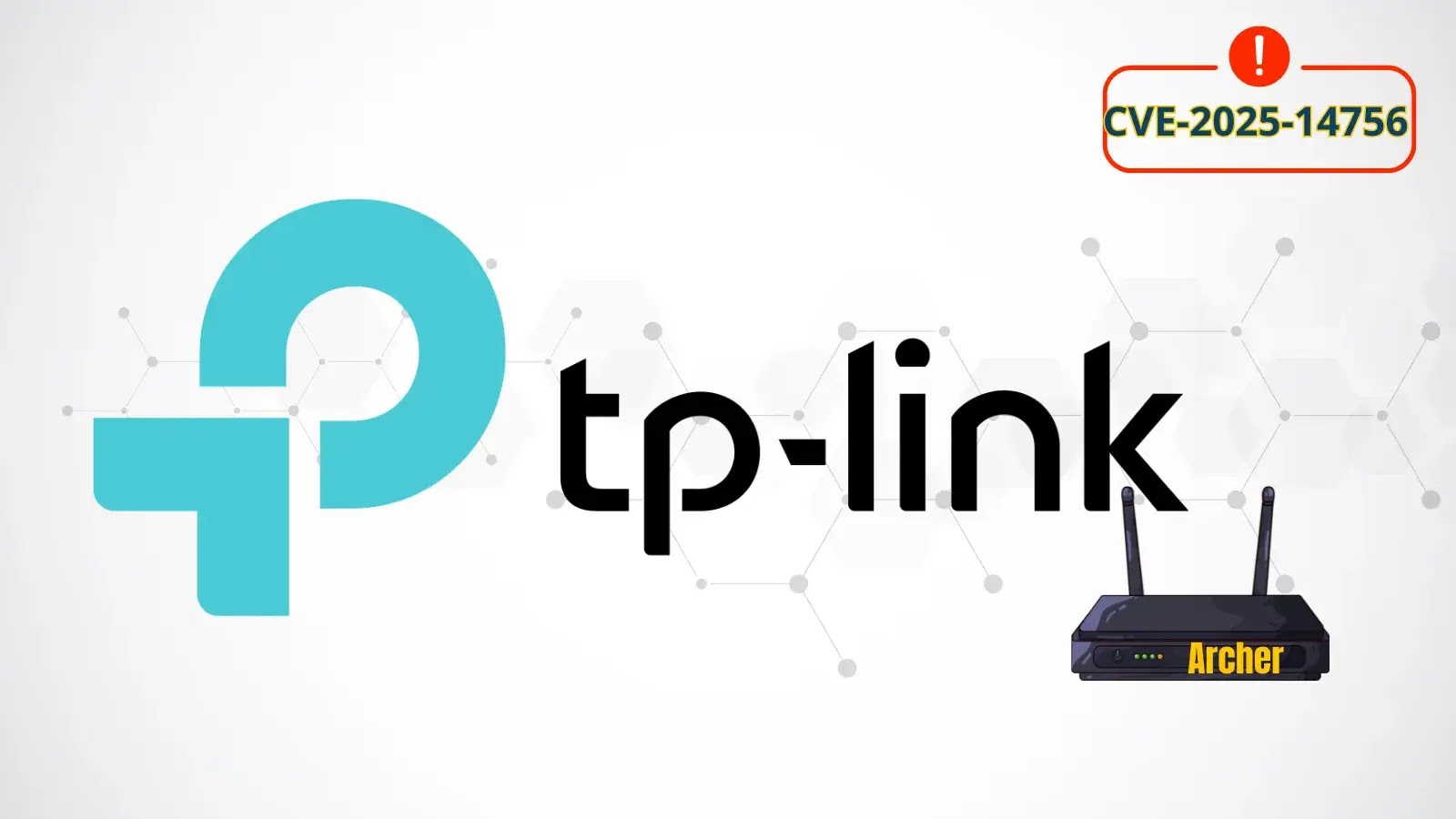
In a significant cybersecurity alert, a critical command injection vulnerability has been identified within the TP-Link Archer MR600 v5 router. Tracked as CVE-2025-14756, this flaw presents a severe risk, allowing authenticated attackers to execute arbitrary system commands and potentially gain complete control over affected devices. This discovery underscores the ongoing need for vigilant security practices in network infrastructure.
Understanding the Archer MR600 v5 Vulnerability (CVE-2025-14756)
The core of this vulnerability lies within the administrative interface of the Archer MR600 v5 router. Specifically, CVE-2025-14756 is a command injection flaw. This means that if an attacker manages to obtain valid authentication credentials for the router’s admin panel, they can inject malicious commands directly into the system. These commands are then executed by the router’s operating system, circumventing intended security restrictions.
The potential implications are extensive. An attacker with command execution capabilities can:
- Alter router configurations, potentially rerouting network traffic.
- Install malicious firmware or software onto the device.
- Exfiltrate sensitive network information.
- Establish a persistent backdoor for future access.
- Launch further attacks against other devices on the network.
While the vulnerability requires authenticated access, it’s crucial to remember that weak admin credentials, default passwords, or credentials compromised through other means (like phishing or malware) are often the weakest link in network security. Once an attacker bypasses the authentication, the path to full router compromise becomes clear.
Assessing the Impact: From Local Network to Broader Threats
The impact of a compromised router extends far beyond the device itself. A router sits at the gateway of a network, dictating egress and ingress traffic. If an attacker gains control, they essentially gain control over the network’s internet connection. This could lead to:
- Data Interception: Traffic flowing through the router could be monitored or redirected.
- Malware Distribution: The router itself could be used to host and distribute malware to connected devices.
- Denial of Service (DoS) Attacks: An attacker could cripple or disrupt network services.
- Lateral Movement: A compromised router can serve as a launchpad for attacks against other internal network resources.
- Privacy Breaches: Sensitive information passing through the network, such as banking details or login credentials, could be intercepted.
For organizations relying on these routers for their network connectivity, the risks are substantial, potentially leading to operational disruption, data breaches, and reputational damage.
Remediation Actions for TP-Link Archer MR600 v5 Users
Given the critical nature of CVE-2025-14756, immediate action is paramount for users of the TP-Link Archer MR600 v5. Here are the essential steps to mitigate the risk:
- Apply Firmware Updates: The most crucial step is to regularly check for and apply official firmware updates released by TP-Link. These updates typically include patches for known vulnerabilities. Access your router’s administration interface, navigate to the system or firmware update section, and follow the instructions.
- Strong Passwords for Admin Interface: Ensure your router’s administration password is complex, unique, and not easily guessable. Avoid default passwords at all costs. Use a combination of uppercase and lowercase letters, numbers, and special characters.
- Disable Remote Management: If not absolutely necessary, disable remote management features on your router. This reduces the attack surface by preventing external access to the admin interface.
- Regularly Review Router Logs: Periodically check your router’s system logs for any unusual activity or suspicious access attempts.
- Network Segmentation: For business environments, consider segmenting your network to limit the damage a compromised router could inflict on critical internal systems.
- Change Default Wi-Fi Passwords: While not directly related to this specific vulnerability, always change the default Wi-Fi passwords to strong, unique ones.
Tools for Network Security and Vulnerability Management
While direct patching is the primary defense against this specific vulnerability, a robust security posture benefits from a suite of tools that can aid in detection, scanning, and overall network health. Here are some relevant categories and examples:
| Tool Name | Purpose | Link |
|---|---|---|
| Nmap (Network Mapper) | Network discovery and security auditing. Can identify open ports and services, helping to understand your network’s attack surface. | https://nmap.org/ |
| OpenVAS / Greenbone Vulnerability Management | Vulnerability scanner designed to detect known vulnerabilities in network devices and applications. | https://www.greenbone.net/ |
| Wireshark | Network protocol analyzer. Useful for monitoring network traffic, potentially detecting anomalous activity or unauthorized communications from a compromised device. | https://www.wireshark.org/ |
| Password Managers | Securely store and generate strong, unique passwords for router admin interfaces and other accounts. | (e.g., LastPass, 1Password, Bitwarden – choose based on preference) |
Protecting Your Perimeter: Staying Ahead of Router Vulnerabilities
The discovery of CVE-2025-14756 in the TP-Link Archer MR600 v5 serves as a stark reminder of the continuous threat landscape facing network devices. Routers, often overlooked in security strategies, are critical entry points for attackers. Prioritizing timely firmware updates, implementing strong authentication, and maintaining overall network hygiene are not merely best practices; they are essential defenses in safeguarding digital assets against increasingly sophisticated threats. Stay informed, stay patched, and secure your network’s first line of defense.