
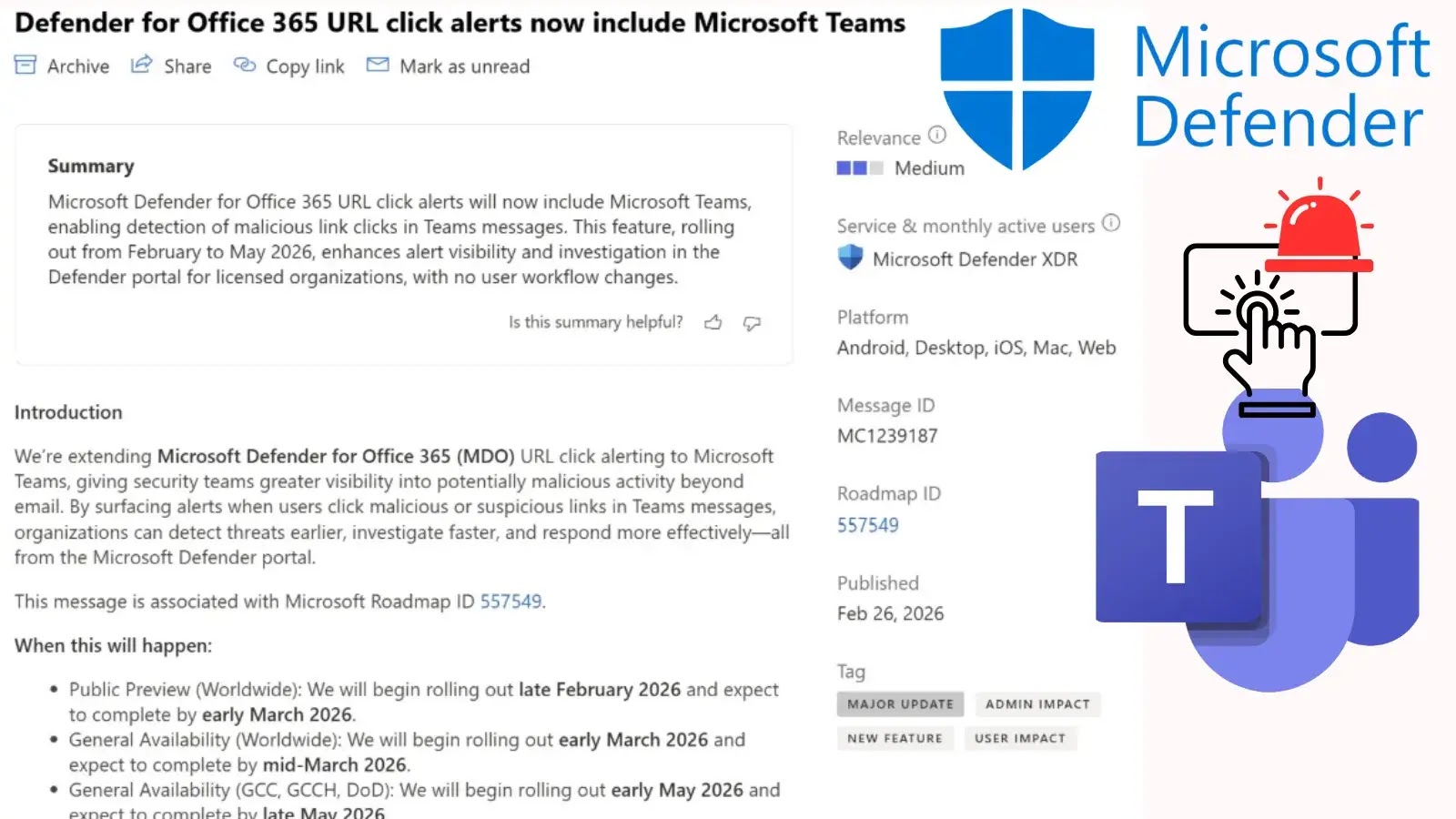
Microsoft Defender Expands URL Click Alerts to Include Microsoft Teams for Enhanced Security Visibility
Microsoft Defender Extends URL Click Alerts to Fortify Microsoft Teams Security
The landscape of cyber threats is continuously shifting, with attackers increasingly targeting collaborative platforms that have become central to modern business operations. Recognizing this critical shift, Microsoft is significantly bolstering its cybersecurity ecosystem. A recent and vital update sees Microsoft Defender for Office 365 (MDO) URL click alerts now encompassing Microsoft Teams, a move designed to provide security teams with enhanced visibility into potential threats lurking within real-time communications.
Previously, MDO’s robust URL click alert capabilities primarily focused on email-borne threats. While crucial, this left a potential blind spot in the rapidly expanding use of collaboration tools. As reported by Cyber Security News, this expansion directly addresses the evolving threat surface, offering proactive notification to administrators when users — both internal and external — interact with potentially malicious URLs shared within Teams messages.
Closing the Collaboration Platform Security Gap
Microsoft Teams has evolved beyond a simple chat application, becoming a hub for document sharing, project management, and critical business discussions. This central role, while boosting productivity, also makes it an attractive target for threat actors. Phishing, malware distribution, and credential harvesting attempts are no longer confined to email inboxes; they are now prevalent within collaboration platforms.
The integration of URL click alerts into Microsoft Teams means that if a user clicks on a suspicious link — even one disguised as a legitimate share — security administrators will receive immediate notification. This real-time alerting is paramount for rapid incident response, allowing security teams to investigate and mitigate threats before they can escalate into larger compromises. It acts as an early warning system, significantly reducing the dwell time of attacks and limiting their potential impact.
Enhanced Visibility and Proactive Threat Detection
This update profoundly impacts an organization’s overall security posture. Here’s why:
- Comprehensive Coverage: Extends a critical security layer to cover the full spectrum of an organization’s digital communications — not just email.
- Reduced Response Time: Immediate alerts mean security teams are not relying on post-breach analysis but are instead informed at the point of interaction, enabling quicker containment.
- User Protection: Helps to protect users who might inadvertently click on malicious links, educating them through incident response and preventing further spread.
- Improved Incident Forensics: Provides valuable telemetry data for security analysts to understand the nature and scope of an attack, improving future threat prevention strategies.
- Alignment with Zero Trust Principles: Reinforces the principle of “never trust, always verify” by scrutinizing user interactions even within trusted communication channels.
Remediation Actions for Administrators
For security teams leveraging Microsoft Defender for Office 365, few direct “remediation actions” are required to enable this feature, as it’s an expansion of an existing service. However, administrators should focus on optimizing their response workflow and leveraging the new data stream effectively:
- Verify MDO Configuration: Ensure Microsoft Defender for Office 365 is fully deployed and configured across your M365 tenant, including Safe Links and Safe Attachments policies.
- Review Alert Policies: Access the Microsoft 365 Defender portal to review and, if necessary, fine-tune existing alert policies related to URL clicks. Ensure that alerts from Microsoft Teams are integrated into your existing Security Operations Center (SOC) workflows.
- Integrate with SIEM/SOAR: If not already done, integrate MDO alerts with your Security Information and Event Management (SIEM) or Security Orchestration, Automation, and Response (SOAR) platforms for centralized logging, correlation, and automated response playbooks.
- Security Awareness Training: Reinforce ongoing security awareness training for all users, emphasizing the dangers of clicking unknown links, even those received from seemingly legitimate sources within Teams. Teach them to report suspicious communications.
- Monitor Dashboards: Regularly monitor the M365 Defender portal’s dashboard for threat analytics and incident alerts originating from Microsoft Teams.
Conclusion: A Proactive Stride in Collaboration Security
Microsoft’s decision to integrate URL click alerts from Microsoft Teams into Defender for Office 365 is more than just a feature update; it’s a strategic enhancement that recognizes the evolving Tactics, Techniques, and Procedures (TTPs) of cyber adversaries. By extending this critical layer of protection to collaboration platforms, organizations gain a significant advantage in detecting, analyzing, and responding to threats in real-time. This proactive security measure is essential for maintaining the integrity and security of digital communications, ensuring that productivity is not compromised by emergent cyber risks.




