Attackers Mimic RTO Challan Notifications to Deliver Android Malware
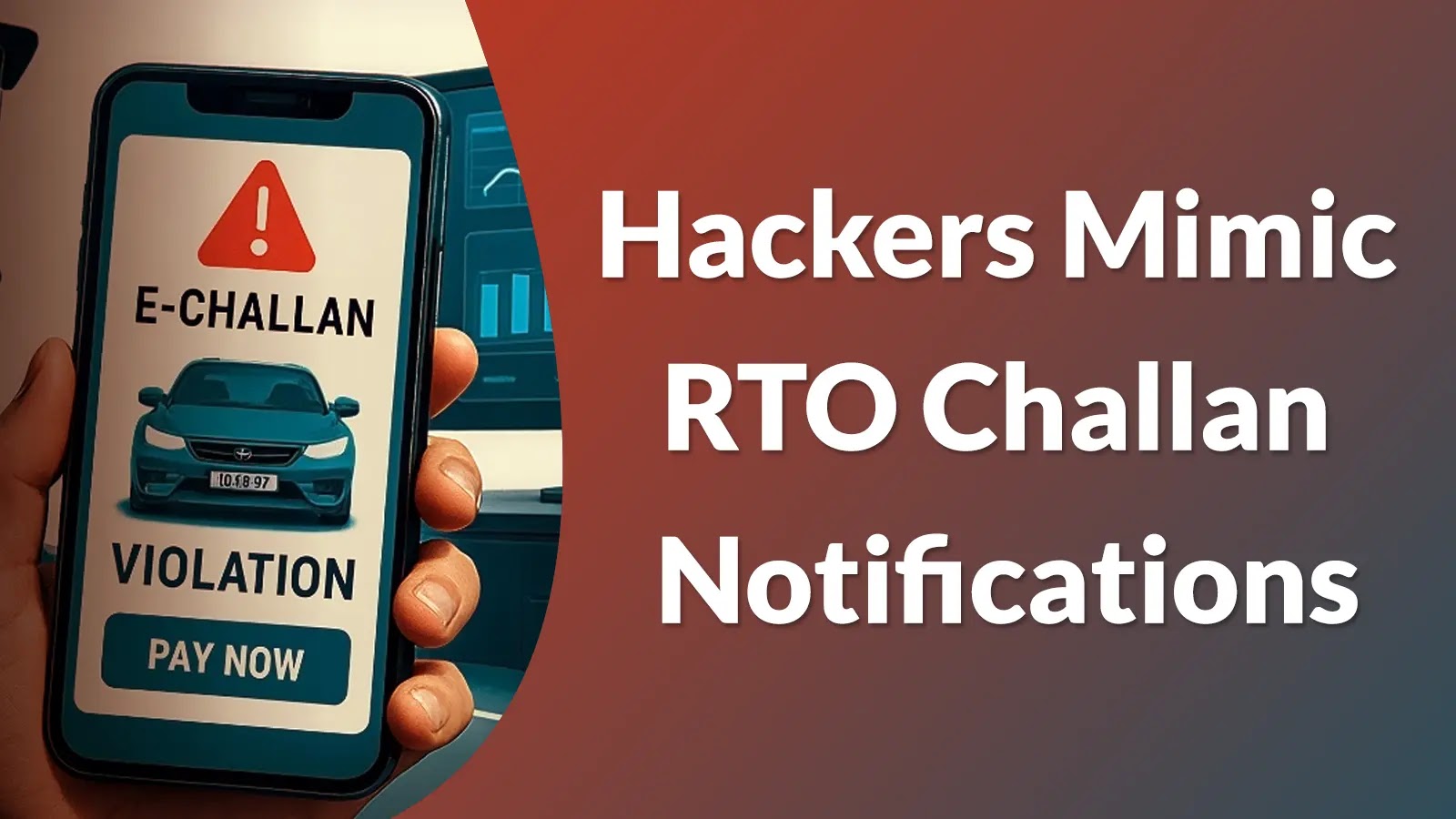
A concerning new Android malware campaign is exploiting user trust in official government notifications, specifically targeting Indian users with a sophisticated ruse. Threat actors are mimicking Regional Transport Office (RTO) challan notifications to deliver malicious applications, bypassing traditional security channels and posing a significant risk to personal data and device security. This campaign highlights a persistent challenge in mobile security: the effectiveness of social engineering combined with off-store application distribution.
The Deceptive RTO Challan Lure
The core of this attack vector lies in social engineering. Malicious actors send fake traffic violation alerts, often via messaging platforms like WhatsApp. These alerts are meticulously crafted to resemble legitimate RTO challan notifications, complete with official-looking logos and language. Victims are then instructed to click a link to view details or pay the supposed fine. However, instead of leading to an official government portal, these links initiate the download of a malicious Android Application Package (APK).
This method circumvents the rigorous security checks of the Google Play Store, directly delivering malware to unsuspecting users. The attackers capitalize on the immediate concern a traffic violation might cause, prompting users to act quickly without thoroughly verifying the notification’s authenticity.
Understanding the Android Malware Delivery Mechanism
The distribution primarily occurs through unofficial channels, bypassing the secure ecosystem of the Google Play Store. When a user clicks the deceptive link, their device is prompted to download an APK file from an external source. If the user proceeds with the installation, often after granting permissions for “unknown sources,” the malware gains a foothold on the device.
Once installed, these malicious applications typically request a broad range of intrusive permissions, far exceeding what a legitimate challan viewing application would require. These permissions can include access to contacts, SMS messages, call logs, and even storage, allowing the attackers to exfiltrate sensitive personal information, intercept communications, and potentially even gain control over banking applications or other critical apps on the device.
Impact and Targeted Victims
The primary targets of this campaign are users in India, particularly those who are less technically savvy or are prone to responding quickly to official-looking alerts. The impact of such an infection can be severe:
- Data Theft: Personal identifiable information (PII), banking credentials, and other sensitive data can be stolen.
- Financial Fraud: Attackers can gain access to financial apps, leading to unauthorized transactions and monetary loss.
- Device Compromise: Full control over the device, allowing for further malicious activities.
- Privacy Invasion: Access to private communications and media files.
While a specific CVE number for this current campaign has not been publicly assigned as of the last update, the underlying vulnerabilities often relate to insecure application handling, lack of user education, and social engineering tactics often linked to broader categories like CVE-2023-XXXXX (placeholder for a potential social engineering or malware distribution vulnerability).
Remediation Actions and Prevention Strategies
Mitigating the risk of falling victim to such Android malware campaigns requires a multi-layered approach, combining user education with robust technical safeguards.
- Verify Notifications: Always independently verify the authenticity of RTO challan notifications. Visit the official RTO website directly or use official government apps to check for violations instead of clicking links in messages.
- Avoid Unofficial Downloads: Never download applications from unverified sources or through links sent via messaging apps. Exclusively use the Google Play Store for all application downloads.
- Scrutinize App Permissions: Before installing any app, carefully review the permissions it requests. If an RTO challan app asks for access to your contacts, SMS, or camera, it is highly suspicious.
- Keep OS Updated: Ensure your Android operating system and all applications are kept up to date. Security patches often address vulnerabilities that malware exploits.
- Install Antivirus Software: Utilize reputable mobile antivirus and anti-malware solutions to scan for and detect malicious applications.
- Enable Google Play Protect: Google Play Protect provides on-device scanning of apps from the Play Store and other sources to identify potentially harmful applications. Ensure it is enabled.
- Educate Yourself: Stay informed about the latest cybersecurity threats and social engineering tactics. Awareness is your first line of defense.
Tools for Detection and Mitigation
| Tool Name | Purpose | Link |
|---|---|---|
| Google Play Protect | On-device scanning for harmful apps | Google Play Protect |
| Malwarebytes Security | Mobile anti-malware and threat detection | Malwarebytes Mobile |
| Bitdefender Mobile Security | Comprehensive Android security suite | Bitdefender Android |
| Check Point Harmony Mobile | Enterprise-grade mobile threat defense | Check Point Harmony Mobile |
Conclusion
The malicious campaign using RTO challan notifications serves as a stark reminder of the persistent threat posed by Android malware, particularly when coupled with effective social engineering. Attackers continuously adapt their tactics, leveraging current events and public services to enhance their deceptive ploys. Staying vigilant, verifying the legitimacy of all digital communications, and adhering to robust security practices are paramount in safeguarding personal and organizational mobile ecosystems against such evolving threats.