Attackers Weaponizing Windows Shortcut File to Deliver Global Group Ransomware
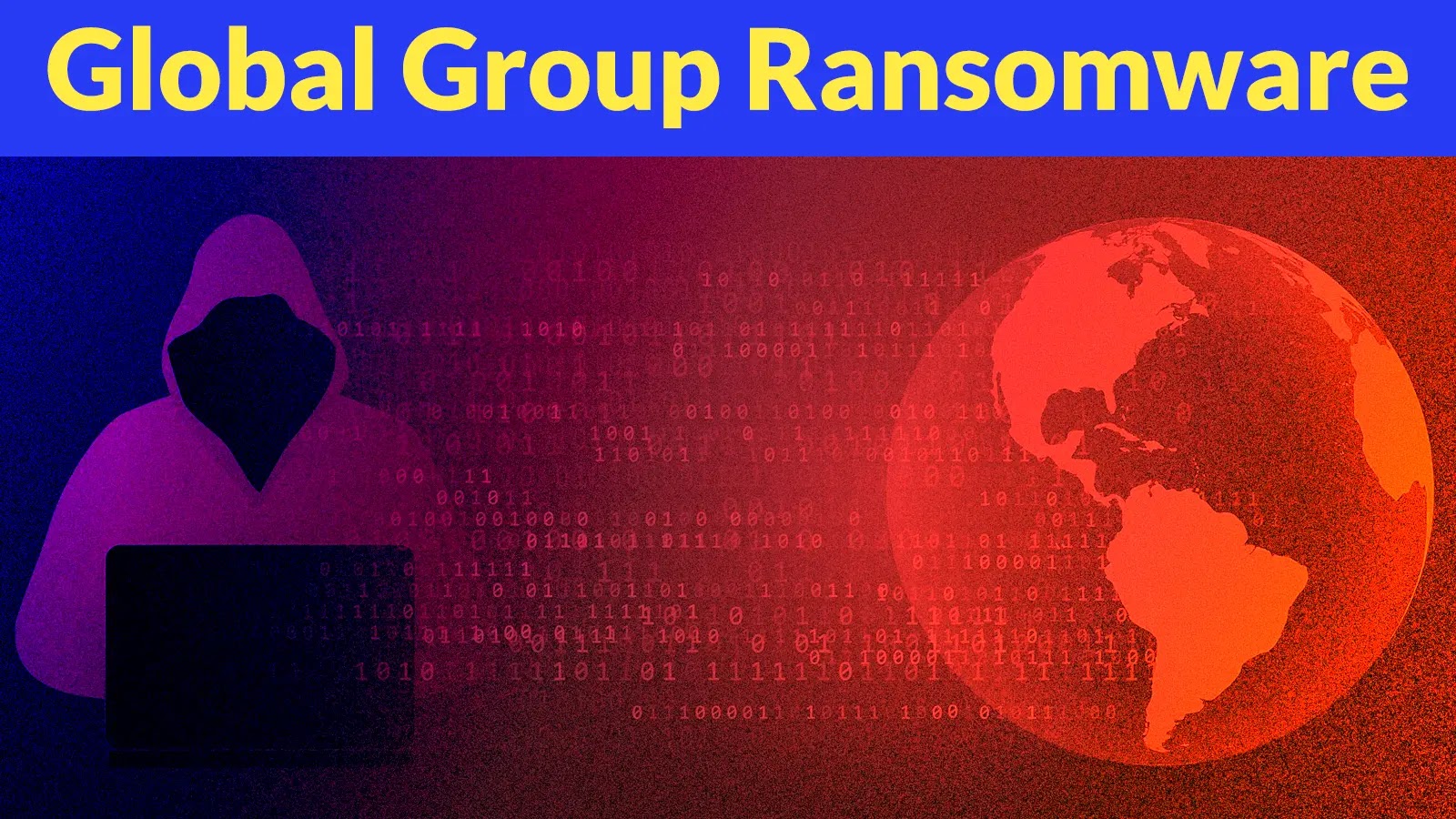
The cyber threat landscape constantly shifts, with old threats often resurfacing with new, dangerous twists. We’re currently observing a concerning resurgence: the Phorpiex botnet, a venerable malware-as-a-service platform active for over a decade, is now weaponizing Windows shortcut files (.LNK) to deliver the notorious Global Group Ransomware. This high-volume campaign, identified by security researchers, highlights a persistent and evolving danger that demands immediate attention from IT professionals and security analysts.
Understanding this sophisticated attack vector and implementing robust defenses is paramount to safeguarding organizational data. Let’s delve into the mechanics of this renewed threat and explore actionable strategies to mitigate its impact.
The Resurgent Phorpiex Botnet and Its Campaign
For more than ten years, the Phorpiex botnet has been a staple in the cybercriminal underground, known for its extensive infrastructure and ability to distribute various malware payloads. This longevity speaks to its effectiveness and the continuous evolution of its operators’ tactics. In this latest observed campaign, Phorpiex is leveraging a familiar but still potent initial access vector: deceptive phishing emails.
These emails typically bear the seemingly innocuous subject line, “Your Document.” Such a subject line is designed to pique recipients’ curiosity and urgency, prompting them to open what they believe is a critical work-related file. The social engineering aspect is a crucial first step in the attack chain, exploiting human trust and a lack of scrutiny.
Weaponizing Windows Shortcut Files (.LNK)
The core innovation in this Phorpiex campaign lies in its payload delivery mechanism. Instead of directly attaching executables or malicious documents, the phishing emails contain a ZIP file. Within this archive, victims find what appears to be a legitimate document, but is, in fact, a carefully crafted Windows shortcut file (.LNK). These shortcut files are often overlooked by traditional security solutions because they aren’t inherently malicious.
When an unsuspecting user clicks on the .LNK file, it executes a series of commands. These commands are designed to bypass security controls, download the next stage of the malware, and ultimately enable the deployment of the Global Group Ransomware. This approach is effective because it leverages a native Windows functionality, making detection more challenging.
Understanding Global Group Ransomware
Global Group Ransomware is a particularly aggressive strain of file-encrypting malware. Once successfully deployed, it encrypts a wide range of files on the victim’s system, demanding a ransom payment—often in cryptocurrency—for decryption. The impact of such an attack can be devastating, leading to significant data loss, operational downtime, reputational damage, and substantial financial costs associated with recovery and potential ransom payments.
The attackers behind Global Group Ransomware often exfiltrate sensitive data before encryption, employing a “double extortion” tactic. This means that even if an organization has backups, they may still face the threat of their data being publicly leaked if the ransom is not paid.
Remediation Actions and Proactive Defenses
Protecting against sophisticated campaigns like the Phorpiex-driven Global Group Ransomware attack requires a multi-layered security strategy. Here are actionable steps organizations should implement:
- Strengthen Email Security: Implement advanced email gateway solutions with robust anti-phishing, anti-spam, and attachment scanning capabilities. These solutions should be capable of detecting and blocking malicious attachments, including ZIP files containing suspicious shortcut files.
- User Awareness Training: Conduct regular, comprehensive cybersecurity awareness training for all employees. Emphasize the dangers of clicking on suspicious links or opening unexpected attachments, even if they appear to be from a known sender. Train users to scrutinize sender addresses and look for red flags.
- Disable LNK File Execution (Where Possible): While completely disabling .LNK file execution might not be feasible in all environments due to legitimate use cases, organizations should review and restrict its capabilities through Group Policies or endpoint detection and response (EDR) solutions.
- Endpoint Detection and Response (EDR): Deploy and properly configure EDR solutions to monitor endpoint activity for suspicious behaviors, such as unusual process execution chains originating from shortcut files or attempts to download executables from untrusted sources.
- Network Segmentation: Isolate critical systems and data on segmented network zones. This limits the lateral movement of ransomware if an initial compromise occurs, preventing it from spreading across the entire infrastructure.
- Regular Backups and Recovery Plan: Implement a robust, tested backup strategy following the 3-2-1 rule (three copies of data, on two different media, with one copy offsite or in immutable storage). Critically, ensure these backups are isolated from the main network to prevent them from being encrypted by ransomware. Develop and regularly practice an incident response and disaster recovery plan.
- Patch Management: Keep all operating systems, applications, and security software up to date with the latest patches. This mitigates vulnerabilities that attackers might exploit as part of their post-initial compromise activities.
- Adoption of a Zero-Trust Architecture: Implement zero-trust principles, meaning no user or device is inherently trusted, regardless of their location on the network. This involves continuous verification of identity and least-privilege access.
Relevant Tools for Detection and Mitigation
| Tool Name | Purpose | Link |
|---|---|---|
| Microsoft 365 Defender | Email and endpoint security, including EDR capabilities. | Microsoft 365 Defender |
| Proofpoint Email Protection | Advanced threat protection for email, anti-phishing, and attachment sandboxing. | Proofpoint Email Protection |
| CrowdStrike Falcon Insight XDR | XDR solution for endpoint protection, threat detection, and response. | CrowdStrike Falcon Insight XDR |
| Varonis Data Security Platform | Data classification, behavior analysis, and threat detection for sensitive files. | Varonis Data Security Platform |
| Mimecast Email Security | Comprehensive email security, threat intelligence, and archiving. | Mimecast Email Security |
Conclusion
The Phorpiex botnet’s pivot to weaponizing Windows shortcut files for Global Group Ransomware delivery serves as a stark reminder that cyber adversaries consistently refine their methodologies. Organizations must remain vigilant, prioritize proactive security measures, and invest in robust defenses that cover email security, endpoint protection, and most crucially, regular employee training. The best defense is a well-informed and prepared security posture.