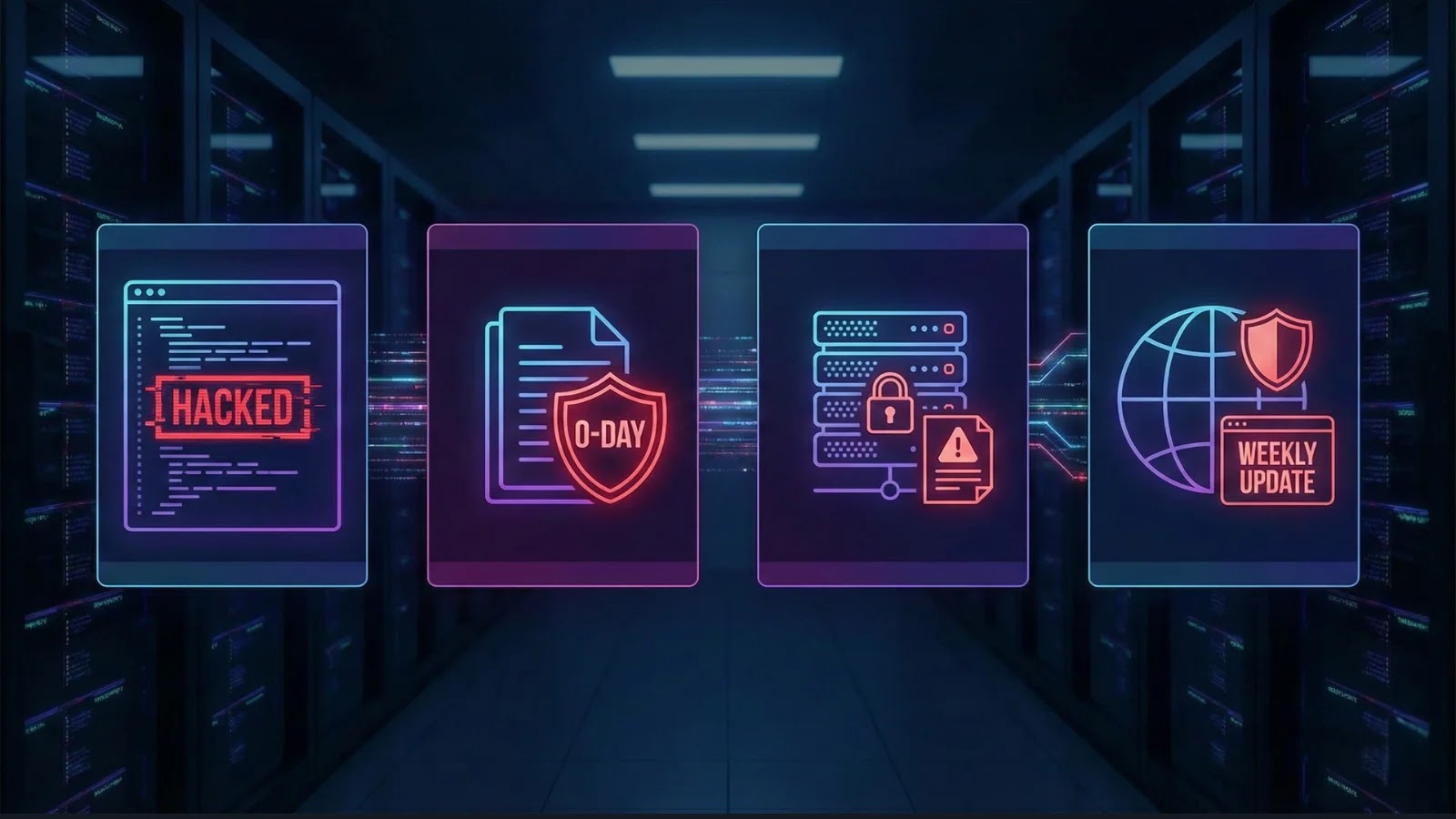
Cybersecurity Weekly Newsletter – Notepad++ hack, Office 0-Day, ESXi 0-day Ransomware Attacks and More
The cyber threat landscape never sleeps, and this week brings a fresh wave of vulnerabilities and attacks demanding immediate attention from every IT professional and cybersecurity analyst. From supply-chain compromises impacting popular development tools to critical zero-days in widely used enterprise software and relentless ransomware campaigns, remaining vigilant and proactive is not just best practice—it’s essential for survival. Let’s delve into the latest intelligence, dissecting these threats and outlining the crucial steps you need to take to protect your assets.
Notepad++ Supply Chain Attack: A Malicious Update Nightmare
Imagine your trusted development tool, a utility used by millions, suddenly becoming a vector for compromise. This is the chilling reality facing Notepad++ users following a sophisticated supply-chain attack. A malicious update, seemingly legitimate, has been circulated, potentially leading to unauthorized code execution and data exfiltration on affected systems.
What happened: Attackers managed to inject malicious code into what appeared to be an official Notepad++ update. Users who downloaded and installed this compromised version inadvertently introduced malware into their environments.
Impact: The implications are severe, ranging from stolen credentials and intellectual property to the deployment of further malware. Supply chain attacks are particularly insidious because they leverage trust in legitimate software providers, making them hard to detect without robust security measures.
Remediation Actions for Notepad++ Users:
- Verify Software Integrity: Always download software updates from the official Notepad++ website (https://notepad-plus-plus.org/downloads/). Before installing, compare cryptographic hashes (MD5, SHA256) of downloaded files with those provided on the official site.
- Isolate and Scan: If you suspect you’ve installed a malicious update, immediately isolate the affected machine from the network. Perform a thorough scan with up-to-date antivirus and endpoint detection and response (EDR) solutions.
- Reinstall Securely: Consider a clean reinstallation of Notepad++ from a verified source after confirming the system is clean.
- Implement Application Whitelisting: For enterprise environments, enforce application whitelisting to prevent unauthorized or modified software from executing.
Microsoft Office 0-Day Vulnerability Exploitation
Microsoft Office remains a prime target for attackers due to its ubiquitous presence in business environments. This week, reports emerged of a new zero-day vulnerability being actively exploited in the wild. This critical flaw allows attackers to execute arbitrary code simply by tricking a user into opening a specially crafted Office document.
The Threat: Details surrounding this particular zero-day (we await an official CVE ID and patch from Microsoft) indicate a remote code execution (RCE) capability. This means an attacker could gain complete control over a user’s system without any further interaction once the malicious document is opened. Such vulnerabilities are highly prized by threat actors for their effectiveness in initial access.
Impact: A successful exploit could lead to data theft, system compromise, deployment of ransomware, or establishment of persistent access within a network. The broad adoption of Microsoft Office makes this a high-priority threat.
Remediation Actions for Microsoft Office Users:
- Patch Immediately: Once Microsoft releases a patch, apply it to all affected systems without delay. Monitor official Microsoft security advisories closely.
- Exercise Caution with Documents: Educate users to be extremely wary of unsolicited or suspicious Office documents, especially those received from unknown senders. Be cautious of documents prompting macros or unexpected security warnings.
- Enable Protected View: Ensure Protected View is enabled in Office applications. This sandboxes untrusted documents, preventing code execution by default.
- Implement Advanced Email Security: Utilize email gateways with advanced threat protection (ATP) capabilities to filter out malicious documents before they reach end-users.
- User Awareness Training: Reinforce cybersecurity awareness training, focusing on phishing and social engineering tactics that often precede zero-day exploitation.
ESXi Servers Under Siege: Ransomware 0-Day Attacks
Virtualization platforms are high-value targets for ransomware gangs, and VMware ESXi servers have once again found themselves in the crosshairs. Ransomware operators are actively exploiting a new zero-day vulnerability in ESXi to encrypt virtual machines and demand hefty ransoms.
The Attack: While the specific CVE for this ESXi zero-day is still being documented, the pattern of attack is familiar: threat actors gain initial access to ESXi hosts, exploit the vulnerability to elevate privileges, and then deploy ransomware payloads designed to encrypt virtual disk files (VMDKs) and configuration files.
Impact: The impact of ESXi ransomware attacks is catastrophic. It can lead to the encryption of entire data centers, rendering critical business operations inoperable. Recovery can be costly, time-consuming, and, in some cases, impossible without robust backups.
Remediation Actions for ESXi Environments:
- Patch ESXi Hosts: As soon as a patch is released for this zero-day, apply it across all ESXi hosts immediately. Prioritize public-facing or internet-accessible ESXi instances.
- Network Segmentation: Implement strict network segmentation to isolate ESXi hosts from other parts of the network and critical production systems.
- Disable Unnecessary Services: Review and disable any unnecessary services or ports on ESXi hosts to reduce the attack surface.
- Strong Authentication: Enforce strong, complex passwords and multi-factor authentication (MFA) for all administrative interfaces accessing ESXi hosts.
- Regular Backups: Maintain a robust, immutable backup strategy for all virtual machines. Ensure backups are stored off-site and tested regularly for recoverability. Ideally, use a “3-2-1 rule” for backups.
- Monitor Logs: Implement comprehensive logging and monitoring for ESXi hosts and vCenter Server. Look for unusual login attempts, privilege escalation, or unexpected changes to VM configurations.
Additional Threat Intelligence and What It Means
Beyond these critical incidents, the broader cybersecurity landscape continues to evolve rapidly. We’re seeing:
- Increased Phishing Sophistication: Phishing campaigns are becoming more personalized and harder to distinguish from legitimate communications, often employing deepfake technology or advanced social engineering.
- Supply Chain Attacks Diversifying: The Notepad++ incident is a stark reminder that supply chain attacks aren’t limited to a single sector. Any third-party software or service is a potential vector.
- Focus on Critical Infrastructure: Nation-state actors and sophisticated criminal groups continue to target critical infrastructure sectors, aiming for disruption and long-term espionage.
Recommended Tools for Vigilance
| Tool Name | Purpose | Link |
|---|---|---|
| Mandiant Advantage | Threat Intelligence Platform | https://www.mandiant.com/advantage |
| CrowdStrike Falcon Insight | Endpoint Detection & Response (EDR) | https://www.crowdstrike.com/products/endpoint-security/falcon-insight-edr/ |
| Veeam Backup & Replication | VM Backup and Recovery | https://www.veeam.com/ |
| OWASP ZAP | Web Application Security Scanner | https://www.zaproxy.org/ |
| Nessus Professional | Vulnerability Scanner | https://www.tenable.com/products/nessus/nessus-professional |
Staying Ahead of the Curve
The relentless pace of cyberattacks underscores the need for continuous vigilance and adaptive security strategies. The Notepad++ supply chain compromise highlights the fragility of trust in software ecosystems. The Office 0-day and ESXi ransomware attacks remind us that widely adopted, critical enterprise software remains a primary battleground for threat actors. Prioritize patching, strengthen your perimeter defenses, invest in robust backup strategies, and foster a culture of security awareness across your organization. Proactive defense and rapid response are your strongest allies in navigating this volatile cyber landscape.