Fake CAPTCHA Attack Leverages Microsoft Application Virtualization (App-V) to Deploy Malware
In the evolving landscape of cyber threats, attackers continually refine their methods, blending social engineering with legitimate system functionalities to bypass defenses. A recent campaign spotlights this sophisticated approach, leveraging a deceptive CAPTCHA prompt and Microsoft Application Virtualization (App-V) to surreptitiously deploy information-stealing malware. This isn’t just another phishing attempt; it’s a meticulously crafted attack designed to exploit user trust and system features.
The Deceptive CAPTCHA: A Gateway to Compromise
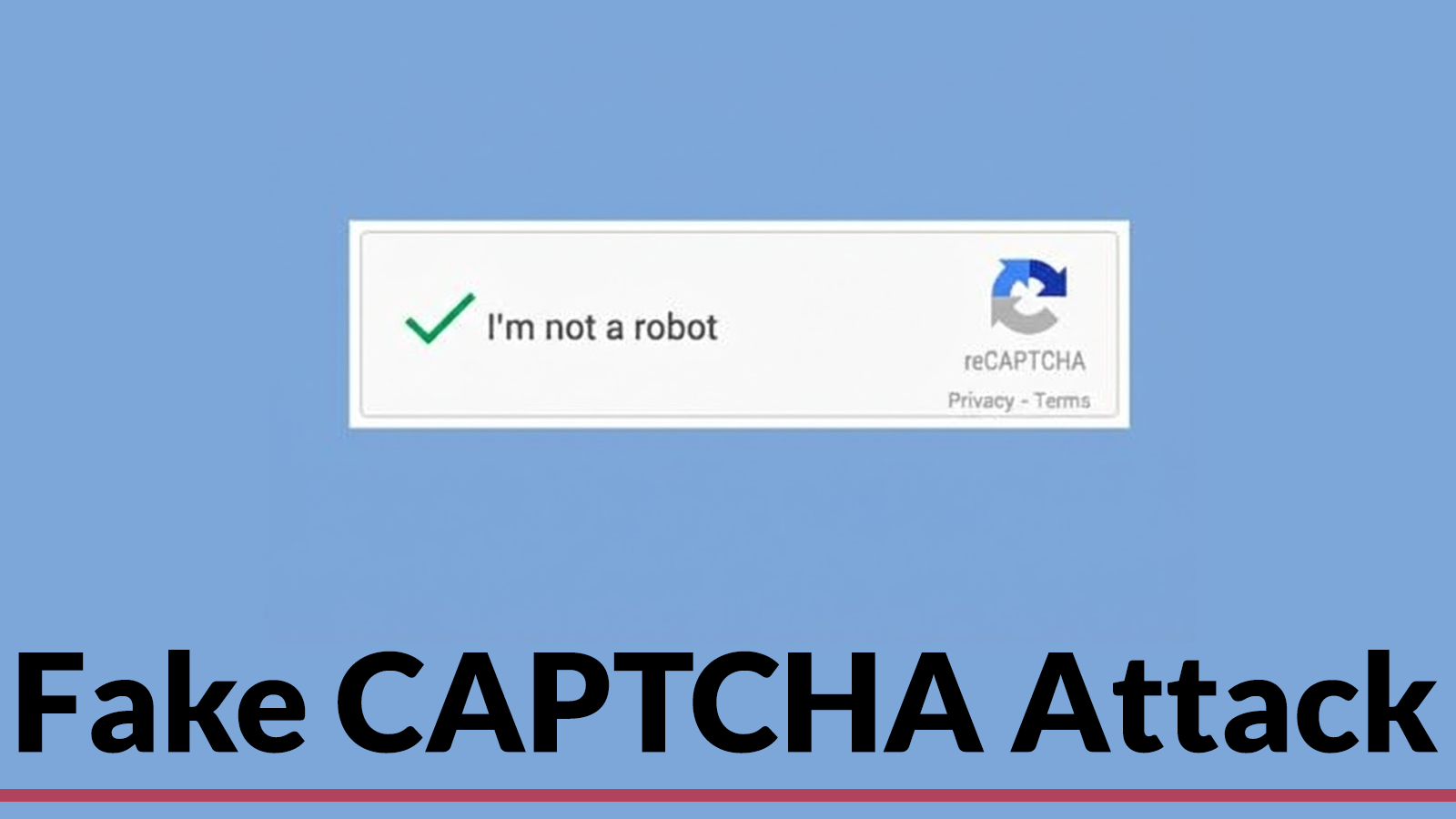
The attack initiates with a classic social engineering tactic: a fake CAPTCHA verification. Users are presented with what appears to be a legitimate security challenge, but the underlying intent is far more malicious. Instead of confirming humanity, this CAPTCHA prompts users to execute commands manually through the Windows Run dialog. This step is critical; it tricks the victim into initiating the infection process themselves, under the guise of completing a necessary verification. This bypasses common automated detection methods that might flag suspicious executables or scripts.
Microsoft App-V: A Tool for Malicious Deployment
What makes this campaign particularly noteworthy is its ingenious use of Microsoft Application Virtualization (App-V). Traditionally designed to stream applications to client computers without installation, App-V is a legitimate component within the Windows ecosystem. Attackers have weaponized this feature to deploy malware. By leveraging App-V, the malicious payload isn’t directly installed in the traditional sense, making its initial footprint lighter and potentially evading endpoint detection and response (EDR) systems that monitor for conventional software installations.
This method deviates from common infection chains that often rely on PowerShell scripts, VBScript, or direct executable drops. The use of App-V allows the attackers to package and deliver their malware in a seemingly benign, enterprise-friendly format, effectively cloaking its true nature.
The Malware Payload: Information Stealers
While the specific information stealer isn’t explicitly detailed in the provided source, the objective is clear: exfiltrating sensitive user data. Information-stealing malware can target a wide array of data, including:
- Login credentials (passwords, session cookies)
- Financial information (credit card numbers, banking details)
- Personal identifiable information (PII)
- Cryptocurrency wallet data
- Browser history and saved form data
The successful deployment of such malware can lead to significant financial losses, identity theft, and severe reputational damage for individuals and organizations alike.
Understanding the Attack Chain
The attack unfolds in a series of calculated steps:
- Initial Lure: User encounters a deceptive CAPTCHA prompt on a malicious or compromised website.
- Social Engineering: The CAPTCHA instructs the user to open the Windows Run dialog and execute a specific command. This command is designed to launch the App-V component.
- App-V Exploitation: The executed command triggers the App-V client to download and launch a malicious virtual application package. Because App-V is a trusted Windows component, this activity might not immediately raise red flags.
- Payload Delivery: The virtualized application contains the information-stealing malware, which then executes within the isolated App-V environment or uses its privileges to establish persistence and exfiltrate data.
Remediation Actions and Prevention
Mitigating the risks posed by such sophisticated attacks requires a multi-layered approach focusing on user education, system configuration, and robust security tools. No specific CVE was mentioned for this attack, indicating it leverages existing legitimate functionalities rather than a specific vulnerability in App-V itself.
- User Awareness Training: Educate users about the dangers of unexpected CAPTCHA prompts, especially those demanding manual command execution. Emphasize never to paste or type commands into the Run dialog unless explicitly instructed by a trusted IT department and verified through a secure channel.
- Principle of Least Privilege: Ensure users operate with the minimum necessary permissions. This can limit the impact if a user is tricked into executing malicious commands.
- Endpoint Detection and Response (EDR): Deploy and properly configure EDR solutions that can monitor for unusual process execution, suspicious network connections, and data exfiltration, even within virtualized environments.
- Application Control: Implement application control policies to restrict the execution of unauthorized applications, including those delivered via App-V, or to only allow trusted sources.
- Network Segmentation and Monitoring: Segment networks to limit lateral movement if a system is compromised. Monitor network traffic for unusual outbound connections indicative of data exfiltration.
- Regular Patches and Updates: While this attack leverages legitimate features, keeping all systems updated with the latest security patches helps mitigate other potential vulnerabilities that attackers might try to combine with this technique.
- Review App-V Usage: Organizations not actively using App-V for legitimate purposes should consider disabling or restricting its functionality to reduce the attack surface.
Recommended Tools for Detection and Mitigation
| Tool Name | Purpose | Link |
|---|---|---|
| Microsoft Defender for Endpoint | Advanced EDR capabilities, threat intelligence, and behavioral monitoring. | https://www.microsoft.com/en-us/security/business/endpoint-security/microsoft-defender-for-endpoint |
| CrowdStrike Falcon Insight | Cloud-native EDR and next-gen antivirus for real-time threat detection. | https://www.crowdstrike.com/products/endpoint-security/falcon-insight-edr/ |
| SentinelOne Singularity | AI-powered EDR and XDR platform for autonomous threat protection. | https://www.sentinelone.com/platform/edr-xdr/ |
| Zscaler (Zero Trust Exchange) | Cloud-native security platform for secure access and data protection, including preventing web-based social engineering. | https://www.zscaler.com/ |
Conclusion
The fake CAPTCHA attack leveraging Microsoft App-V serves as a stark reminder that cybercriminals are continuously innovating. They exploit human psychology through social engineering and weaponize legitimate system components to achieve their objectives. Robust security postures demand vigilance, continuous user education, and advanced security solutions capable of detecting subtle anomalies. Understanding these evolving tactics is crucial for safeguarding digital assets and maintaining a resilient cybersecurity defense.