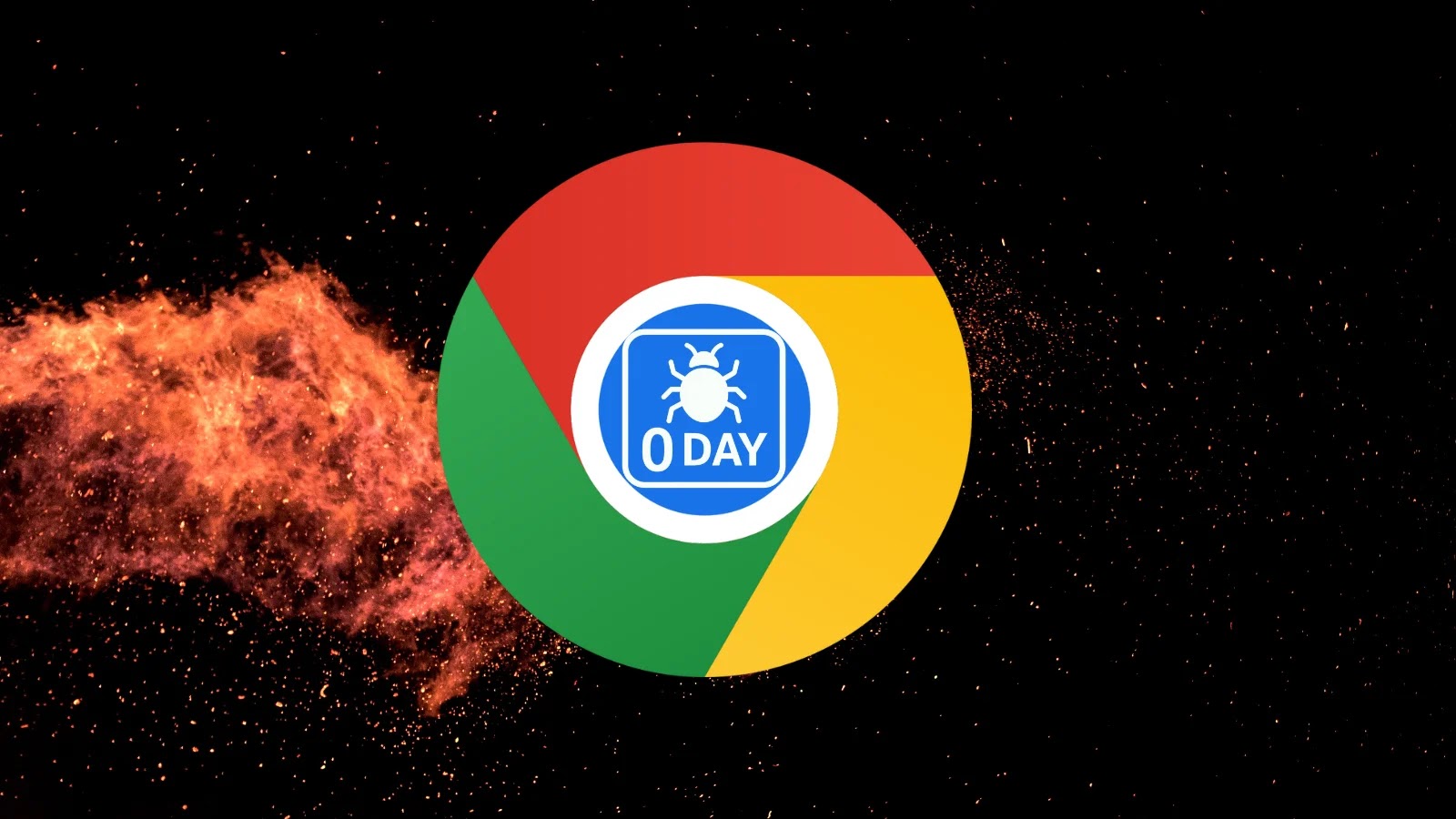
Google Warns of Chrome 0-Day Vulnerability Actively Exploited in the wild
Urgent Chrome 0-Day Vulnerability: Actively Exploited and Demanding Immediate Action
In a critical development that underscores the persistent threat landscape, Google has issued an urgent security update for its Chrome browser, addressing a high-severity zero-day vulnerability. This flaw is not merely theoretical; it is actively being exploited in the wild, posing an immediate risk to users worldwide. The tech giant’s swift response, deployed via an emergency patch, highlights the severity of the situation and the necessity for instant user action.
Understanding the Threat: What is a Chrome Zero-Day?
A “zero-day” vulnerability refers to a security flaw that is unknown to the vendor and for which no patch exists at the time of discovery by attackers. In this case, malicious actors have already found and weaponized a weakness in Google Chrome before Google could develop and distribute a fix. This makes zero-day exploits particularly dangerous, as traditional security measures may not be equipped to detect or prevent them until a patch is released.
While Google has not yet released specific technical details about the vulnerability, the immediate deployment of an emergency patch confirms its critical nature and the potential for significant harm through arbitrary code execution or other forms of system compromise.
Affected Versions and Patch Information
The emergency patch, which is part of the latest Stable channel update, brings Chrome to version 143.0.7499.109/.110 for Windows and Mac users, and 143.0.7499.109 for Linux users. It is imperative that all Chrome users ensure their browser is updated to these versions or newer.
Access to detailed information concerning the vulnerability will likely remain restricted for some time. Google’s standard practice is to limit access until a majority of users have updated, thus preventing further exploitation while the patch propagates. However, the fact that an emergency update was pushed signals the high-risk nature of the flaw.
Remediation Actions: Securing Your Chrome Browser Now
Given the active exploitation of this zero-day vulnerability, immediate action is paramount. Follow these steps to protect your systems:
- Update Google Chrome Immediately: This is the most crucial step.
- Open Chrome.
- Click the three vertical dots (menu icon) in the top-right corner.
- Go to Help > About Google Chrome.
- Chrome will automatically check for updates and download them. You will be prompted to relaunch the browser.
- Enable Automatic Updates: Ensure your browser is configured to automatically install updates, reducing the window of vulnerability for future threats.
- Exercise Caution with Suspicious Links and Downloads: While updating mitigates this specific zero-day, general best practices for online safety remain essential. Be wary of unsolicited emails, untrusted websites, and suspicious file downloads.
- Utilize Endpoint Detection and Response (EDR) Solutions: For organizational users, robust EDR solutions can help detect and respond to anomalous activity that might indicate an attempted exploitation.
- Regularly Back Up Data: In the event of a successful compromise, having recent backups can significantly reduce the impact.
The Broader Implications: Lessons from Chrome Vulnerabilities
This incident serves as a stark reminder of the continuous challenges in software security. Even industry leaders like Google face the relentless pressure of identifying and patching critical vulnerabilities before malicious actors can cause widespread damage. For cybersecurity professionals, it underlines the importance of a layered security approach and rapid patch deployment strategies.
While specific details about the CVE are still under wraps, past Chrome vulnerabilities, such as CVE-2023-4863 (WebP image vulnerability) and CVE-2023-2033 (Type Confusion in V8), illustrate the diverse avenues attackers use. These often involve memory corruption issues that can lead to arbitrary code execution, allowing an attacker to take control of the affected system.
Tools and Resources for Enhanced Security
| Tool Name | Purpose | Link |
|---|---|---|
| Google Chrome Latest Version | Ensure your browser is up-to-date with critical security patches. | chrome://settings/help |
| Virustotal | Online service for analyzing suspicious files and URLs to detect malware. | https://www.virustotal.com/ |
| Endpoint Detection and Response (EDR) Solutions | (e.g., CrowdStrike Falcon, Microsoft Defender ATP) Advanced threat detection and response for endpoints. | (Vendor Specific) |
| Web Application Firewall (WAF) | Protects web applications from various attacks, including zero-days and exploits. | (Vendor Specific) |
Stay Ahead: Prioritizing Browser Security
The active exploitation of this Chrome 0-day vulnerability is a serious alert for all internet users. Regular, timely updates to your web browser and operating system are fundamental pillars of strong cybersecurity hygiene. Organizations should also reiterate the importance of these practices to their employees and ensure robust patch management policies are in place. Staying informed and proactive is key to defending against the evolving threats in the digital landscape.