Hackers Abusing Google Tasks Notification for Sophisticated Phishing Attack
The landscape of cyber threats is constantly evolving, with attackers perpetually seeking innovative methods to bypass established security measures. A recent, alarming development highlights this ingenuity: hackers are now weaponizing legitimate Google infrastructure, specifically Google Tasks notifications, to orchestrate highly sophisticated phishing campaigns. This shift away from traditional domain spoofing and forged headers represents a significant escalation in email-based attacks, demanding immediate attention from security professionals worldwide.
The Devious Nature of Google Tasks Phishing
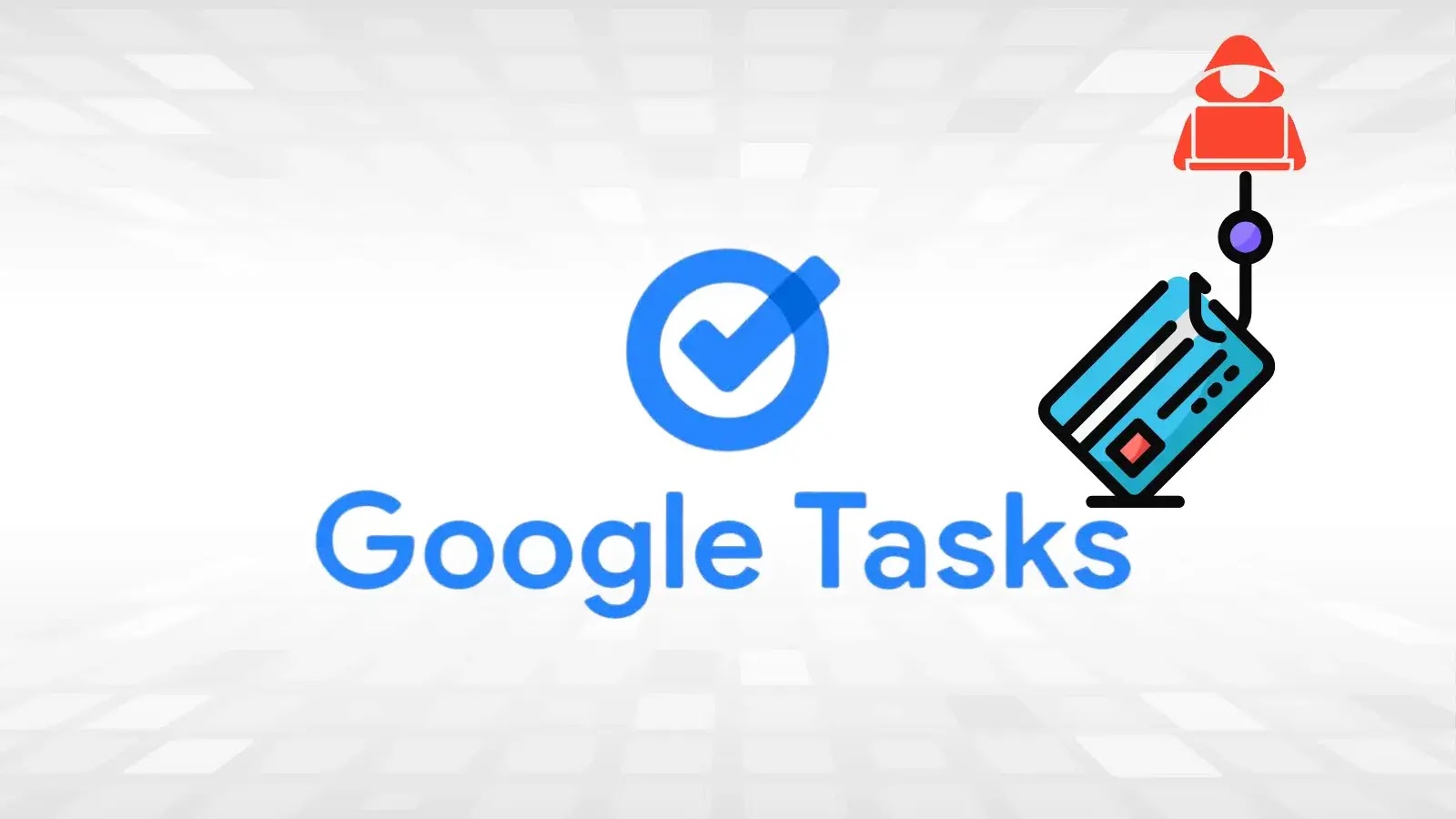
In a series of attacks detected in December 2025, threat actors successfully targeted over 3,000 organizations globally, with a notable concentration within the manufacturing sector. What makes this campaign particularly insidious is its exploitation of Google Tasks, a widely used and trusted Google service. Instead of attempting to deceive spam filters with malicious domains or suspicious email headers, the attackers are leveraging the inherent trust users place in Google’s own notification system.
The core of this attack vector lies in its ability to originate phishing emails from a seemingly legitimate source within Google’s ecosystem. This bypasses many conventional email security gateways that are designed to flag external, suspicious origins. By embedding malicious links or directives within Google Tasks notifications, the attackers create a compelling illusion of legitimacy, significantly increasing the likelihood of user engagement and credential compromise.
Why Google Infrastructure is an Attractive Target
The move to abuse legitimate services like Google Tasks signals a strategic evolution in threat actor tactics. Here’s why this approach is so effective and dangerous:
- High Trust Factor: Emails and notifications originating from Google services are generally perceived as trustworthy, reducing user suspicion.
- Bypassing Traditional Defenses: By leveraging authentic Google infrastructure, attackers can often bypass email authentication protocols like SPF, DKIM, and DMARC, which are designed to detect spoofed sender addresses.
- Sophistication and Stealth: This method allows for a more subtle and sophisticated attack, as the phishing emails appear to be genuine system notifications rather than typical spam or suspicious messages.
- Widespread Reach: Google’s pervasive presence across businesses of all sizes provides a vast attack surface for these types of campaigns.
Remediation Actions and Protective Measures
Given the increasing sophistication of these attacks, organizations must implement robust strategies to protect against phishing campaigns that abuse trusted services. Proactive measures and employee education are paramount.
Technical Controls:
- Enhanced Email Filtering: While traditional filters may struggle, consider advanced email security solutions that employ behavioral analysis and AI-driven detection to identify anomalies within legitimate-looking emails.
- Multi-Factor Authentication (MFA): Implement MFA across all critical accounts, especially for Google services. Even if credentials are compromised, MFA provides a crucial secondary layer of defense.
- Regular Security Audits: Conduct frequent audits of email configurations and security settings within Google Workspace (formerly G Suite) to identify and rectify potential weaknesses.
- Implement DMARC, SPF, and DKIM: Ensure these email authentication protocols are correctly configured for your domains. While they may not stop attacks from legitimate Google infrastructure, they are vital for preventing direct spoofing of your own domain.
User Education and Awareness:
- Phishing Awareness Training: Regularly train employees to recognize sophisticated phishing attempts, regardless of their apparent origin. Emphasize scrutinizing links and sender details, even when emails appear to come from trusted sources.
- “Think Before You Click”: Instill a culture of caution. Encourage employees to hover over links to inspect the destination URL before clicking, and to question unexpected notifications or requests for sensitive information.
- Reporting Mechanisms: Establish clear and easy-to-use channels for employees to report suspicious emails or notifications to the IT security team.
Tools for Enhanced Security:
| Tool Name | Purpose | Link |
|---|---|---|
| Google Workspace Security Center | Provides insights into security posture, threat detection, and incident investigation within Google Workspace. | Google Workspace Security Center |
| Advanced Threat Protection (ATP) Solutions | Email security platforms offering advanced malware, phishing, and zero-day threat detection beyond traditional filters. | Gartner Peer Insights: Email Security |
| Security Awareness Training Platforms | Interactive training modules to educate employees on phishing, social engineering, and security best practices. | KnowBe4 |
The Evolving Threat Landscape
This exploitation of Google Tasks notifications underscores a critical truth in cybersecurity: attackers will always gravitate towards the path of least resistance. When direct domain spoofing becomes harder, they pivot to abusing legitimate services. Staying ahead requires not just robust technical defenses but also an equally strong emphasis on human vigilance. Organizations must remain agile, continuously updating their security posture and educating their workforce to effectively counter these evolving and increasingly stealthy threats.