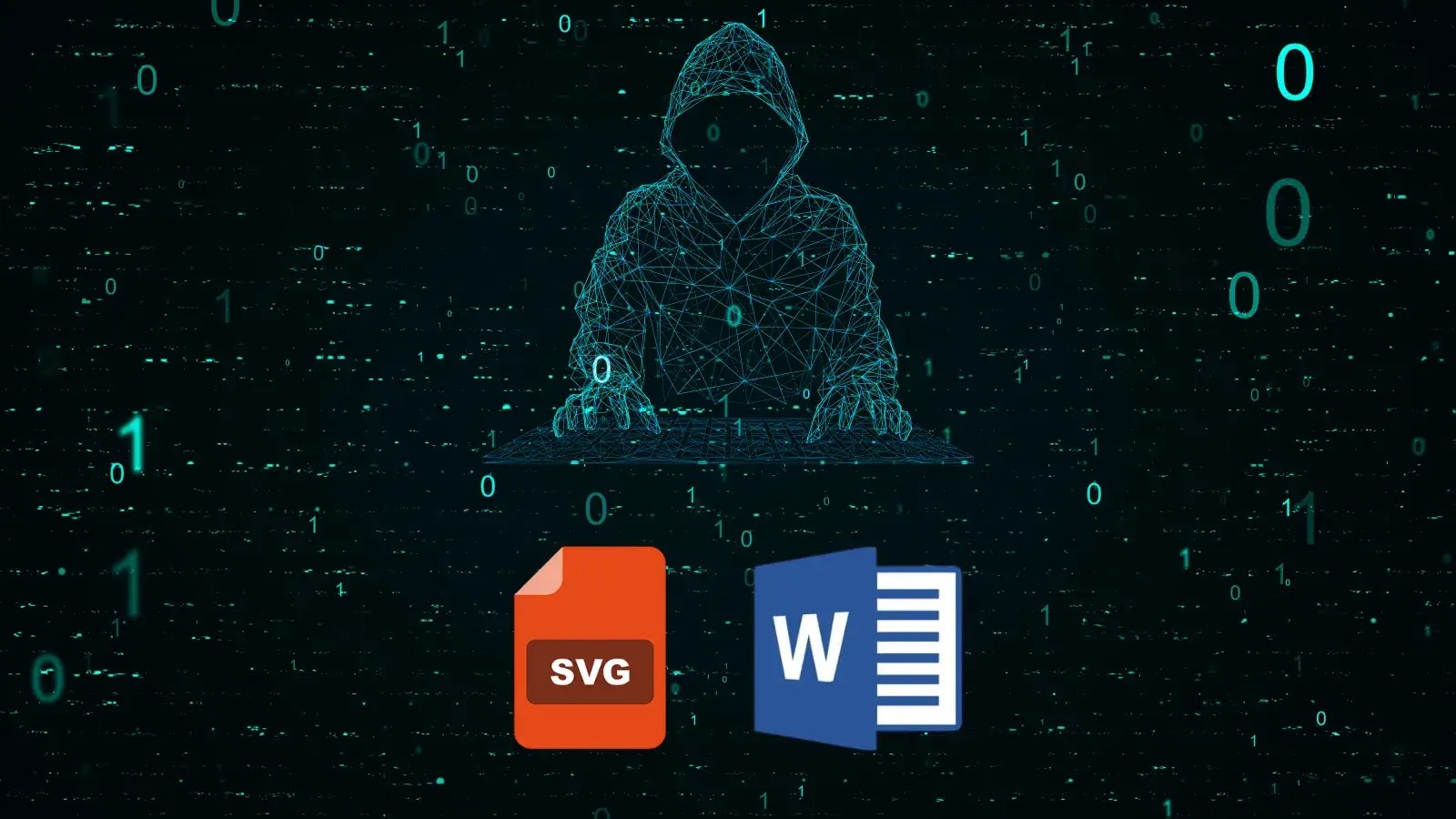
Hackers Weaponize SVG Files and Office Documents to Target Windows Users
The Subtle Threat: How Hackers Weaponize SVG Files and Office Documents Against Windows Users
The digital threat landscape constantly shifts, with adversaries perpetually refining their attack methodologies. A recent, concerning development reveals sophisticated email campaigns leveraging an unexpected vector: Scalable Vector Graphics (SVG) files and malicious Office documents to compromise Windows systems. This multi-vector approach, identified by cybersecurity researchers, illustrates a strategic evolution in threat actor tactics, aiming to distribute commodity loaders, Remote Access Trojans (RATs), and information stealers.
Multi-Vector Attack Strategy: A Closer Look
Cybersecurity analysts have uncovered an insidious campaign primarily targeting critical sectors such as manufacturing and government organizations across Italy, Finland, and Saudi Arabia. The core of this operation involves highly evasive techniques to deliver its malicious payloads. Threat actors are no longer relying on a single point of failure but instead employ a layered approach to ensure successful infiltration.
The campaign utilizes several infection chains to achieve its objectives:
- Malicious SVG Files: Exploiting the often-overlooked potential of SVG files, attackers embed nefarious scripts or links within these seemingly innocuous image formats. When an unsuspecting user opens the SVG, it triggers the execution of the malicious content.
- Exploitation of Office Documents: Traditional spear-phishing remains a potent weapon. Attackers craft convincing Office documents (Word, Excel, PowerPoint) embedded with macros or OLE objects designed to execute malicious code upon opening, often under the guise of enabling content for viewing.
- Commodity Loader Deployment: These initial vectors serve to deploy a “commodity loader,” a versatile piece of malware designed to establish a foothold and download additional, more potent payloads. This modular approach allows attackers to adapt the final malware delivered based on the compromised system or their evolving objectives.
- Payloads: RATs and Information Stealers: The ultimate goal of this campaign is to install Remote Access Trojans (RATs), granting attackers full control over the compromised machine, and information stealers, designed to exfiltrate sensitive data such as credentials, financial information, and intellectual property.
Evasive Tactics and Target Profile
What makes this campaign particularly dangerous is its use of highly evasive techniques. This includes anti-analysis measures within the malware itself, encrypted communications, and the use of legitimate cloud services for command and control (C2) infrastructure, making detection and attribution significantly more challenging for security teams.
The specific targeting of manufacturing and government organizations underscores a motive often linked to intellectual property theft, espionage, or disruptive activities. These sectors hold vast amounts of sensitive data and critical infrastructure, making them prime targets for sophisticated threat actors.
Remediation Actions for Robust Defense
Organizations facing these evolving threats must implement comprehensive cybersecurity strategies. Proactive measures and employee education are paramount to mitigating the risks associated with this multi-vector attack strategy.
- Email Security Gateways: Implement advanced email security solutions capable of sandboxing attachments, performing deep content analysis for malicious links, and identifying suspicious SVG files or Office documents containing macros.
- Endpoint Detection and Response (EDR): Deploy EDR solutions to monitor endpoint activity in real-time. EDR can detect anomalous behavior indicative of loader execution, RAT activity, or data exfiltration, even if initial defenses are bypassed.
- Disable Unnecessary Macros: Configure Group Policies to disable macros by default in Office applications. Educate users about the dangers of enabling macros from untrusted sources.
- User Awareness Training: Conduct regular, up-to-date cybersecurity awareness training for all employees. Emphasize the risks associated with opening unsolicited attachments, especially SVG files and Office documents, and clicking on suspicious links. Practice identifying phishing attempts.
- Network Segmentation and Least Privilege: Segment networks to limit lateral movement if a system is compromised. Implement the principle of least privilege, ensuring users and systems only have access to the resources absolutely necessary for their functions.
- Regular Patch Management: Keep all operating systems, applications, and security software fully patched and updated to address known vulnerabilities. While this campaign might not rely on specific CVEs for the initial infection, updated systems reduce the attack surface.
- Web Application Firewall (WAF) & Content Filtering: Utilize WAFs and content filtering to block access to known malicious websites and prevent the download of dangerous file types from the internet.
- Proactive Threat Hunting: Security teams should engage in proactive threat hunting, actively searching for indicators of compromise (IoCs) related to these types of campaigns within their networks.
Essential Tools for Detection and Mitigation
Leveraging the right tools is crucial for identifying and defending against sophisticated attacks employing SVG files and malicious Office documents.
| Tool Name | Purpose | Link |
|---|---|---|
| Advanced Email Security Gateways (e.g., Proofpoint, Mimecast) | Detects and blocks malicious emails, including those with SVG or Office document payloads, using sandbox analysis and reputation filtering. | Proofpoint / Mimecast |
| Endpoint Detection and Response (EDR) Systems (e.g., CrowdStrike Falcon, SentinelOne) | Monitors endpoint activity, detects suspicious processes, and can block the execution of unknown or malicious payloads from SVG or Office files. | CrowdStrike / SentinelOne |
| Threat Intelligence Platforms (TIPs) | Provides up-to-date information on IoCs, attacker tactics, and vulnerabilities. | Recorded Future / Palo Alto Networks XSOAR TI |
| VirusTotal | Online service for analyzing suspicious files and URLs to determine if they are malicious. Can be used to check SVG or Office files. | VirusTotal |
| Microsoft Defender for Endpoint | Integrated endpoint protection platform for Windows that provides EDR capabilities, next-gen AV, and automated investigation. | Microsoft Defender |
Key Takeaways
The emergence of SVG files and refined Office document exploitation in recent campaigns highlights an evolving threat landscape. Organizations, especially those in critical sectors, must recognize the nuanced nature of these attacks. A layered defense strategy combining advanced technical solutions with continuous employee education is no longer optional but a fundamental requirement. Staying proactive, informed, and resilient against these sophisticated multi-vector threats is paramount to safeguarding sensitive data and operational integrity.