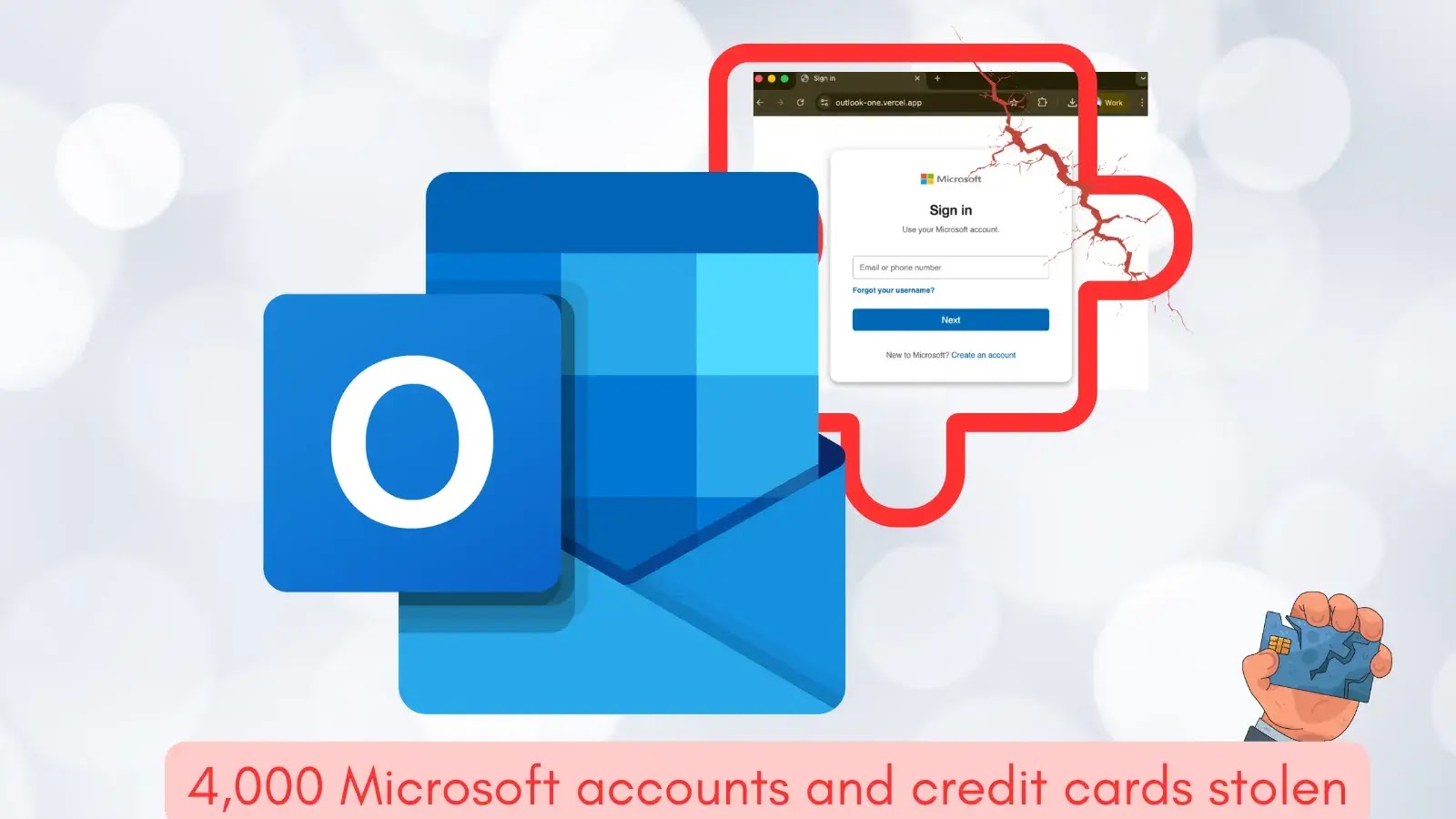
Microsoft Outlook Add-in Stolen 4,000 Microsoft account Credentials and Credit Card Numbers
The Trojan in Your Inbox: Malicious Outlook Add-in Steals Credentials and Credit Card Data
In a significant and concerning development for email security, a malicious Microsoft Outlook add-in has been identified actively compromising user accounts. This isn’t a hypothetical threat; it’s a real-world attack that has already siphoned off thousands of sensitive data points. For the first time, security researchers have documented an instance of a malevolent Outlook add-in being deployed against unsuspecting users, specifically targeting Microsoft account credentials and credit card information. This incident underscores the evolving tactics of cybercriminals and the critical need for vigilance in enterprise and personal digital environments.
The Compromise: AgreeTo & The Data Heist
The add-in at the center of this breach was a meeting scheduler named AgreeTo. Initially, AgreeTo was a legitimate open-source project published to the Microsoft Office ecosystem. This legitimacy likely contributed to its successful infiltration without immediate suspicion. However, it was subsequently compromised and weaponized. The malicious iteration of AgreeTo facilitated the theft of over 4,000 Microsoft account credentials, credit card numbers, and even answers to banking security questions. This sophisticated attack highlights a critical vulnerability in the trust placed in third-party integrations within widely used platforms like Microsoft Outlook.
How Malicious Outlook Add-ins Operate
Outlook add-ins, while offering enhanced functionality and integration with various services, also present a potential attack vector if not properly vetted or if their underlying infrastructure is compromised. Malicious add-ins typically operate by:
- Requesting Excessive Permissions: They often ask for permissions that go beyond their stated purpose, such as access to all emails, calendar entries, contacts, or the ability to send emails on behalf of the user.
- Phishing & Credential Harvesting: By mimicking legitimate Microsoft or other service login prompts, they can trick users into entering their credentials directly into a compromised interface, as seen with AgreeTo.
- Data Exfiltration: Once installed and granted permissions, they can quietly extract sensitive data, including emails, contacts, financial information, and more, sending it to attacker-controlled servers.
- Supply Chain Attacks: As in the case of AgreeTo, a legitimate open-source project can be compromised in a supply chain attack, turning a trusted tool into a weapon.
Remediation Actions & Proactive Defense
Protecting against malicious Outlook add-ins requires a multi-layered approach, combining user education, robust security policies, and technical controls. Here are critical remediation and preventative actions:
- Auditing Existing Add-ins: Regularly review all installed Outlook add-ins. Remove any that are not essential or that you don’t recognize. Pay close attention to the permissions granted to each add-in.
- Implement Strict Add-in Policies: For organizations, establish clear policies regarding the installation of third-party add-ins. Consider whitelisting only approved add-ins or using centralized management tools to control deployments.
- Educate Users on Phishing and Social Engineering: Train users to be suspicious of unexpected requests for credentials, even if they appear to originate from within Outlook. Emphasize verifying the legitimacy of add-ins before installation.
- Enable Multi-Factor Authentication (MFA): MFA significantly reduces the risk of credential theft, even if an attacker obtains a user’s password. It adds an essential layer of security.
- Monitor for Suspicious Activity: Implement logging and monitoring solutions to detect unusual sign-in attempts, abnormal email activity (e.g., mass forwarding or deletion), or unexpected access to mailboxes.
- Principle of Least Privilege: Ensure that users and applications, including add-ins, operate with the minimum necessary permissions required to perform their functions.
Tools for Detection and Mitigation
| Tool Name | Purpose | Link |
|---|---|---|
| Microsoft Defender for Office 365 | Advanced threat protection, including phishing and malware detection, for email and collaboration tools. | https://learn.microsoft.com/en-us/defender-for-office-365/ |
| Microsoft 365 Compliance Center | Manages data governance, eDiscovery, and alerts for suspicious activities within Microsoft 365. | https://compliance.microsoft.com/ |
| Phishing Simulators (e.g., KnowBe4, Cofense) | Train users to identify and report phishing attempts and suspicious emails. | https://www.knowbe4.com/ (Example) |
| Identity Protection (Azure AD) | Detects and remediates identity-based risks, such as suspicious sign-ins and compromised credentials. | https://learn.microsoft.com/en-us/azure/active-directory/identity-protection/overview-identity-protection |
Conclusion: Strengthening the Digital Perimeter
The compromise of the AgreeTo Outlook add-in serves as a stark reminder that cyber threats extend beyond traditional malware and phishing emails. Supply chain attacks and the exploitation of trusted third-party applications are increasingly sophisticated vectors. Protecting sensitive data – whether personal or organizational – demands continuous vigilance, robust security practices, and a proactive approach to identifying and mitigating risks within all integrated digital platforms. Users and organizations must remain educated and implement strong security hygiene to safeguard against these evolving threats.