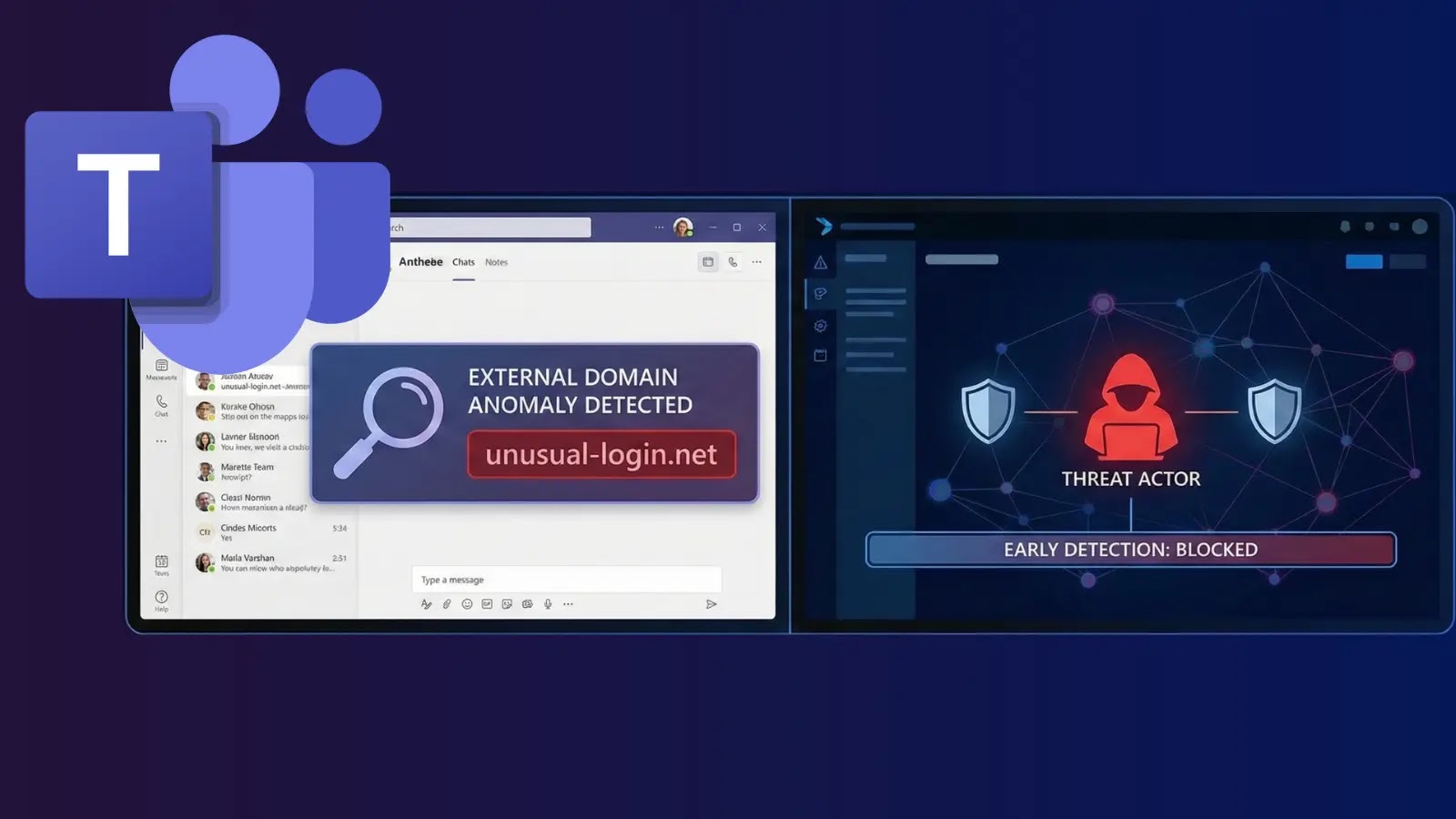
Microsoft Teams External Domain Anomalies Allow Defenders to Detect Attackers at Earliest
Unmasking Malicious Activity: How Microsoft Teams’ External Domain Anomalies Report Fortifies Your Defenses
Modern enterprises rely heavily on collaborative platforms like Microsoft Teams, but this reliance introduces a significant attack surface. Threat actors constantly seek novel ways to infiltrate organizations, often leveraging seemingly innocuous communication channels. The digital landscape demands proactive vigilance, and detecting suspicious activity at its earliest stages is paramount to preventing costly data breaches and maintaining operational integrity. Fortunately, Microsoft is stepping up its game, providing IT administrators with a powerful new security feature: the External Domains Anomalies Report for Teams. This isn’t just another report; it’s a critical early warning system designed to turn the tables on sophisticated attackers.
The Evolving Threat Landscape: Why External Domain Monitoring is Crucial
The ingenuity of cybercriminals knows no bounds. They’re adept at mimicking legitimate communications, exploiting trust, and blending into normal network traffic. As organizations increasingly embrace remote work and external collaboration, the perimeter has blurred, making it harder to distinguish authorized activity from malicious intent. Threat actors frequently:
- Phish for credentials: Using malicious links or spoofed domains within chat to trick users into divulging sensitive information.
- Distribute malware: Sharing malicious files or executables disguised as legitimate documents.
- Exfiltrate data: Gradually siphoning off sensitive information to external, unauthorized domains.
- Engage in Business Email Compromise (BEC): Orchestrating sophisticated social engineering attacks that often begin with seemingly legitimate external communications.
Traditional security measures, while essential, sometimes struggle to identify these subtle indicators within collaborative platforms. This is where a dedicated anomaly detection system becomes indispensable.
Introducing the Microsoft Teams External Domains Anomalies Report
Scheduled for global deployment in February 2026, the External Domains Anomalies Report for Teams is a game-changer for IT administrators. This proactive monitoring tool is specifically designed to help identify and respond to unusual external communications before they escalate into serious security incidents. The report provides a centralized view of anomalous interactions between your organization’s Teams users and external domains, highlighting patterns that deviate from established norms. Think of it as a cybersecurity bloodhound, sniffing out unusual trails before they lead to a full-blown compromise.
How the Report Works: Detecting the Early Warning Signs
While specific technical details of Microsoft’s anomaly detection algorithms are proprietary, the core principle is consistent with advanced threat intelligence frameworks. The report likely leverages machine learning and behavioral analytics to:
- Baseline Normal Activity: Over time, the system will learn what constitutes typical external communication patterns for your organization and individual users. This includes frequently contacted domains, common file sharing patterns, and typical message volumes.
- Identify Deviations: Any communication to or from an external domain that falls outside this established baseline will be flagged. This could include sudden surges in communication with a previously unknown domain, unusual file types being shared externally, or communications with domains frequently associated with known malicious activity.
- Correlate with Threat Intelligence: Microsoft’s vast threat intelligence network, including data from various sources and incident responses, will likely be integrated. Domains identified as malicious by Microsoft’s security researchers would be immediately highlighted.
This early detection capability empowers security teams to investigate potential threats while they are still in their nascent stages, significantly reducing the window of opportunity for attackers.
Enhancing Your Incident Response with Proactive Insights
The actionable insights provided by the External Domains Anomalies Report are crucial for bolstering your incident response capabilities. Rather than reacting to a fully developed breach, you can:
- Prioritize Investigations: Focus security analyst time on high-fidelity alerts related to suspicious external communications.
- Contain Threats Faster: If an anomaly points to a malicious actor, you can quickly block the suspicious domain, revoke user access, or isolate affected users before data exfiltration or malware propagation occurs.
- Improve Security Posture: Analyze recurring anomalies to identify gaps in user training, policy enforcement, or existing security controls, allowing for proactive adjustments.
- Uncover Hidden Campaigns: Detect sophisticated, long-running campaigns that attempt to blend in, but ultimately exhibit subtle anomalous behavior over time.
Remediation Actions and Best Practices
Once the External Domains Anomalies Report flags a suspicious activity, immediate and structured remediation is essential. Here’s a framework for action:
- Investigate Thoroughly:
- Examine the context of the anomalous communication: Who initiated it? What content was exchanged? What specific domains were involved?
- Check user logs for other suspicious activities related to the involved user accounts.
- Consult threat intelligence platforms (e.g., Virustotal, AbuseIPDB) to ascertain the reputation of the flagged external domains.
- Isolate and Contain:
- If a threat is confirmed, immediately block the suspicious external domain at your network perimeter and within Teams policies.
- Temporarily suspend or isolate affected user accounts to prevent further compromise.
- Conduct endpoint forensics on any potentially compromised devices.
- Communicate and Educate:
- Notify affected users and provide clear instructions.
- Reinforce security awareness training, focusing on phishing, social engineering, and safe communication practices.
- Review and Fortify Policies:
- Examine your external access policies for Microsoft Teams. Are they too permissive?
- Implement or strengthen Data Loss Prevention (DLP) policies to prevent sensitive information from leaving the organization’s control.
- Consider implementing Conditional Access policies to restrict external access based on user location, device compliance, or IP reputation.
- Continuously Monitor:
- Regularly review the External Domains Anomalies Report.
- Integrate the report’s findings into your Security Information and Event Management (SIEM) system for broader correlation and analysis.
The Road Ahead: Building a More Resilient Teams Environment
The introduction of the External Domains Anomalies Report is a significant step forward in securing Microsoft Teams. It underscores Microsoft’s commitment to providing robust security features for its collaborative platforms. While the global rollout is slated for February 2026, organizations should begin preparing now by:
- Ensuring their Teams environment is properly configured and secured.
- Implementing strong identity and access management (IAM) practices.
- Continuously educating users on cybersecurity best practices.
- Understanding their current external communication patterns to better interpret future anomaly reports.
By leveraging this new feature, IT administrators will gain unprecedented visibility into a critical attack vector, enabling them to detect and neutralize threats before they can cause significant damage. This proactive approach is not just about reacting to incidents; it’s about building a fundamentally more resilient and secure digital workspace.