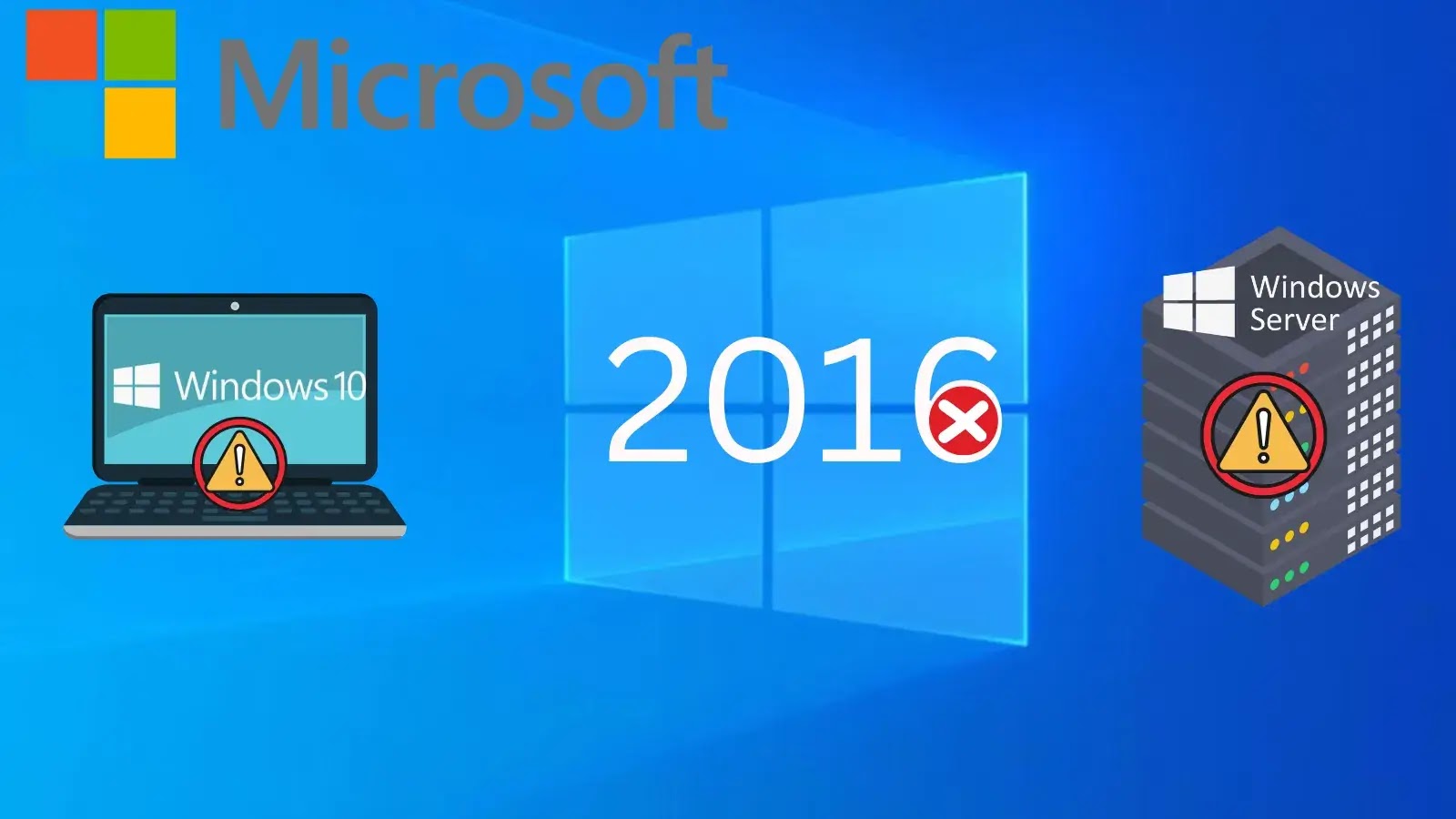
Microsoft to Stop Support for Windows Server 2016 and Windows 10 2016
In the dynamic landscape of IT infrastructure, staying current with operating system support lifecycles isn’t just best practice; it’s a critical component of a robust cybersecurity posture. Microsoft has issued a clear reminder that several Windows releases from 2016 are fast approaching their end-of-support dates. For organizations still relying on these versions, this is a clarion call for immediate action. Ignoring these deadlines can expose your systems to unpatched vulnerabilities, operational instability, and significant compliance risks.
The Approaching Deadlines: What You Need to Know
Microsoft’s product lifecycle policies are designed to ensure users benefit from the latest security protections, performance enhancements, and feature sets. When a product reaches its end-of-support, it means the end of critical updates that protect against newly discovered threats. Specifically, three key Windows releases from 2016 are nearing their retirement:
- Windows 10 Enterprise LTSB 2016: This long-term servicing branch, often used in specialized systems that require maximum stability over feature innovation, will cease to receive support.
- Windows 10 IoT Enterprise 2016: Essential for a wide array of embedded and IoT devices, the end of support for this version carries implications for manufacturing, healthcare, and critical infrastructure sectors.
- Windows Server 2016: A foundational operating system for many organizations’ server environments, its end-of-support is a major concern for data centers and network administrators.
After receiving their final monthly security update, these products will no longer receive security patches, bug fixes, non-security updates, technical support, or updated online documentation. This effectively leaves any system running these versions vulnerable to exploits that emerge after the support cut-off.
Key End-of-Support Dates
Understanding the exact dates is crucial for planning your migration strategy. While the main reminder comes now, the actual end dates are spread out:
- Windows 10 Enterprise LTSB 2016: October 13, 2026
- Windows 10 IoT Enterprise 2016: October 13, 2026
- Windows Server 2016: January 12, 2027 (Extended Security Updates are available for up to three years after this date, offering a temporary reprieve for those unable to migrate immediately).
While some dates offer a longer runway, procrastinating the upgrade leaves organizations susceptible to the increasing sophistication of cyber threats. For instance, consider the impact of unpatched vulnerabilities like CVE-2021-36942 or CVE-2022-30190, which could easily be exploited on unsupported systems.
The Risks of Running Unsupported Software
Operating unsupported software presents a multitude of significant risks:
- Security Vulnerabilities: Without security patches, any new vulnerabilities discovered after the end-of-support date will remain unaddressed, creating open doors for attackers. This significantly increases the risk of data breaches, malware infections, and ransomware attacks.
- Compliance Failures: Many regulatory frameworks (e.g., GDPR, HIPAA, PCI DSS) mandate that organizations maintain secure and supported software. Running unsupported operating systems can lead to non-compliance, resulting in hefty fines and reputational damage.
- Operational Instability: Lack of bug fixes means that any new software glitches or compatibility issues that arise will not be resolved by Microsoft, potentially leading to system downtime and impaired business operations.
- Lack of Technical Support: When problems occur, the inability to receive official technical support from Microsoft will leave IT teams to troubleshoot complex issues without expert guidance, prolonging resolution times and increasing operational costs.
- Software Incompatibility: Newer applications and hardware may not be compatible with outdated operating systems, hindering innovation and forcing organizations to forego essential tools.
Remediation Actions and Migration Strategies
Organizations must proactively address the end-of-life status of these Windows versions. Here are key remediation actions and migration strategies:
- Inventory and Assessment: Identify all systems running Windows 10 Enterprise LTSB 2016, Windows 10 IoT Enterprise 2016, and Windows Server 2016. Assess their criticality to business operations and the applications running on them.
- Upgrade or Migrate: Plan and execute upgrades to supported versions like Windows Server 2022, Windows 11, or newer IoT Enterprise releases. For server environments, consider migrating workloads to cloud platforms or modernizing your on-premises infrastructure.
- Extended Security Updates (ESU): For Windows Server 2016, organizations can purchase Extended Security Updates for up to three additional years. While this offers a buffer, it should be considered a temporary solution to facilitate a planned migration, not a permanent one.
- Application Compatibility Testing: Before migrating, rigorously test all critical applications on the new operating system to ensure full compatibility and minimal disruption.
- Backup and Recovery: Implement comprehensive backup and disaster recovery plans before initiating any major operating system upgrades.
- Security Hardening: Even during the transition, ensure unsupported systems are isolated, heavily monitored, and have additional layers of security controls if they absolutely cannot be upgraded immediately.
The Path Forward
The impending end-of-support for Windows Server 2016 and Windows 10 2016 versions marks a crucial juncture for many IT departments. Proactive planning and decisive action are paramount to mitigating security risks, ensuring operational continuity, and maintaining regulatory compliance. Embracing modern, supported operating systems is not merely an IT task; it’s a strategic imperative for long-term organizational resilience.