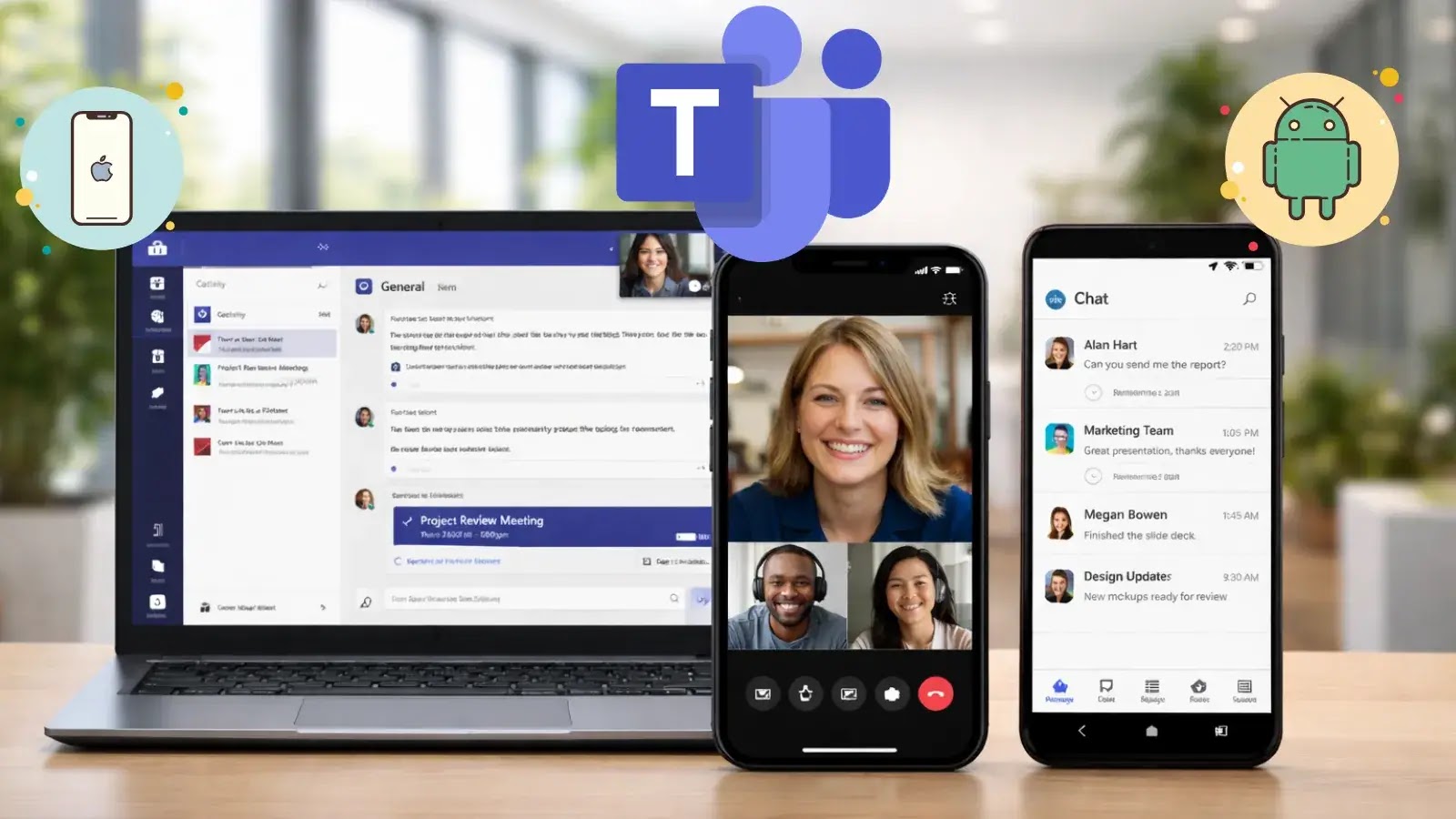
Microsoft Unveils New Teams Optimizations for Windows App on iOS & Android
The modern workforce, increasingly distributed across various locations and devices, demands seamless and secure communication. Microsoft, a titan in enterprise solutions, has once again stepped up to this challenge. On March 18, 2026, Microsoft officially announced significant optimizations for Microsoft Teams, specifically targeting its integration within the Windows App on both iOS and Android platforms. This rollout introduces the innovative WebRTC Redirector Service to mobile users, marking a crucial enhancement for those leveraging Azure Virtual Desktop and Windows 365 environments.
Understanding the Need for Mobile Optimization in Virtual Desktops
In a world where virtual desktop infrastructure (VDI) like Azure Virtual Desktop (AVD) and Windows 365 are becoming commonplace, ensuring high-quality real-time communication (RTC) applications, such as Microsoft Teams, is paramount. Traditionally, running applications like Teams within a virtual desktop environment on a mobile device could introduce latency, audio/video synchronization issues, and increased resource consumption. This isn’t just an inconvenience; it impacts productivity and the overall user experience, especially for IT administrators and security teams managing a widely distributed workforce.
Introducing the WebRTC Redirector Service
The core of this new optimization lies in the introduction of the WebRTC Redirector Service. This technology is designed to offload the demanding audio and video processing directly to the local mobile device, rather than routing it through the virtual desktop session. Here’s a breakdown of its benefits:
- Improved Performance: By handling media processing locally, the Redirector Service drastically reduces CPU and network bandwidth consumption on the virtual machine (VM). This translates to smoother calls, clearer audio, and higher-quality video.
- Reduced Latency: Direct media processing bypasses the need to send audio/video streams to the remote VM and back, significantly cutting down latency during Teams calls. This is critical for natural, real-time conversations.
- Enhanced User Experience: The cumulative effect of better performance and lower latency is a much more enjoyable and productive Teams experience on mobile devices within AVD and Windows 365. Users will encounter fewer dropped calls, fewer frozen screens, and more reliable communication.
- Optimized Resource Utilization: For IT departments, this means virtual machines can be provisioned with fewer resources without compromising Teams performance, leading to potential cost savings and efficient infrastructure management.
Impact on Distributed Workforces and Security Teams
For organizations with a significant portion of their workforce operating remotely or using mobile devices to access virtual desktops, these optimizations are a game-changer. Security teams, in particular, will find this update beneficial:
- Simplified Troubleshooting: With media processing offloaded, diagnosing performance issues related to Teams within VDI becomes simpler, as IT can focus on network connectivity and virtual desktop host performance.
- Consistent Security Posture: By providing a reliable and optimized Teams experience, organizations can encourage the use of official, secure communication channels rather than users resorting to unauthorized or less secure alternatives due to frustration with poor performance.
- Managing Endpoints: While media is processed locally, the virtual desktop still manages application access and data, maintaining the controlled environment that VDI and Windows 365 are designed for. This gives security teams continued oversight and policy enforcement capabilities.
Key Takeaways for IT Professionals
The general availability of these Microsoft Teams optimizations represents a significant step forward in enhancing the mobile virtual desktop experience. IT administrators should:
- Verify Compatibility: Ensure their Azure Virtual Desktop and Windows 365 environments, along with user mobile devices, meet the necessary requirements for the WebRTC Redirector Service.
- Communicate Changes: Inform end-users about the update and the expected improvements to their Microsoft Teams experience on mobile.
- Monitor Performance: Continuously monitor system performance and user feedback post-implementation to fully leverage these optimizations.
This update from Microsoft underscores a continued commitment to improving productivity and user experience for distributed workforces, making virtualized environments more robust and reliable for critical communication tools like Teams.