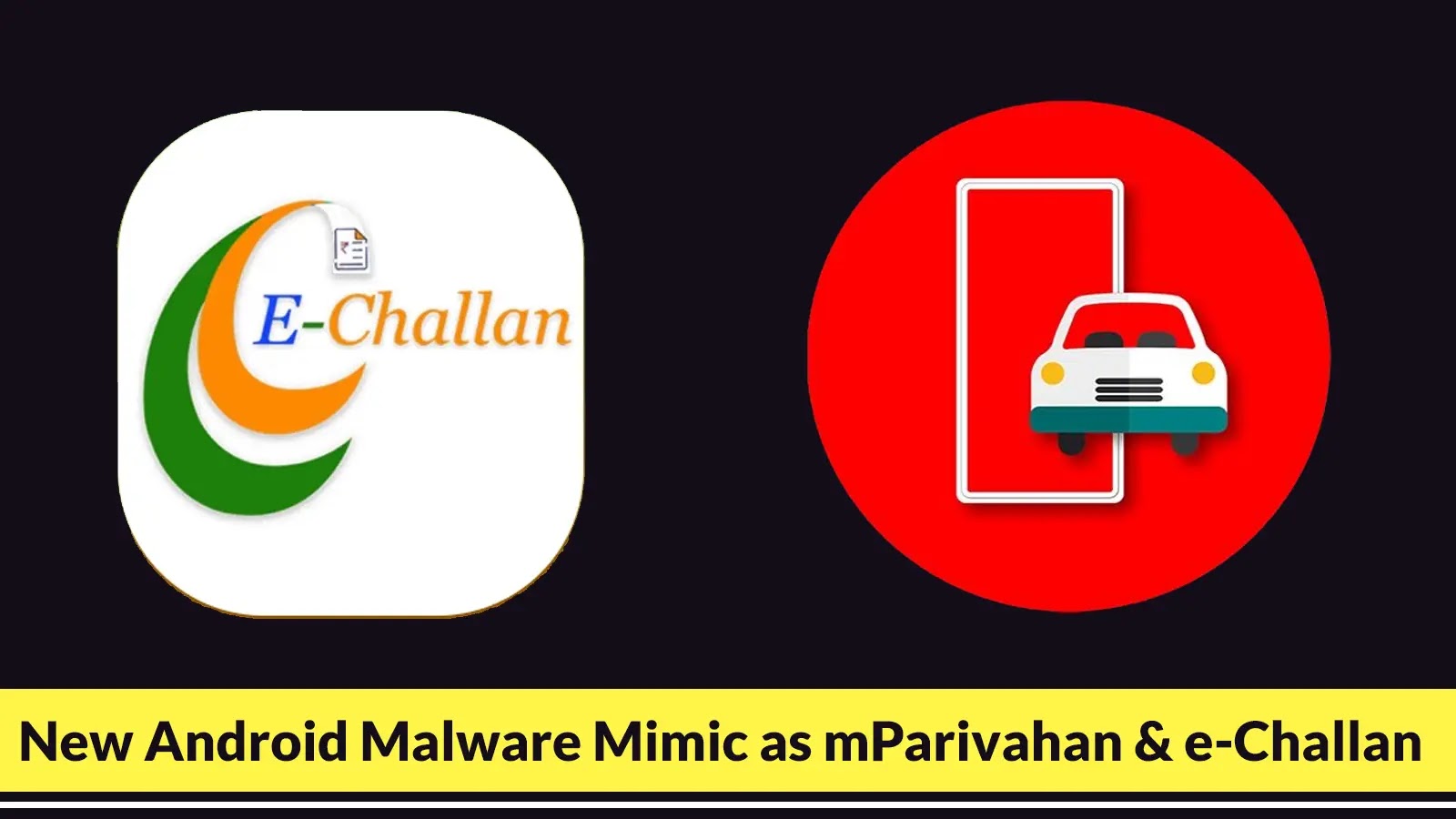
New Android Malware Mimic as mParivahan and e-Challan Attacking Android Users to Steal Login Credentials
Andriod users in India are facing a new and insidious threat that masquerades as legitimate government applications. A sophisticated malware campaign, dubbed NexusRoute, is actively targeting individuals by mimicking the popular mParivahan and e-Challan services. This coordinated attack aims to steal sensitive login credentials and financial information, exploiting the trust users place in official government platforms.
Understanding the NexusRoute Android Malware Campaign
The NexusRoute campaign represents a multi-stage attack designed to compromise Android devices. It leverages a combination of deceptive tactics to ensnare unsuspecting users. The primary vectors involve enticing users to download fraudulent applications that closely resemble the official mParivahan and e-Challan apps. These fake applications are not distributed through official channels like the Google Play Store, but rather through phishing websites and other malicious links.
Once installed, the malware operates stealthily, collecting sensitive data. This includes but is not limited to login credentials for various services and critical financial information. The threat actors behind NexusRoute have invested in creating convincing replicas, complete with fraudulent payment interfaces, to ensure a high success rate in their credential harvesting efforts. For further details on this campaign, refer to the original report by Cyber Security News.
Attack Vectors and Operational Tactics
The NexusRoute campaign employs several sophisticated tactics to achieve its objectives:
- Phishing Websites: Victims are often lured to fake websites that are meticulously designed to resemble official government portals. These sites host the malicious APK files for the imposter applications.
- Malicious APK Downloads: Users are tricked into downloading and installing these fake mParivahan and e-Challan applications directly, bypassing the security checks of official app stores.
- Credential Harvesting: Once installed, the malware monitors user input, specifically targeting login forms for banking, payment, and other sensitive applications to steal credentials.
- Fraudulent Payment Interfaces: The fake apps often include convincing payment gateways, prompting users to enter financial details under the guise of paying fines or accessing services.
Remediation Actions and Cybersecurity Best Practices
Protecting yourself from sophisticated Android malware like NexusRoute requires a proactive and vigilant approach. Here are crucial remediation actions and cybersecurity best practices:
- Download Apps Only from Official Sources: Always download applications exclusively from the Google Play Store. Avoid installing APKs from third-party websites or unknown sources.
- Verify Application Authenticity: Before installing any government-related app, cross-reference its name, developer, and icon with information on the official government websites. Be wary of minor discrepancies.
- Enable Google Play Protect: Ensure Google Play Protect is active on your Android device. It scans apps for known malware before and after installation.
- Review App Permissions: Carefully examine the permissions requested by any application before installation. Be suspicious of apps asking for excessive or irrelevant permissions (e.g., a challan app asking for SMS or contact access).
- Use a Reputable Mobile Security Solution: Install and maintain an up-to-date mobile antivirus or security suite on your Android device. These tools can often detect and block malicious applications.
- Be Skeptical of Unsolicited Communication: Exercise extreme caution with emails, SMS messages, or social media posts that instruct you to download apps or click on suspicious links, even if they appear to be from government entities.
- Enable Two-Factor Authentication (2FA): Where available, enable 2FA on all your critical accounts (banking, email, social media). This adds an extra layer of security, even if your login credentials are compromised.
- Regularly Update Your Android OS: Keep your Android operating system and all installed applications updated. Updates often include security patches that address known vulnerabilities.
Tools for Detection and Mitigation
While no CVE number has been publicly assigned to NexusRoute at the time of writing, general tools for Android malware detection and mitigation are crucial for defense.
| Tool Name | Purpose | Link |
|---|---|---|
| Google Play Protect | Built-in Android security scanner for apps | Google Play Protect Information |
| Malwarebytes Security | Mobile security and anti-malware solution | Malwarebytes Mobile |
| Avast Mobile Security | Comprehensive mobile antivirus and privacy tools | Avast Android Antivirus |
| VirusTotal | Online service for analyzing suspicious files and URLs | VirusTotal |
Conclusion
The NexusRoute campaign highlights the persistent and evolving threat of Android malware, particularly when it targets trusted government services. By impersonating mParivahan and e-Challan, this campaign leverages public trust to steal critical user data. Vigilance, adherence to cybersecurity best practices, and the use of reputable security tools are paramount in safeguarding your digital identity and financial information from such sophisticated attacks.