New ConsentFix Attack Let Attackers Hijack Microsoft Accounts by Leveraging Azure CLI
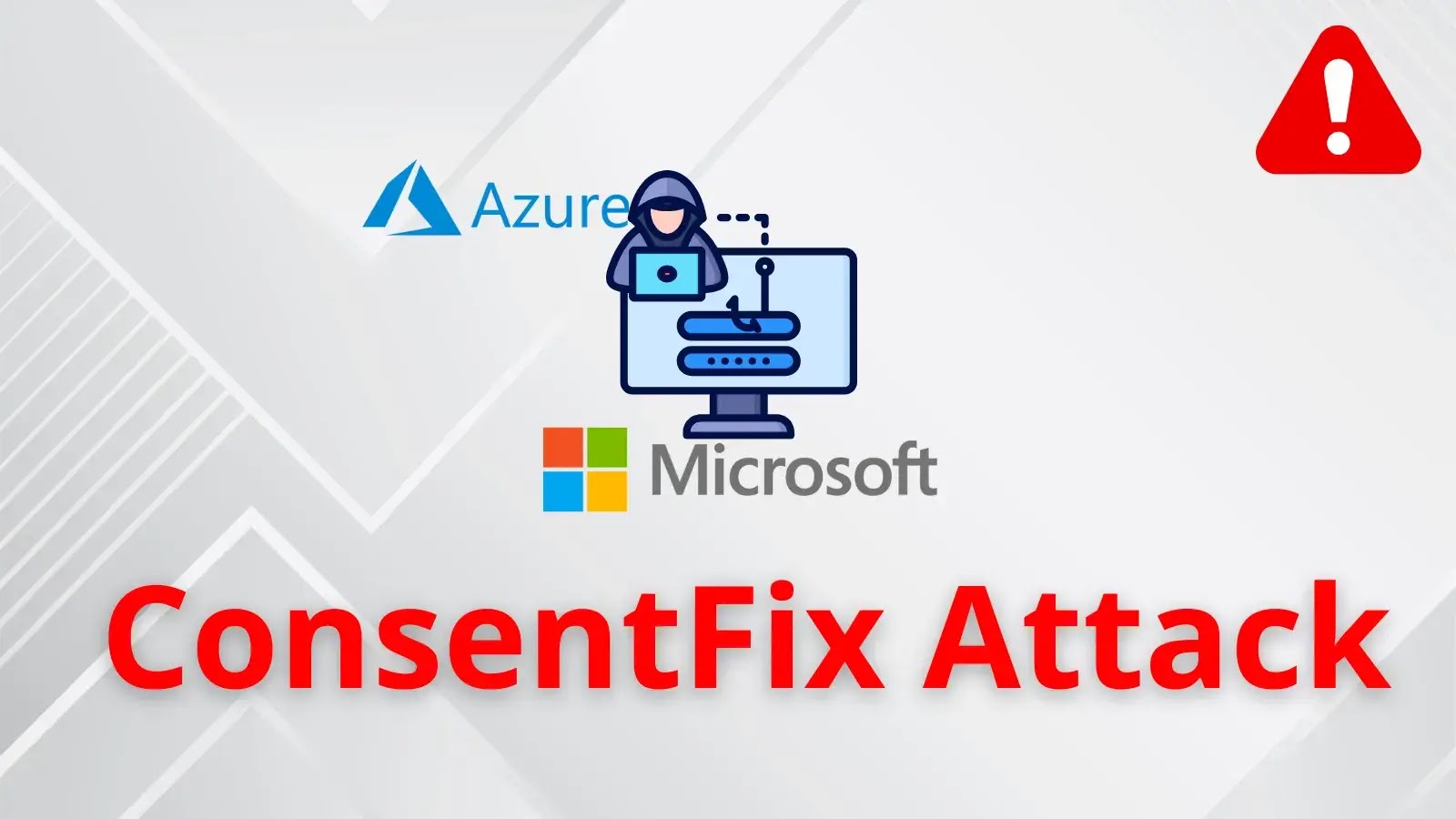
In the relentless landscape of cyber threats, a sophisticated new phishing technique has emerged, targeting Microsoft accounts with alarming efficacy. Dubbed “ConsentFix,” this attack bypasses traditional security measures like multi-factor authentication (MFA) and password requirements, leveraging a clever combination of OAuth consent phishing and deceptive ClickFix-style prompts. As cybersecurity analysts and IT professionals, understanding the mechanics of ConsentFix is paramount to safeguarding organizational assets. This post delves into how ConsentFix operates, its reliance on the Azure CLI, and crucial remediation strategies.
Understanding the ConsentFix Attack Vector
The ConsentFix attack represents an evolution in phishing, moving beyond simple credential theft. Instead of directly asking for a password, it manipulates the OAuth consent process. OAuth, or Open Authorization, is a common protocol that allows users to grant third-party applications limited access to their data without sharing their actual credentials. In the context of ConsentFix, attackers create a seemingly legitimate malicious application and trick users into granting it extensive permissions to their Microsoft accounts.
The critical innovation in ConsentFix lies in its integration of “ClickFix-style” prompts. These are deceptive user interface elements designed to trick users into performing an action they didn’t intend. By carefully crafting the malicious application’s consent screen and overlaying it with these prompts, attackers coerce users into granting access. Once consent is granted, the attacker-controlled application gains unauthorized access, often including sensitive data and the ability to execute actions within the victim’s Microsoft account environment.
Leveraging the Azure CLI: A Key Component
A crucial element enabling the ConsentFix attack is its exploitation of the Azure Command-Line Interface (CLI) application. The Azure CLI is a powerful tool for managing Azure resources and services programmatically. When a user grants consent to a malicious application that mimics the Azure CLI, the attacker gains the ability to execute commands and access data through the victim’s identity within the Azure ecosystem. This includes potential access to:
- Email and calendar data
- File storage (e.g., OneDrive, SharePoint)
- Teams messages and resources
- Even more critically, access to Azure resources and subscriptions linked to the compromised account.
The fact that ConsentFix operates entirely within the browser context further complicates detection. Traditional security measures often rely on identifying suspicious external connections or credential submission attempts. Since the entire compromise happens through legitimate OAuth and browser interactions, it can bypass many existing security controls.
Technical Breakdown of the Attack Chain
The ConsentFix attack typically unfolds in several stages:
- Initial Phishing Lure: Attackers send phishing emails or messages containing a link to a malicious website. This website is designed to look like a legitimate Microsoft login or application portal.
- OAuth Consent Prompt: Upon clicking the link, the victim is presented with an OAuth consent screen. This screen, crafted by the attacker, impersonates a legitimate application (e.g., “Azure CLI” or a similar trusted service) and requests broad permissions to the victim’s Microsoft account.
- ClickFix-style Deception: Overlaying the consent screen are deceptive prompts or UI elements. These might encourage the user to “continue,” “accept,” or “confirm” without fully reviewing the permissions being requested.
- Unauthorized Access Grant: If the victim falls for the deception and grants consent, the attacker’s malicious application receives an authorization token.
- Account Hijacking: Using this token, the attacker gains persistent, unauthorized access to the victim’s Microsoft account, even without knowing their password or bypassing MFA. The attacker can then extract data, send emails, access files, or manipulate Azure resources.
Remediation Actions and Mitigation Strategies
Protecting against sophisticated attacks like ConsentFix requires a multi-layered approach focusing on user education, technical controls, and proactive monitoring.
User Education and Awareness
- Educate on OAuth Permissions: Train users to carefully review the permissions requested by any application before granting consent. Emphasize that legitimate applications, even ones like Azure CLI, should only request necessary permissions.
- Identify Phishing Indicators: Continue to educate users on recognizing phishing attempts, including suspicious sender addresses, generic greetings, and unusual URLs.
- Beware of Urgency or Coercion: Instruct users to be wary of messages that create a false sense of urgency or attempt to coerce them into granting access without proper review.
Technical Controls and Configuration
- Conditional Access Policies: Implement Conditional Access policies in Azure AD to restrict application access based on device compliance, location, IP address ranges, and other factors. For example, block access from untrusted locations or non-compliant devices.
- Monitor Application Permissions: Regularly audit and review the permissions granted to third-party applications within your Microsoft 365 tenant. Remove any unnecessary or high-risk permissions.
- Use Microsoft Defender for Cloud Apps (MDCA): MDCA (formerly MCAS) offers capabilities to monitor app usage, detect anomalous behavior, and discover shadow IT, which can help in identifying unauthorized applications.
- Implement Strong Authentication: While ConsentFix bypasses MFA for the initial account access, strong authentication methods remain crucial for protecting other services and as a general security posture. Consider FIDO2 security keys or certificate-based authentication.
- Least Privilege Principle: Ensure that users are granted only the necessary permissions for their roles. This limits the potential impact if an account is compromised.
- Review Tenant-Wide Consent Settings: In the Azure AD admin center, review and restrict who can consent to applications accessing company data. Consider disabling user consent for unverified publishers or for applications requesting high-privilege permissions.
Tools for Detection and Mitigation
| Tool Name | Purpose | Link |
|---|---|---|
| Microsoft Defender for Cloud Apps | Monitors cloud app usage, detects anomalies, and manages app permissions. | https://learn.microsoft.com/en-us/defender-cloud-apps/ |
| Azure Active Directory (Azure AD) Audit Logs | Provides detailed logs of user activity, sign-ins, and application consent grants. | https://learn.microsoft.com/en-us/azure/active-directory/reports-monitoring/concept-audit-logs |
| Microsoft Azure Conditional Access | Enforces access control policies based on various conditions. | https://learn.microsoft.com/en-us/azure/active-directory/conditional-access/ |
| PowerShell for Microsoft 365 Auditing | Scriptable interface for auditing tenant settings, including app registrations and granted permissions. | https://learn.microsoft.com/en-us/powershell/exchange/exchange-online-powershell |
Conclusion
The ConsentFix attack highlights a continued trend in sophisticated phishing — targeting the weakest link: human decision-making and trust. By expertly blending OAuth consent phishing with deceptive UI elements and leveraging trusted applications like the Azure CLI, threat actors can bypass traditional defenses and gain deep access to Microsoft accounts. For IT professionals and security analysts, the proactive implementation of user education, stringent technical controls, and continuous monitoring of application permissions are indispensable in mitigating the risk posed by ConsentFix and similar evolving threats. Staying informed and agile is the only reliable defense against such innovative attack techniques.