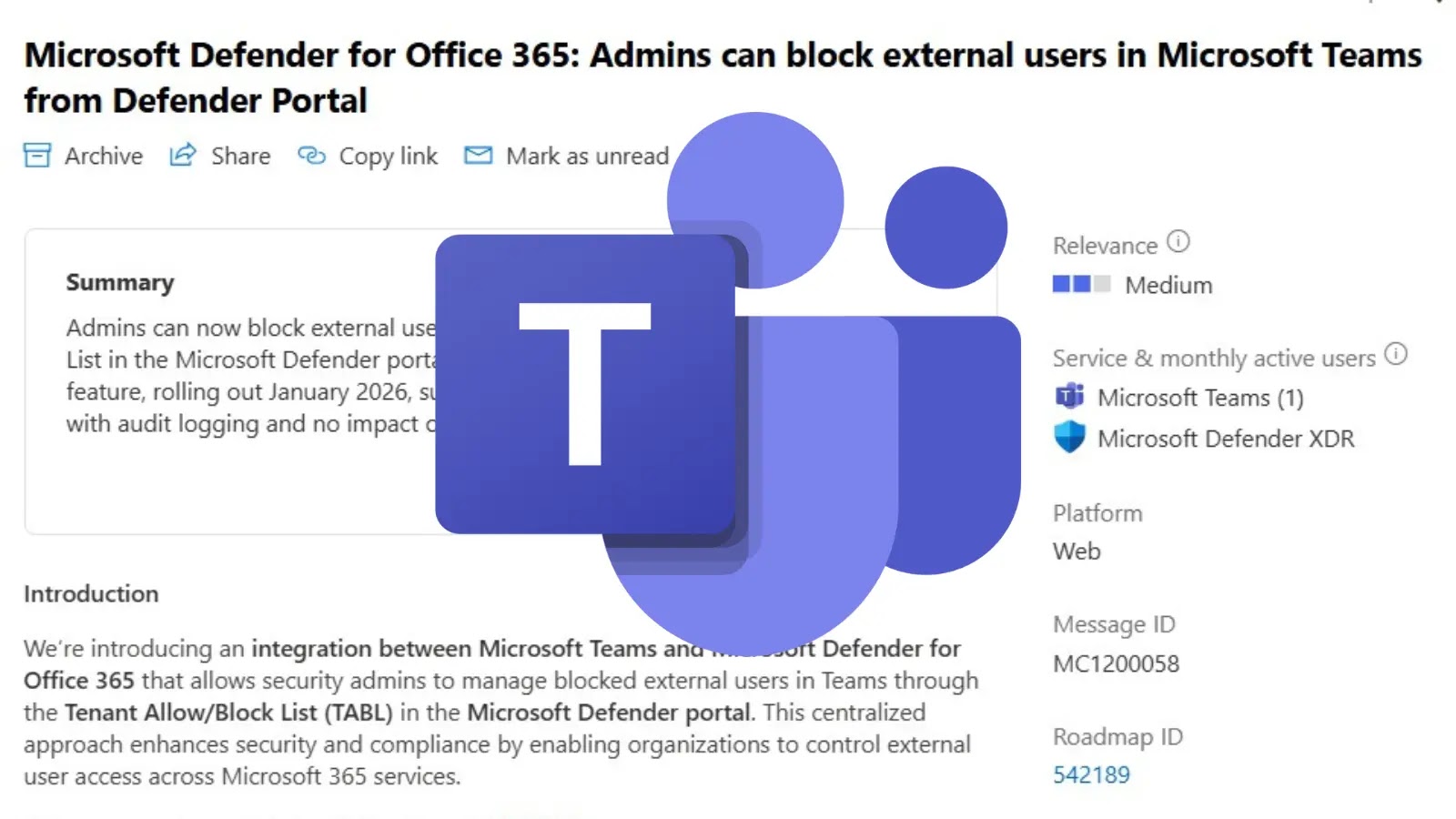
Now Admins Can Block External Users in Microsoft Teams From Defender Portal
The security landscape for collaboration platforms like Microsoft Teams is constantly evolving, demanding more robust controls over external interactions. For organizations heavily reliant on Teams, the ability to effectively manage who can communicate with internal users is paramount. Microsoft is stepping up its game, offering a significant enhancement that integrates security management directly into the familiar Microsoft Defender for Office 365 portal.
This upcoming feature promises a more centralized and streamlined approach to blocking external users, mitigating potential risks associated with unauthorized or malicious external communications. Let’s delve into what this means for your organization’s cybersecurity posture.
Microsoft Teams Security: The Challenge of External Collaboration
Microsoft Teams has become indispensable for many businesses, fostering collaboration both internally and with external partners. While immensely beneficial, this open collaboration model also introduces security considerations. Uncontrolled access by external users can lead to:
- Increased Phishing and Malware Risks: Malicious actors can impersonate legitimate external contacts or send harmful links and attachments.
- Data Leakage Concerns: Sensitive information could be inadvertently shared with unauthorized external parties.
- Compliance Challenges: Regulatory requirements often dictate strict controls over data access and communication, especially with external entities.
Previously, managing external user access in Teams involved various settings and often lacked a centralized, security-centric approach for blocking specific individuals or domains once issues arose. This new feature aims to bridge that gap.
Introducing Centralized External User Blocking in Defender Portal
Microsoft has announced a new capability, detailed in Microsoft 365 Message Center notification MC1200058, that will empower security administrators to block external users in Microsoft Teams directly from the Tenant Allow/Block List within the Microsoft Defender for Office 365 portal. This is a game-changer for several reasons:
- Unified Security Management: By integrating this functionality into Defender, Microsoft is consolidating security controls. Administrators can now manage external user blocks alongside other threat protection settings for email, SharePoint, and OneDrive.
- Enhanced Control: The Tenant Allow/Block List is already a powerful tool for managing senders and URLs. Extending its capabilities to Teams external users provides a consistent and familiar interface for security operations.
- Proactive Risk Mitigation: If an external user behaves suspiciously or is identified as a threat in another context (e.g., email phishing), administrators can proactively block their access in Teams before they can cause further harm.
This upcoming feature, expected to roll out next month, directly addresses a critical need for more granular control over external interactions within the Teams environment, significantly bolstering the platform’s security.
How the Tenant Allow/Block List Extends to Teams
The Tenant Allow/Block List in Microsoft Defender for Office 365 is designed to help organizations manage legitimate and malicious content. Typically, it’s used to:
- Allow: Entries that should deliver a message or file that’s identified as bad.
- Block: Entries that should always be blocked.
With this expansion, administrators will be able to add external Teams users to the “Block” list. While the exact mechanics of how this blocking will manifest (e.g., prevention of DMs, calls, or meeting invites) are likely detailed in Microsoft’s official documentation upon release, the core benefit is the ability to swiftly and authoritatively cut off communication from undesirable external parties.
This integration streamlines incident response. If an external participant in a Teams channel or chat is identified as a source of concern, security teams will no longer need to navigate disparate management interfaces. They can leverage an existing, familiar security control surface to enforce the block.
Remediation Actions and Best Practices
Once this feature is live, organizations should immediately integrate it into their security protocols. Here are actionable steps:
- Review Existing External Access Policies: Evaluate your current Microsoft Teams external access settings. Identify any areas where this new blocking capability can enhance your existing controls.
- Update Incident Response Playbooks: Incorporate the use of the Tenant Allow/Block List for Teams external users into your incident response plans. If an external user is identified as malicious, the immediate action should include blocking them via the Defender portal.
- Educate Security Teams: Ensure your security administrators and incident responders are aware of this new feature and proficient in using the Tenant Allow/Block List for both email and now Teams external users.
- Implement User Reporting Mechanisms: Encourage users to report suspicious external interactions within Teams. This user feedback is crucial for security teams to identify and block problematic external accounts promptly.
- Monitor Audit Logs: Regularly monitor audit logs within Microsoft 365 to track changes made to external access settings and the Tenant Allow/Block List.
The Future of Teams Security
This initiative from Microsoft underscores a growing trend towards more integrated and centralized cybersecurity management within the Microsoft 365 ecosystem. By bringing Teams external user management into the Defender portal, Microsoft is empowering security teams with a unified toolkit to protect against evolving threats. This not only simplifies administration but also enhances the overall security posture of organizations relying on Microsoft Teams for their daily collaboration needs.
Expect further enhancements in this space as Microsoft continues to integrate its security offerings to provide a comprehensive defense against cyber threats across all its platforms.