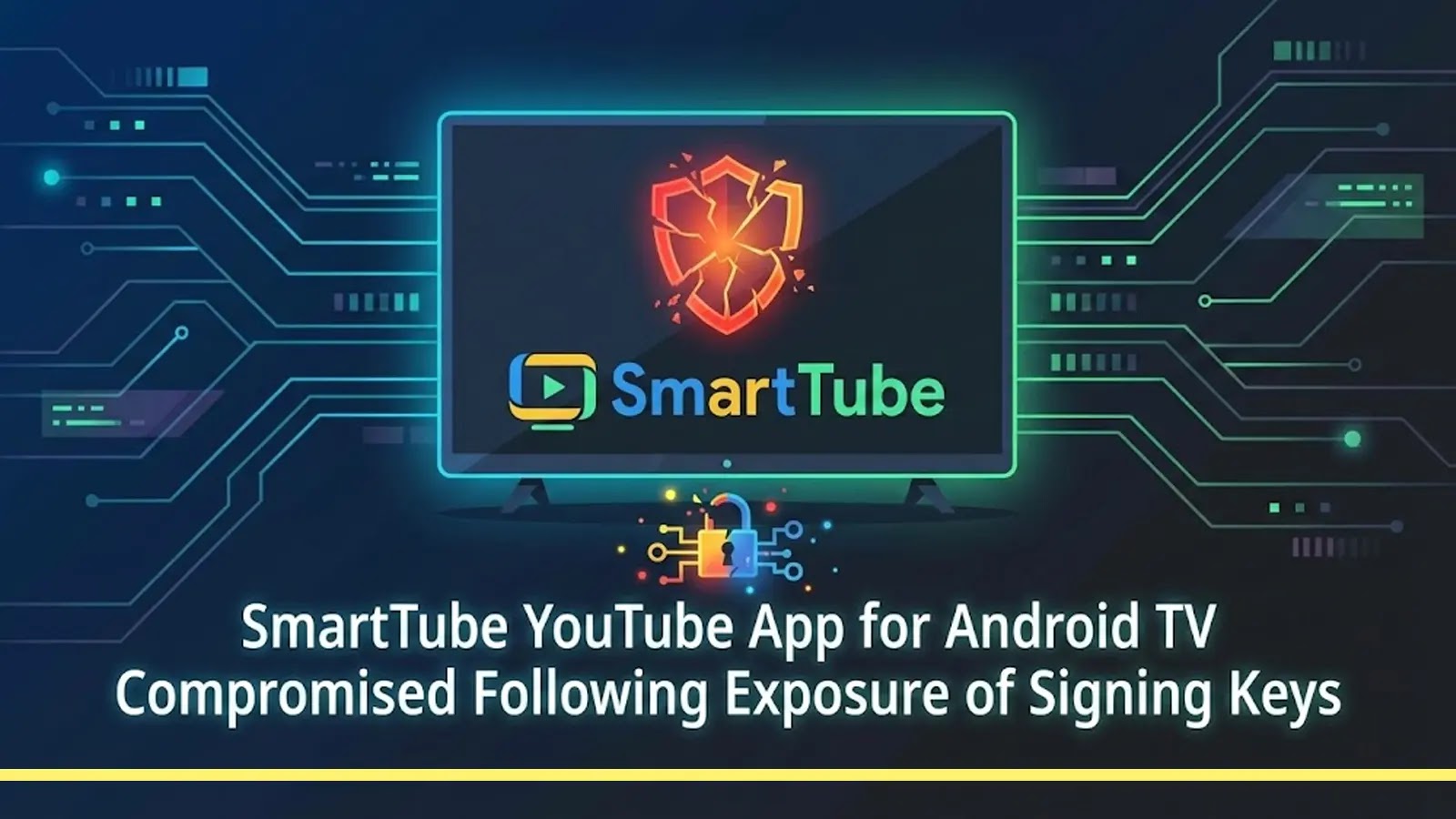
SmartTube YouTube App for Android TV Compromised Following Exposure of Signing Keys
The Android TV ecosystem, a widely adopted platform for digital entertainment, has recently been rocked by a serious security incident. SmartTube, a highly popular third-party YouTube client for Android TV devices, has been compromised, leaving countless users vulnerable. This breach stems from the exposure of the application’s critical signing keys, a fundamental component of software integrity.
The Compromise of SmartTube: A Deep Dive
The incident came to light after security researchers and the broader Android TV community noticed suspicious activity. Malicious code was detected embedded within what appeared to be official releases of the SmartTube application. The exposure of signing keys is particularly alarming because these keys act as a digital signature, assuring users that an application is legitimate and has not been tampered with by unauthorized parties. When signing keys are compromised, attackers can essentially “sign” their malicious code, making it appear as if it originates from the legitimate developer.
This sophisticated attack vector allowed threat actors to distribute compromised versions of SmartTube, potentially gaining unauthorized access to user data, injecting intrusive advertisements, or even installing further malware. The ramifications for user privacy and device security are substantial.
Google’s Swift Response and Community Vigilance
Upon identification of the embedded malicious code and corroboration of the signing key exposure, Google took decisive action. The tech giant forcibly disabled the SmartTube application on affected Android TV devices. This measure, while disruptive for users, was a critical step to prevent further harm and mitigate the spread of the compromised software. The rapid response highlights Google’s commitment to user security within its Android ecosystem.
The incident also underscores the invaluable role of community-driven security analysis. Independent researchers and vigilant users often serve as an early warning system, identifying anomalies and vulnerabilities that might otherwise go unnoticed. Their collective efforts were instrumental in bringing this compromise to light and prompting a timely intervention.
Understanding Signing Key Exposure
Signing keys are cryptographic keys used by software developers to digitally sign their applications. This digital signature serves several crucial purposes:
- Authenticity: It verifies that the application indeed came from the claimed developer.
- Integrity: It ensures that the application has not been altered or tampered with since it was signed.
- Trust: It establishes a chain of trust between the developer, the distribution platform (like Google Play), and the end-user.
When these keys are exposed, the entire trust model collapses. Attackers can then generate their own signed versions of an application, embedding malware or other malicious functionalities, and deceiving both users and security systems into believing the software is legitimate. This is often achieved through supply chain attacks, where the compromise occurs at an earlier stage of the software development or distribution process.
Remediation Actions and Best Practices
For users who had SmartTube installed on their Android TV devices, and for developers maintaining applications, several immediate and long-term actions are imperative:
- Uninstall Compromised Applications: Users should immediately uninstall SmartTube and any other suspicious third-party applications from their Android TV devices.
- Change Passwords: If any accounts were logged into via the compromised application, especially those with sensitive data, users should change their passwords immediately.
- Enable Two-Factor Authentication (2FA): Where available, 2FA adds an essential layer of security to online accounts, even if passwords are compromised.
- Review Device Permissions: Regularly review the permissions granted to installed applications on your Android TV and other devices. Revoke any unnecessary or suspicious permissions.
- Keep Systems Updated: Ensure your Android TV operating system and all installed applications are kept up-to-date. Updates often include critical security patches.
- Exercise Caution with Third-Party Apps: While many third-party apps are legitimate, always download from trusted sources and be wary of applications that request excessive permissions.
- Developer Key Management: Developers must implement stringent security protocols for managing and protecting their signing keys. This includes secure storage, access controls, and regular audits.
Tools for Detection and Mitigation
While the SmartTube incident involved a direct compromise, understanding the tools that aid in general application security and vulnerability detection is crucial for IT professionals and developers.
| Tool Name | Purpose | Link |
|---|---|---|
| Virustotal | Analyzes suspicious files and URLs for malware. | https://www.virustotal.com/ |
| JA3 / JARM Fingerprinting | Network fingerprinting for TLS clients/servers, aiding in identifying C2 traffic or suspicious connections. | https://github.com/salesforce/ja3 |
| Android Debug Bridge (ADB) | Command-line tool for device communication, useful for inspecting installed apps and permissions. | https://developer.android.com/tools/adb |
| MobSF (Mobile Security Framework) | Automated mobile application (Android/iOS) pen-testing, malware analysis and security assessment framework capable of performing static and dynamic analysis. | https://opensecurity.in/Mobile-Security-Framework-MobSF/ |
Looking Ahead: The Importance of Supply Chain Security
The SmartTube compromise serves as a potent reminder of the escalating risks associated with software supply chain attacks. When an upstream component or a commonly used application is compromised, the impact can ripple through an entire ecosystem. Organizations and individual users must adopt a multifaceted approach to security, combining robust technical controls with continuous vigilance and awareness.
This incident underscores the need for continuous vigilance, not just from end-users, but from developers who must prioritize the security of their signing keys and build processes. The digital landscape demands a proactive stance against evolving threats, ensuring the integrity and trust of the software we rely upon daily.