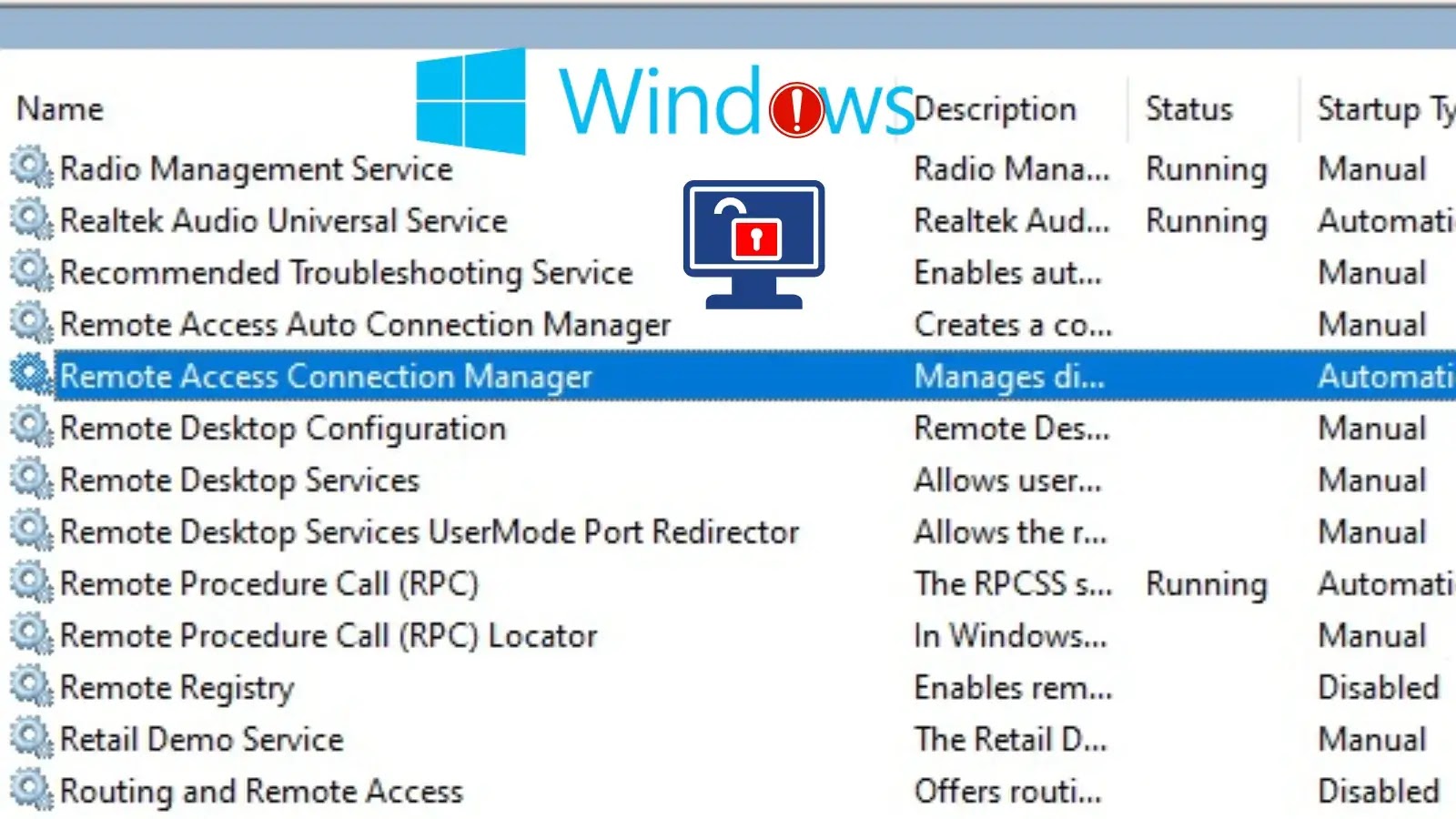
Windows Remote Access Connection Manager Vulnerabilities Let Attackers Escalate Privileges
A disturbing revelation has recently come to light regarding two critical privilege escalation vulnerabilities within the Windows Remote Access Connection Manager. These flaws could allow attackers with low-level access to seize complete control over affected systems, underscoring the urgent need for robust security postures and immediate remediation.
On December 9, 2025, cybersecurity researchers disclosed two critical privilege escalation issues, tracked as CVE-2025-62472 and CVE-2025-62474, affecting the Windows Remote Access Connection Manager. These vulnerabilities empower authorized attackers, even those with minimal privileges, to escalate their access to the highest possible level: SYSTEM. This level of compromise grants full control over the compromised machine, enabling malicious actors to install programs, view, change, or delete data, and create new accounts with full user rights.
Understanding the Vulnerabilities: CVE-2025-62472 and CVE-2025-62474
The core of these vulnerabilities lies in how the Windows Remote Access Connection Manager handles specific system resources. Let’s delve into what makes them so dangerous:
- CVE-2025-62472 (CVE-2025-62472): Use of Uninitialized Resources
This flaw stems from the improper handling of uninitialized resources within the Remote Access Connection Manager. In essence, the system attempts to use memory or other resources that haven’t been properly cleared or set to a default state. An attacker can exploit this by manipulating the uninitialized data, leading to a state where their low-level privileges are incorrectly evaluated, thereby granting them SYSTEM-level access. - CVE-2025-62474 (CVE-2025-62474): Privilege Escalation Through Malicious Input
While the initial report highlights the uninitialized resources for CVE-2025-62472, the existence of a second critical vulnerability, CVE-2025-62474, suggests a broader issue within the Remote Access Connection Manager. This typically indicates another avenue for privilege escalation, often through crafted inputs or misconfigurations that allow a user with limited access to execute arbitrary code or commands with elevated permissions. Such vulnerabilities often involve improper validation of user-supplied data, leading to buffer overflows, format string bugs, or other memory corruption issues.
The Remote Access Connection Manager is a service crucial for managing remote access connections, including VPNs and dial-up. Its central role in network connectivity makes these vulnerabilities particularly concerning, as a compromise could lead to widespread network intrusion beyond the initial system.
The Impact of Privilege Escalation
Privilege escalation is a highly sought-after tactic for attackers. Once successfully executed, it transforms an attacker from having limited access to becoming a system administrator. The consequences are severe:
- Complete System Control: Attackers can bypass security controls, install malware (e.g., ransomware, backdoors), and modify critical system configurations.
- Data Exfiltration: Sensitive data stored on the compromised system or accessible via its network connections can be stolen.
- Lateral Movement: With SYSTEM privileges, attackers can more easily move to other systems on the network, expanding their foothold and the scope of their attack.
- Persistence: Elevated privileges allow attackers to establish persistent access mechanisms, ensuring they can return even after reboots or attempts to remove them.
Remediation Actions
Given the severity of these vulnerabilities, immediate action is paramount. System administrators and IT security teams must prioritize these remediations:
- Apply Security Patches: The most crucial step is to apply the security patches released by Microsoft as soon as they become available. Keep an eye on Microsoft’s official security advisories and the December 2025 Patch Tuesday updates. Verify patch installation and system restarts.
- Principle of Least Privilege: Ensure that all users and services operate with the minimum necessary privileges to perform their functions. Regularly audit user accounts and service accounts for over-privileged access.
- Monitor Event Logs: Implement robust logging and monitoring for suspicious activity, especially failed logon attempts, unusual process executions, and modifications to sensitive system files.
- Network Segmentation: Isolate critical systems and sensitive data within segmented network zones. This limits an attacker’s ability to move laterally even if they compromise a single system.
- Endpoint Detection and Response (EDR): Deploy and maintain EDR solutions to detect and respond to anomalous behaviors that might indicate privilege escalation attempts. These tools can often identify the techniques used by attackers to exploit such vulnerabilities.
Tools for Detection and Mitigation
Proactive measures are key to defending against these types of threats. Here are some tools that can assist in detection, scanning, and mitigation:
| Tool Name | Purpose | Link |
|---|---|---|
| Microsoft Windows Update | Official source for security patches and updates. | Link to Windows Update |
| Microsoft Baseline Security Analyzer (MBSA) (Legacy) | Scans for common security misconfigurations and missing updates on older systems. | (Note: MBSA is deprecated. Use modern tools like Azure Security Center or SCCM.) |
| Qualys Vulnerability Management | Automated vulnerability scanning and patch management. | Qualys VM Datasheet |
| Tenable Nessus | Comprehensive vulnerability assessment and compliance auditing. | Tenable Nessus |
| Sysmon (Sysinternals) | Monitors and logs system activity to detect malicious behavior. | Sysinternals Sysmon |
Conclusion
The discovery of privilege escalation vulnerabilities CVE-2025-62472 and CVE-2025-62474 in the Windows Remote Access Connection Manager presents a significant threat. These flaws could allow low-privileged attackers to gain SYSTEM-level control, enabling widespread damage and network compromise. Organizations must prioritize applying the forthcoming security patches, enforce the principle of least privilege, and strengthen their monitoring and incident response capabilities to safeguard their Windows environments against these critical threats.