
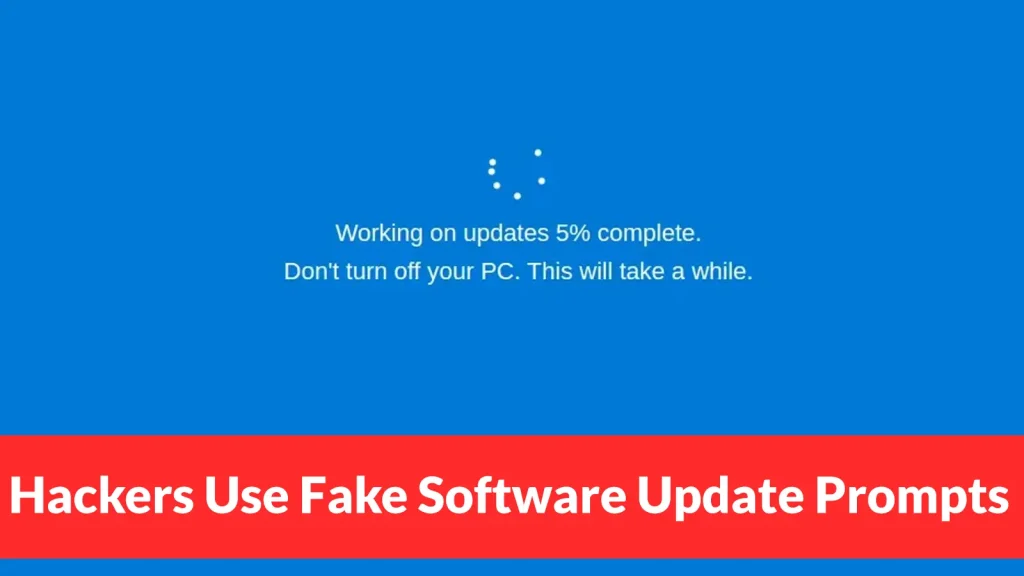
Hackers Use Fake Software Update Prompts to Steal Passwords and Crypto Wallet Data From macOS Users
The Deceptive Lure of Fake Updates: macOS Users Under Attack
A sophisticated new cyber campaign is actively targeting macOS users, employing a tactic that bypasses traditional software vulnerabilities. Instead of exploiting flaws in code, attackers are leveraging human trust and habit, tricking individuals into willingly surrendering their sensitive data. This campaign, marked by what appear to be routine software update prompts, is designed to steal passwords and cryptocurrency wallet information, posing a significant threat to digital security and financial assets.
How the Fake Update Scam Works
This malicious operation thrives on deception. Attackers craft highly convincing fake software update pop-ups that mimic legitimate system or application updates on macOS. These prompts often appear spontaneously, urging users to install critical security patches or performance enhancements. The insidious nature of this attack lies in its mimicry; users are led to believe they are performing a standard, necessary action to maintain their system’s integrity.
Once a user clicks on the seemingly innocuous update prompt, they are not installing legitimate software. Instead, they are initiating the download and execution of malware designed to harvest credentials. The malware payload specifically targets vital information such as user passwords and, critically, data related to cryptocurrency wallets. This direct approach to data exfiltration means that even users with up-to-date operating systems and security software can fall victim if they are not vigilant.
Targeting Cryptocurrency and Personal Data
The campaign’s focus on cryptocurrency wallet data highlights a growing trend in cybercrime. As digital assets become more mainstream, they increasingly attract the attention of malicious actors. By tricking macOS users into installing seemingly benign updates, attackers gain unauthorized access to their digital wallets, which can result in irreversible financial losses. Beyond crypto, general passwords for various online services are also at risk, underscoring the broad impact of this deceptive strategy.
Remediation Actions and Proactive Defense
Given that this attack bypasses traditional vulnerability exploits (i.e., there is no specific CVE-TBD-FakeUpdate for a non-vulnerability-based attack), defense shifts from patching code to enhancing user awareness and implementing robust security practices. macOS users must adopt a skeptical approach to all unsolicited update requests.
- Verify Update Sources: Always verify the legitimacy of any software update. For macOS updates, navigate directly to System Settings (or System Preferences for older macOS versions) -> General -> Software Update. For application updates, open the application itself and check for updates through its official menu, or go to the App Store.
- Exercise Caution with Pop-ups: Be extremely wary of unexpected pop-up windows requesting software updates, especially those that appear outside of standard application usage.
- Use Reputable Security Software: Employ robust antivirus and anti-malware solutions that offer real-time protection and can detect suspicious activity.
- Enable Multi-Factor Authentication (MFA): Implement MFA wherever possible, especially for cryptocurrency exchanges, email accounts, and critical online services. This adds an essential layer of security, making it harder for attackers to gain access even if they steal your password.
- Regularly Back Up Data: Maintain regular backups of important files and cryptocurrency wallet recovery phrases (stored securely offline) to mitigate potential data loss.
- Educate Yourself: Stay informed about the latest phishing and social engineering tactics. Understanding how these attacks work is the first step in defending against them.
Tools for Enhanced macOS Security
While this attack relies on social engineering, certain tools can aid in detecting and preventing malware installation, and in securing your digital assets.
| Tool Name | Purpose | Link |
|---|---|---|
| Malwarebytes for Mac | Anti-malware detection and removal | https://www.malwarebytes.com/mac |
| Little Snitch | Outbound connection firewall, alerts on suspicious network activity | https://www.obdev.at/products/littlesnitch/index.html |
| 1Password / LastPass | Password manager and secure note storage | https://1password.com/ https://www.lastpass.com/ |
| Hardware Wallet (e.g., Ledger, Trezor) | Secure storage for cryptocurrencies | https://www.ledger.com/ https://trezor.io/ |
Conclusion: Vigilance is Your Strongest Defense
The rise of sophisticated social engineering attacks targeting macOS users with fake software update prompts underscores a critical shift in the cybersecurity landscape. Attackers are increasingly leveraging human psychology rather than solely relying on technical vulnerabilities. For macOS users, especially those involved with cryptocurrencies, proactive vigilance and adherence to best security practices are paramount. Always verify update sources, question unsolicited requests, and fortify your accounts with multi-factor authentication. In the realm of digital security, an informed and cautious user is often the most secure.




