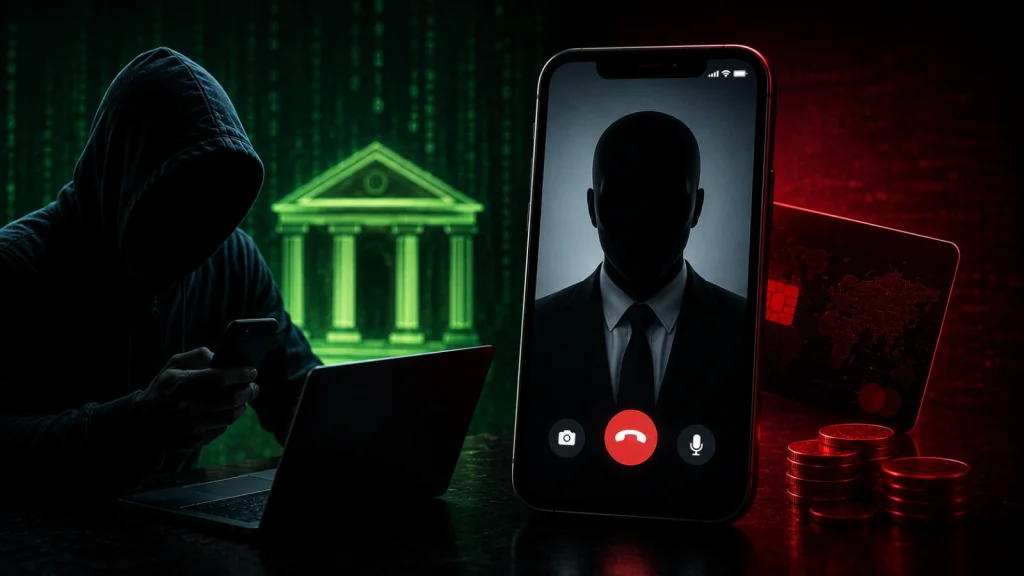
Hackers Abuse FaceTime Calls to Impersonate Banks and Hijack Victims’ Accounts
Imagine receiving a FaceTime call, not from a friend or family member, but from what appears to be your bank or even Apple Support. In a world where we’re accustomed to scrutinizing emails for phishing attempts, a worrying new trend is emerging: threat actors are now leveraging FaceTime calls to impersonate trusted institutions, social engineer victims, and ultimately hijack their accounts. This alarming development, highlighted by a recent Apple security advisory, demands our immediate attention and a re-evaluation of our digital defenses.
The Deceptive Call: How Attackers Exploit FaceTime
The core of this attack vector lies in social engineering. Threat actors are actively exploiting the perceived legitimacy of a direct video call to lower a victim’s guard. By impersonating major financial institutions or even “Apple Support,” they create a false sense of security, making it easier to extract sensitive information. Unlike a text-based phishing email, a live video call can feel more immediate and personal, increasing the pressure on the victim to comply with requests.
The process often involves a sophisticated blend of manipulation and technical exploitation. Attackers might initiate a FaceTime call, claiming there’s a suspicious transaction on the victim’s bank account or that their Apple ID has been compromised. They then guide the victim through a series of steps designed to reveal personal credentials, multi-factor authentication (MFA) codes, or even to install malicious software under the guise of “security updates.” The ultimate goal is to gain unauthorized access to bank accounts and drain funds.
Understanding the Threat Landscape: Beyond Traditional Phishing
For years, cybersecurity education has focused heavily on identifying malicious links and suspicious email attachments. This new wave of attacks demonstrates a shift in tactics, moving to more interactive and persuasive communication channels. The ease with which a FaceTime call can be initiated, combined with the prevalent use of iPhones and iPads, makes this a particularly potent threat. It underscores the critical need for users to apply the same level of scrutiny to unexpected FaceTime calls as they would to any other unsolicited communication.
Remediation Actions: Fortifying Your Digital Perimeter
Protecting yourself and your organization from these sophisticated FaceTime-based social engineering attacks requires a multi-layered approach. Here are actionable steps you can take:
- Verify Identity Independently: If you receive an unexpected FaceTime call from someone claiming to be your bank or Apple Support, hang up immediately. Do not interact. Instead, contact the institution directly using official contact information found on their legitimate website (not from a number provided during the suspicious call).
- Never Share Sensitive Information: Financial institutions and legitimate technical support will never ask for your full password, PIN, or one-time passcodes over the phone or video call. Be highly suspicious of any request for such information.
- Be Wary of Urgent Requests: Attackers often create a sense of urgency to bypass rational thought. Claims of immediate account closure or fraud if you don’t act now are red flags.
- Enhance Multi-Factor Authentication (MFA): Where possible, use hardware security keys (e.g., FIDO2-compliant keys) as your second factor for critical accounts. While MFA codes can be phished, hardware keys offer a much stronger defense against many social engineering tactics.
- Educate Yourself and Others: Share this information with friends, family, and colleagues. Awareness is one of the most powerful tools against social engineering.
- Keep Software Updated: While not a direct defense against social engineering, keeping your iOS and iPadOS updated ensures you have the latest security patches to protect against other potential vulnerabilities.
- Report Suspicious Activity: If you believe you’ve been targeted, report the incident to your bank, Apple, and relevant cybersecurity authorities.
Tools for Organizational Defense (Beyond User Education)
While often user-centric, mitigating social engineering at an organizational level involves a blend of technical controls and robust security awareness programs. For managing wider aspects of phishing and identity management, consider the following:
| Tool Name | Purpose | Link |
|---|---|---|
| PhishMe (Cofense) | Security awareness and phishing simulation platform | https://cofense.com/ |
| KnowBe4 | Security awareness training and simulated phishing attacks | https://www.knowbe4.com/ |
| DUO Security (Cisco) | Multi-Factor Authentication (MFA) and access security | https://duo.com/ |
| Microsoft Defender for Office 365 | Email and collaboration threat protection against advanced attacks | https://www.microsoft.com/en-us/security/business/threat-protection/microsoft-defender-for-office-365 |
Key Takeaways: Vigilance in a New Communication Era
The abuse of FaceTime calls to impersonate banks and Apple Support marks a significant evolution in social engineering tactics. It highlights that no communication channel is inherently safe from malicious intent. Individuals and organizations must adapt their cybersecurity posture to account for these increasingly sophisticated and personalized attacks. The core defense remains constant: verify, don’t trust, and always be skeptical of unsolicited requests for sensitive information, especially when they carry a sense of urgency or claim to be from trusted entities.