
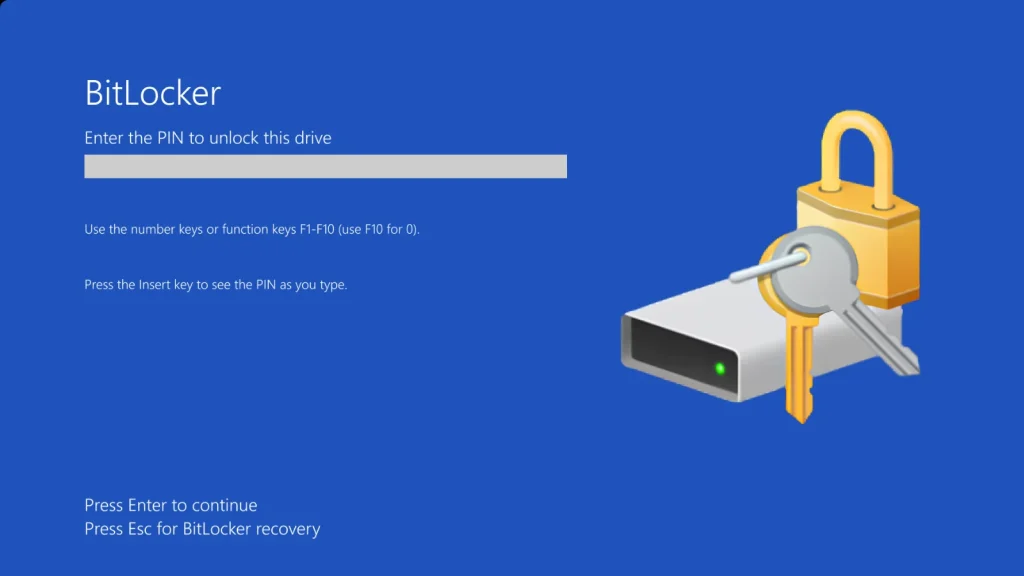
Microsoft Releases Mitigation for Windows BitLocker Security Bypass 0-Day Vulnerability
Microsoft Addresses Critical BitLocker 0-Day: A Deep Dive into the “YellowKey” Bypass
Data breaches often begin with physical access, a chilling reality reinforced by Microsoft’s recent disclosure of a critical zero-day vulnerability in Windows BitLocker. This flaw, dubbed “YellowKey” in some discussions, allows attackers with physical access to bypass BitLocker’s full-disk encryption, potentially exposing sensitive data in mere minutes. While no active exploitation has been confirmed, the severity of the flaw, tracked as CVE-2026-45585, and Microsoft’s “Exploitation More Likely” rating underscore its immediate threat.
This blog post will dissect the BitLocker security bypass, explain its implications, and provide actionable mitigation strategies for IT professionals, security analysts, and developers to protect their systems.
Understanding the BitLocker “YellowKey” Vulnerability (CVE-2026-45585)
BitLocker Drive Encryption is a cornerstone of Windows security, designed to protect data by encrypting entire volumes. It’s a critical defense against data theft from lost or stolen devices. The newly disclosed zero-day, CVE-2026-45585, fundamentally undermines this protection. While specific technical details of the exploitation method are yet to be fully public, the core issue revolves around a bypass mechanism that allows an attacker with physical access to a target system to circumvent the encryption.
The term “YellowKey” has emerged in informal discussions, referencing the potential for an attacker to insert a device or manipulate hardware connections to trick the system into decrypting the drive without the correct passphrase or recovery key. This level of access transforms a seemingly secure, encrypted drive into an open book for an adversary. The vulnerability was publicly disclosed on May 19, 2026, prompting immediate concern across the cybersecurity landscape.
Impact of a BitLocker Security Bypass
The implications of a successful BitLocker bypass are severe, especially for organizations handling sensitive data. Consider the following potential impacts:
- Data Exfiltration: Attackers can gain direct access to all data stored on the encrypted drive, including proprietary information, intellectual property, personal identifiable information (PII), and financial records.
- Compliance Violations: Organizations are often bound by strict compliance regulations (e.g., GDPR, HIPAA, PCI DSS) that mandate data encryption. A bypass could lead to significant fines and legal repercussions.
- Reputational Damage: A data breach stemming from a fundamental security bypass can severely damage an organization’s reputation and erode customer trust.
- Further System Compromise: Access to the operating system files could allow an attacker to implant malware, establish persistence, or further compromise network resources once the device is reconnected.
Microsoft’s rating of “Exploitation More Likely” highlights the simplicity or readily available tools that could facilitate this exploit, making it a critical threat that requires immediate attention.
Remediation Actions and Mitigations
While Microsoft did not immediately release a patch for CVE-2026-45585, they have provided crucial mitigation steps. Implementing these measures is paramount to protecting your systems from the “YellowKey” bypass:
- Physical Security Reinforcement: This vulnerability underscores the fundamental importance of physical security. Restrict unauthorized physical access to all endpoints, servers, and data centers. Implement robust access controls, surveillance, and auditing for physical spaces where devices are stored or left unattended.
- USB Port Control: Many physical access attacks leverage USB ports. Implement Group Policy settings or device management solutions to disable or strictly control unrecognized USB devices. Consider using USB blockers or port locks where appropriate.
- BIOS/UEFI Password Protection: Secure the device’s BIOS/UEFI with a strong password to prevent unauthorized changes to boot order or disabling of security features.
- Secure Boot and TPM Configuration: Ensure Secure Boot is enabled and properly configured. Leverage the Trusted Platform Module (TPM) for key storage and platform integrity measurements, and verify that BitLocker is using the TPM for protection.
- Regular Backups: As a general security best practice, maintain regular, encrypted, and offline backups of all critical data. In the event of a successful bypass, this can aid in recovery.
- Monitoring and Alerting: Implement robust endpoint detection and response (EDR) solutions and security information and event management (SIEM) systems to monitor for unusual activity, especially around physical device access or attempts to tamper with system configurations.
Recommended Tools for Enhanced Security and Detection
To further bolster your defenses against vulnerabilities like the BitLocker bypass, consider integrating the following tools into your cybersecurity posture:
| Tool Name | Purpose | Link |
|---|---|---|
| Microsoft Defender for Endpoint | Endpoint detection, response, and vulnerability management. | Official Microsoft Site |
| BitLocker Management via Group Policy | Centralized management and enforcement of BitLocker policies. | Microsoft Learn |
| Endpoint Protector (CoSoSys) | Advanced data loss prevention, device control, and content inspection. | Official Site |
| Forcepoint DLP | Data loss prevention for sensitive data across endpoints, networks, and cloud. | Official Site |
Conclusion
The discovery of CVE-2026-45585, the BitLocker “YellowKey” security bypass, serves as a stark reminder that even robust encryption technologies can be vulnerable to physical access attacks. While a full patch is awaited, Microsoft’s provided mitigations offer a critical lifeline for organizations. Prioritizing physical security, implementing strict device controls, and leveraging available security tools are not merely best practices but essential defenses against this potent threat. Stay vigilant, apply the recommended mitigations, and continuously monitor your environment to safeguard your data integrity.




