
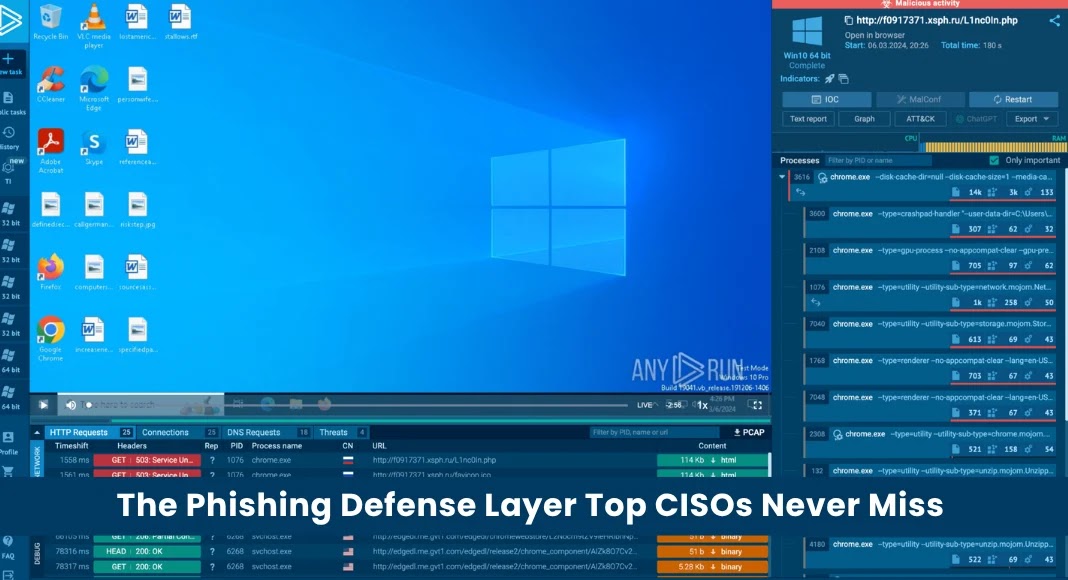
The Phishing Defense Layer Top CISOs Never Miss
The Phishing Defense Layer Top CISOs Never Miss
Nine out of ten cyber attacks initiate with a phishing attempt. When a security incident unfolds, blame often falls on an individual: a compromised employee clicking a malicious link, or a Security Operations Center (SOC) analyst missing a critical alert. However, in sophisticated corporate environments, this individual framing can be misleading. If a single human error can jeopardize an entire organization, the fundamental issue might not be human fallibility itself, but rather the absence of a crucial phishing defense layer.
This overlooked yet essential defense significantly reduces the probability of a successful phishing campaign, bolstering an organization’s overall cybersecurity posture. Understanding and implementing this layer is paramount for CISOs aiming to cultivate resilient security defenses. The core of this defense isn’t just about blocking emails; it’s about shifting the paradigm of human interaction with digital threats.
Why Human Error Isn’t the Sole Culprit
While human judgment is inherently imperfect, it’s misguided to solely attribute security breaches to individual mistakes. Organizations operate on the premise of collective responsibility and layered defenses. Expecting every employee to be an infallible threat detector in a constant barrage of increasingly sophisticated phishing attacks is unrealistic. For example, spear phishing attacks targeting specific individuals, or even whaling attacks aimed at executives, leverage psychological manipulation to bypass standard email filters. When a well-crafted phishing email bypasses technical controls, and an employee, under pressure or distracted, clicks a link, it highlights a systemic vulnerability, not just a personal oversight.
The real issue surfaces when a single click can lead to widespread compromise. This indicates a gap in defense, where the impact of a successful phish is disproportionately high. Instead of focusing on individual blame, the strategic imperative is to build systems that
can tolerate a degree of human error without catastrophic consequences.
The Underrated Phishing Defense Layer: Isolating the Threat
The defense layer top CISOs prioritize, yet often remains less publicized than email gateways or user training, is browser isolation. This technology fundamentally changes how users interact with potentially malicious web content. Instead of accessing websites directly on their endpoint devices, users interact with a virtual browser session running remotely in a secure, isolated environment.
When a user clicks a link, whether legitimate or malicious, the rendered content remains confined to this isolated environment. No active web code, potential malware, or exploits ever reach the user’s browser or device. Even if an employee falls victim to a phishing email and clicks a malicious link, the threat is neutralized because the interaction happens in a disposable, air-gapped container. This approach bypasses numerous attack vectors, such as:
- Drive-by downloads: Malware attempting to install itself upon visiting a malicious site is contained.
- Browser-based exploits: Vulnerabilities in the browser (e.g., related to CVE-2023-38831 or CVE-2024-0517 affecting Chrome) are rendered harmless, as the exploited browser instance is not on the user’s device.
- Credential harvesting from malicious forms: While users might still input credentials into a fake form, the malicious code to harvest them is isolated. Advanced browser isolation can even detect and prevent known credential harvesting attempts.
- Zero-day browser vulnerabilities: Since the executing environment is isolated, even unknown browser vulnerabilities cannot compromise the local machine.
Remediation Actions and Implementation
Implementing browser isolation requires careful planning to ensure seamless integration and user experience. Here are key remediation actions:
- Assess current web traffic: Understand which users access what types of websites and tailor isolation policies accordingly. High-risk users (e.g., executives, finance, IT) or those frequently accessing external resources are prime candidates for full isolation.
- Choose a suitable isolation technology: Evaluate various remote browser isolation (RBI) solutions. Consider factors like performance, integration with existing security stacks (e.g., SIEM, DLP), and cost-effectiveness. Some solutions offer an “isolation-as-a-service” model, simplifying deployment.
- Phased Rollout: Begin with a pilot program involving a small group of users or specific departments. Gather feedback on performance and usability to fine-tune the implementation before a broader rollout.
- Integrate with Email Security: Configure email gateways to integrate with browser isolation. Malicious links identified in emails can be automatically redirected through the isolated browser, adding another layer of defense.
- User Education (Reinforced): While browser isolation offers significant protection, ongoing security awareness training remains vital. Educate users on identifying phishing attempts, even if the direct threat of a click is mitigated. Explain how browser isolation works and its benefits.
- Policy Definition: Establish clear policies on which categories of websites should always be isolated (e.g., uncategorized, suspicious, external links from emails) versus those that can be accessed directly.
Tools for Browser Isolation
Implementing browser isolation involves leveraging specialized technologies. Here are some prominent tools in this category:
| Tool Name | Purpose | Link |
|---|---|---|
| Zscaler Cloud Browser Isolation | Full content isolation for all web traffic, protecting against zero-day threats and malware. | https://www.zscaler.com/products/browser-isolation |
| Menlo Security Cloud Platform | Zero Trust isolation platform, isolating web, email, and document processing from endpoints. | https://www.menlosecurity.com/platform/cloud-security-platform/ |
| Forcepoint Remote Browser Isolation | Protects users from web-borne threats by executing web content in a remote, disposable environment. | https://www.forcepoint.com/product/data-security/remote-browser-isolation |
| Proofpoint Isolation | Isolates risky web traffic and email attachments, preventing malware delivery and credential theft. | https://www.proofpoint.com/us/products/network-defense/isolation |
Conclusion
The pervasive nature of phishing attacks demands robust, multi-layered defenses. While traditional measures like email filters and security awareness training are indispensable, their effectiveness has limits when confronted with sophisticated social engineering. The strategic deployment of browser isolation technology represents a critical, often missed, defense layer that top CISOs embrace. It effectively mitigates the impact of potential human error by creating a secure buffer between users and the dynamic, often treacherous, landscape of the internet. By adopting this approach, organizations can significantly reduce their attack surface and build a more resilient defense against the relentless threat of phishing.




