
New Browser-in-the-Browser Phishing Attack to Steal Microsoft 365 Logins
Unmasking the Latest Browser-in-the-Browser Phishing Campaign: A Threat to Microsoft 365 Logins
The digital landscape is a constant battleground, and threat actors are perpetually refining their tactics. A profoundly disturbing and highly sophisticated phishing campaign has emerged, specifically designed to compromise Microsoft 365 user credentials. This novel approach, dubbed “Browser-in-the-Browser” phishing, leverages a deception so convincing that even seasoned tech professionals are at risk of falling prey. This isn’t merely another phishing email; it’s an elaborate illusion that merits immediate attention and proactive defense.
What is Browser-in-the-Browser Phishing?
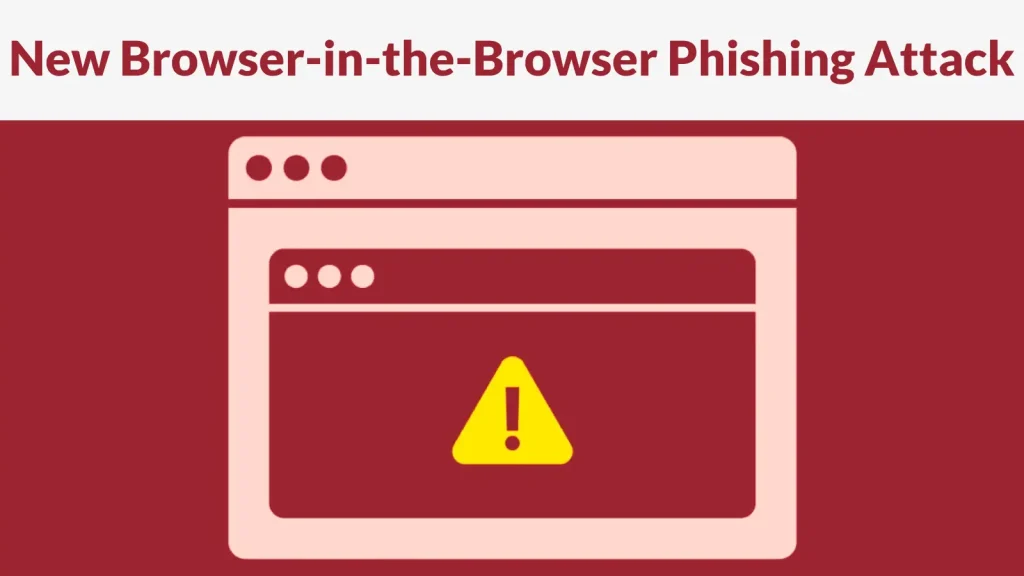
Traditional phishing often relies on mimicking legitimate websites. However, Browser-in-the-Browser (BitB) phishing elevates this deception to an entirely new level. Instead of redirecting users to a fake website in a new browser tab, this technique creates an entirely fake browser window *within* the legitimate browser tab that the user is already viewing. This faux window, complete with a realistic address bar, padlock icon, and even OS-level window controls, perfectly emulates a genuine authentication prompt.
In the context of the recent Microsoft 365 campaign, an attacker crafts a malicious link that, when clicked, loads a legitimate-looking webpage. On this page, a seemingly innocuous action (e.g., “click here to log in,” “verify your session”) triggers the Browser-in-the-Browser attack. A new, fabricated browser window then appears *on top* of the current browser tab, presenting a meticulously crafted Microsoft 365 login screen. Users interact with what they perceive to be an authentic login prompt, entering their credentials directly into the attacker’s fake interface.
How the Microsoft 365 BitB Phishing Attack Works
The attack’s brilliance lies in its simplicity and psychological manipulation. The core mechanism involves embedding an iframe within the malicious webpage. This iframe is styled to perfectly replicate the appearance of an operating system’s browser window, complete with a draggable title bar and minimize/maximize/close buttons. The content within this iframe is the fake Microsoft 365 login page.
Because the “browser window” is entirely fabricated within the current tab, the operating system’s taskbar or alt-tab view will only show the single legitimate browser tab. This makes it incredibly difficult for users to discern the deception. They see a convincing login prompt, complete with familiar branding and even “secure” indicators, and assume they are interacting with the genuine Microsoft 365 service. The moment they submit their username and password, those credentials are siphoned off by the attackers.
The Deceptive Nature of the Attack
What makes this particular Browser-in-the-Browser phishing campaign so dangerous is the high fidelity of the impersonation. Attackers are using sophisticated front-end techniques (HTML, CSS, JavaScript) to replicate the Microsoft 365 login portal with pixel-perfect accuracy. They often incorporate legitimate elements, such as Microsoft branding and privacy statements, further enhancing the illusion of authenticity.
The challenge for users is that traditional indicators of a phishing attempt, such as a mismatched URL in the address bar, are no longer readily available or easily spotted. The fake browser window displays a URL that appears legitimate, but it’s an image or text element, not the actual browser’s address field. This level of obfuscation turns even savvy users into potential victims.
Remediation Actions and Prevention Strategies
Mitigating the risk of Browser-in-the-Browser phishing requires a multi-layered approach, combining user education with robust technical controls.
- Advanced User Training:
- Educate users about the Browser-in-the-Browser technique. Demonstrate how a fake browser window can appear within a legitimate tab.
- Emphasize checking the actual browser’s address bar (not the one in the popup) for legitimacy. Teach them to look for the “lock” icon and verify the domain.
- Instruct users to close the supposed popup and navigate directly to the known Microsoft 365 portal (e.g., office.com, portal.azure.com) in a new, uncompromised browser tab if they suspect anything amiss.
- Multi-Factor Authentication (MFA):
- Implement mandatory MFA for all Microsoft 365 accounts. Even if credentials are stolen, MFA acts as a critical barrier to unauthorized access.
- Favor strong MFA methods like FIDO2 security keys, authenticator apps (e.g., Microsoft Authenticator, Google Authenticator), or hardware tokens over SMS-based MFA, which can be vulnerable to SIM swapping.
- Email Security Gateways (ESG) and Phishing Protection:
- Deploy advanced ESG solutions that can detect and block malicious links, attachments, and sophisticated phishing attempts before they reach user inboxes.
- Regularly update and configure anti-phishing policies to adapt to evolving threats.
- Endpoint Detection and Response (EDR) / Extended Detection and Response (XDR):
- Leverage EDR/XDR solutions to detect suspicious activities on endpoints, including unusual process creation, network connections to known malicious sites, or attempts to execute malicious scripts after clicking a phishing link.
- For example, an EDR solution might flag the loading of an embedded iframe from an unusual domain or the interaction with a fake login form.
- Web Browser Security Features:
- Encourage the use of modern browsers with up-to-date security features that can warn users about suspicious sites or block known phishing domains.
- Regular Security Audits:
- Conduct periodic security audits and penetration tests to identify potential vulnerabilities in your organization’s defenses against phishing and other social engineering attacks.
Relevant Tools for Detection and Mitigation
| Tool Name | Purpose | Link |
|---|---|---|
| Microsoft 365 Defender | Comprehensive security suite for M365 environments, including email protection (Defender for Office 365) and endpoint protection. | https://www.microsoft.com/en-us/security/business/microsoft-365-defender |
| Proofpoint Email Protection | Advanced email security gateway, URL rewriting, attachment sandboxing, and phishing detection. | https://www.proofpoint.com/us/products/email-protection |
| KnowBe4 | Security awareness training and simulated phishing platform to educate users on various phishing techniques. | https://www.knowbe4.com/ |
| Okta Adaptive MFA | Cloud-based identity and access management with strong, adaptive multi-factor authentication. | https://www.okta.com/products/adaptive-mfa/ |
Conclusion: Stay Vigilant Against Evolving Phishing Threats
The emergence of Browser-in-the-Browser phishing targeting Microsoft 365 users underscores the critical need for continuous vigilance and adaptation in cybersecurity. This sophisticated attack vector demonstrates that attackers are not static; they are constantly innovating to bypass traditional security measures and exploit human psychology. Implementing robust multi-factor authentication, investing in comprehensive email security, and – most importantly – fostering a culture of cybersecurity awareness among all users are paramount. Organizations must enable their teams to recognize and report suspicious activity, empowering them to be the first line of defense against these increasingly deceptive cyber threats.




