
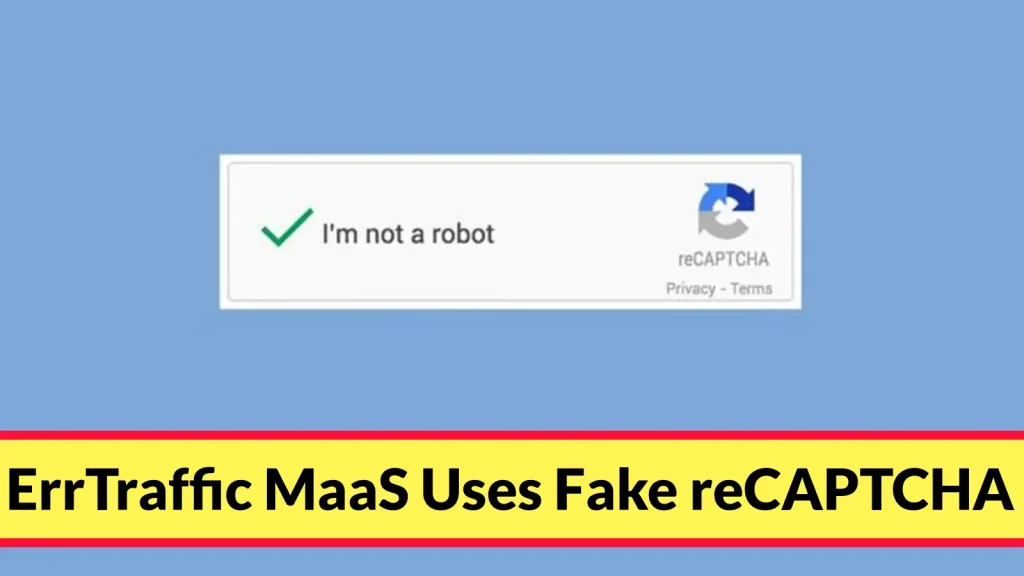
ErrTraffic MaaS Uses Fake reCAPTCHA and Cloudflare Turnstile Lures to Execute PowerShell Commands
A disturbing new trend is emerging in the cybercrime landscape: ErrTraffic, a rapidly expanding Malware-as-a-Service (MaaS) offering, is weaponizing the very security measures designed to protect us. Threat actors are now leveraging sophisticated fake reCAPTCHA and Cloudflare Turnstile interfaces to trick unsuspecting users into executing malicious PowerShell commands directly on their machines. This insidious tactic, first observed in late 2025, represents a significant escalation in social engineering techniques and demands immediate attention from IT professionals and security analysts alike.
ErrTraffic MaaS: A New Frontier in Deceptive Practices
ErrTraffic isn’t just another malware strain; it’s a comprehensive framework designed to commoditize the deployment of various payloads. Its primary innovation lies in its highly convincing, yet entirely fabricated, CAPTCHA and Turnstile challenges. These visual cues, often associated with legitimate website security, lull users into a false sense of security, making them more susceptible to the subsequent malicious actions.
The modus operandi is alarmingly simple yet devastatingly effective. A user navigates to a compromised website, or perhaps clicks a malicious link in a phishing email. They are then presented with a seemingly legitimate “I am not a robot” or “Verifying you are human” prompt, often mimicking the visual aesthetics of reCAPTCHA or Cloudflare Turnstile. Upon clicking or interacting with this fake verification, the system covertly triggers a PowerShell command. This command could range from downloading additional malware, establishing persistent access, exfiltrating data, or even initiating ransomware attacks.
The Technical Deception: How Fake CAPTCHAs Lead to PowerShell Execution
The technical ingenuity behind ErrTraffic lies in its ability to mimic the client-side interaction of legitimate verification services. While a real reCAPTCHA or Turnstile challenge involves complex backend processing and API calls, ErrTraffic’s fake counterparts are simple HTML and JavaScript constructs designed to initiate a malicious payload upon user interaction.
- Client-Side Mimicry: The fake verification screens are meticulously designed to look authentic, often copying the exact styling, fonts, and even functional elements (like a checkbox) of real CAPTCHA systems. This visual fidelity makes it incredibly difficult for an average user to discern the deception.
- Direct PowerShell Command Execution: Instead of performing a security check, a script embedded within the fake verification page or activated upon interaction executes a PowerShell command. This command is often obfuscated or encoded to evade basic detection. PowerShell is a favored tool for attackers due to its powerful scripting capabilities and its native presence on Windows systems, allowing for a wide range of post-exploitation activities without requiring additional tools.
- Leveraging Trust: Users are conditioned to trust these verification interfaces as gatekeepers of security. By exploiting this inherent trust, ErrTraffic bypasses traditional security awareness training that often focuses on suspicious links or attachments.
Understanding the Threat Landscape: Why ErrTraffic is Dangerous
The rise of ErrTraffic MaaS signifies several concerning shifts in the cyber threat landscape:
- Accessibility to Attackers: As a MaaS offering, ErrTraffic lowers the barrier to entry for less sophisticated threat actors, enabling them to launch advanced social engineering attacks without needing extensive technical expertise.
- Subtle Infiltration: The technique relies on deception rather than exploiting software vulnerabilities (though it can be combined with them), making it harder to detect through traditional vulnerability scanning.
- Persistent Threat: PowerShell commands can establish backdoors, download further malware, or even modify system configurations, ensuring persistent access for attackers.
- Widespread Impact: Any website or online service can be targeted by attackers using ErrTraffic, from e-commerce sites to financial institutions, potentially impacting a vast user base.
Remediation Actions and Proactive Defenses
Defending against ErrTraffic requires a multi-layered approach that combines technical controls with robust security awareness training.
- Endpoint Detection and Response (EDR): Implement and actively monitor EDR solutions capable of detecting anomalous PowerShell activity, even when initiated by what appears to be legitimate user interaction. Look for unusual script execution, process tree anomalies, and outbound connections initiated by PowerShell that do not align with baseline behavior.
- Application Whitelisting: Restrict the execution of unauthorized applications and scripts, particularly PowerShell scripts, to only those that are explicitly approved. This can significantly mitigate the impact of malicious PowerShell commands.
- Network Traffic Monitoring (NTM): Monitor network traffic for unusual outbound connections from user workstations, especially those initiated after interaction with suspicious web content.
- Browser Security Extensions: Encourage or enforce the use of reputable browser security extensions that can detect and block malicious scripts or suspicious website elements.
- Intrusion Prevention Systems (IPS): Deploy IPS solutions that can identify and block known malicious IP addresses and command-and-control (C2) infrastructure associated with ErrTraffic or similar threats.
- User Awareness Training: Conduct regular, up-to-date security awareness training that specifically highlights the dangers of deceptive CAPTCHA and Turnstile screens. Educate users on scrutinizing URLs, looking for subtle discrepancies in design, and reporting anything that seems “off.” Emphasize that legitimate CAPTCHAs rarely ask users to download or run files.
- Incident Response Plan: Ensure your organization has a well-defined incident response plan for detecting, containing, and eradicating threats stemming from social engineering and PowerShell exploitation.
Tools for Detection and Mitigation
Leveraging the right tools is crucial for both preventing and responding to ErrTraffic attacks.
| Tool Name | Purpose | Link |
|---|---|---|
| Microsoft Defender for Endpoint | Advanced EDR capabilities, PowerShell script monitoring, behavioral analysis. | https://www.microsoft.com/en-us/security/business/microsoft-defender-for-endpoint |
| PowerShell Script Analyzer (PSScriptAnalyzer) | Static analysis tool to examine PowerShell scripts for potential security issues or obfuscation. | https://github.com/PowerShell/PSScriptAnalyzer |
| Sysmon (System Monitor) | Collects detailed system activity logs, including process creation, network connections, and PowerShell events, for advanced threat hunting. | https://learn.microsoft.com/en-us/sysinternals/downloads/sysmon |
| CrowdStrike Falcon Insight | Comprehensive endpoint protection platform with EDR, threat intelligence, and behavioral analytics. | https://www.crowdstrike.com/products/endpoint-security/falcon-insight-edr/ |
| Web Application Firewall (WAF) | Protects web applications from various attacks, including those attempting to inject malicious scripts into web pages. | (e.g., Cloudflare WAF, Akamai WAF) |
Conclusion
The emergence of ErrTraffic MaaS, exploiting the perceived legitimacy of reCAPTCHA and Cloudflare Turnstile, underscores the evolving sophistication of social engineering attacks. This threat demands a proactive and informed defense strategy. By combining robust technical controls like EDR and application whitelisting with continuous, targeted security awareness training, organizations can significantly reduce their exposure to this rapidly growing cybercrime tool and protect their users from malicious PowerShell execution.




