Tutor LMS Flaw Exposes 100,000+ WordPress Sites to Remote Code Execution
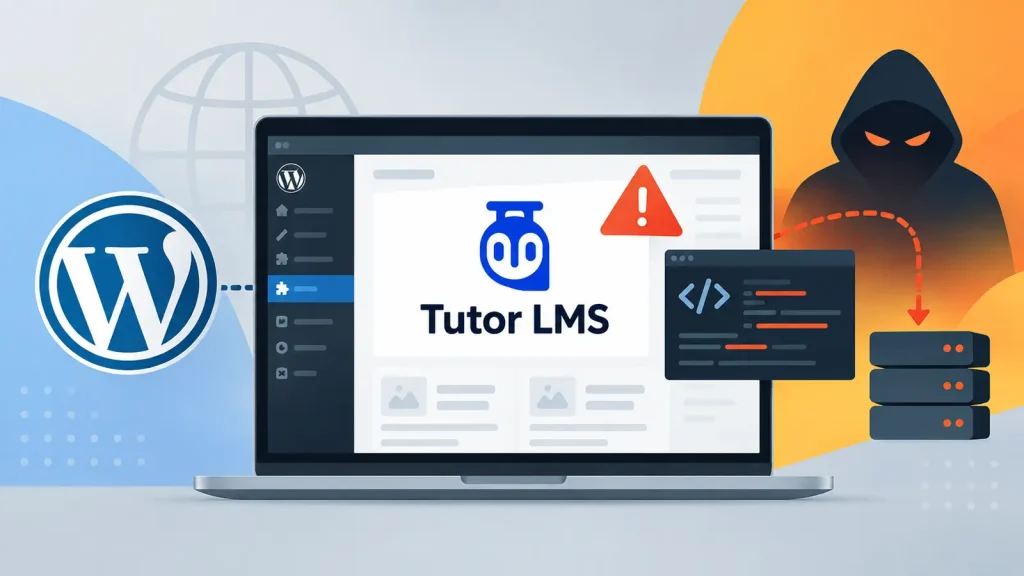
A critical security flaw has been identified in Tutor LMS, a popular e-learning plugin for WordPress, potentially exposing over 100,000 websites to severe cyber threats. This high-severity vulnerability could allow even low-privileged users to gain complete control over an affected server through remote code execution. For organizations and educators relying on Tutor LMS to power their online courses, understanding and mitigating this risk is paramount.
Understanding the Tutor LMS Vulnerability
The disclosed vulnerability, tracked as CVE-2026-78175, carries a CVSS score of 8.8 out of 10, indicating its significant impact. This flaw specifically targets installations of Tutor LMS that permit visitors to register as students, a common configuration for e-learning platforms. The core issue lies in the plugin’s handling of user input, allowing an attacker with limited access to inject malicious code and execute it on the server.
Remote Code Execution (RCE) is one of the most dangerous types of vulnerabilities. It grants attackers the ability to run arbitrary commands on the target system, potentially leading to:
- Complete compromise of the WordPress site and underlying server.
- Data exfiltration, including sensitive student or organizational information.
- Defacement of the website.
- Installation of malware or ransomware.
- Use of the compromised server as a launchpad for further attacks.
Impact on WordPress Sites and E-learning Platforms
With over 100,000 active installations, the reach of this vulnerability is extensive. E-learning platforms, by their nature, often handle sensitive personal data, payment information, and proprietary course content. A successful RCE attack could not only disrupt educational services but also lead to significant reputational damage, legal ramifications, and financial losses for the affected organizations.
The danger is particularly acute for sites where new user registrations are open, as it lowers the bar for an attacker to gain the initial foothold required to exploit the flaw. A low-privileged account, such as a newly registered student, could be all that’s needed to initiate the attack chain and escalate privileges to full server control.
Remediation Actions and Best Practices
Immediate action is crucial for all WordPress sites utilizing the Tutor LMS plugin, especially those allowing student registrations. Follow these steps to secure your platform:
- Update Tutor LMS Immediately: The most critical step is to update your Tutor LMS plugin to the patched version as soon as it becomes available. Always prioritize plugin updates, especially for security patches.
- Restrict User Registrations (If Possible): If your platform doesn’t strictly require open registrations, consider temporarily disabling new student sign-ups until the patch is applied and verified.
- Implement Web Application Firewall (WAF): A robust WAF can provide an additional layer of defense by detecting and blocking malicious requests before they reach your WordPress application.
- Regular Backups: Maintain regular, secure backups of your entire WordPress site and database. In the event of a compromise, this allows for quicker recovery.
- Principle of Least Privilege: Ensure all users, including students and instructors, operate with the minimum necessary privileges.
- Security Audits: Conduct regular security audits of your WordPress installation, themes, and plugins to identify and address potential vulnerabilities proactively.
Tools for Detection and Mitigation
Leveraging appropriate tools can significantly enhance your security posture against vulnerabilities like CVE-2026-78175. Here’s a list of relevant tools:
| Tool Name | Purpose | Link |
|---|---|---|
| Wordfence Security | WordPress security plugin for firewall, malware scanning, and login security. | https://www.wordfence.com/ |
| Sucuri Security | Website security platform offering WAF, malware removal, and integrity monitoring. | https://sucuri.net/ |
| WPScan | WordPress vulnerability scanner for detecting known vulnerabilities in core, plugins, and themes. | https://wpscan.com/ |
| Cloudflare (WAF) | Content Delivery Network (CDN) and Web Application Firewall (WAF) to protect against various web attacks. | https://www.cloudflare.com/ |
Protecting Your E-learning Ecosystem
The discovery of CVE-2026-78175 in Tutor LMS serves as a stark reminder of the continuous need for vigilance in cybersecurity. For platforms hosting educational content and student interactions, the integrity and security of the underlying infrastructure are paramount. Proactive patching, robust security configurations, and continuous monitoring are not merely best practices but essential safeguards against sophisticated threats. Ensure your e-learning environment is secured against such critical vulnerabilities to protect both your data and your users.