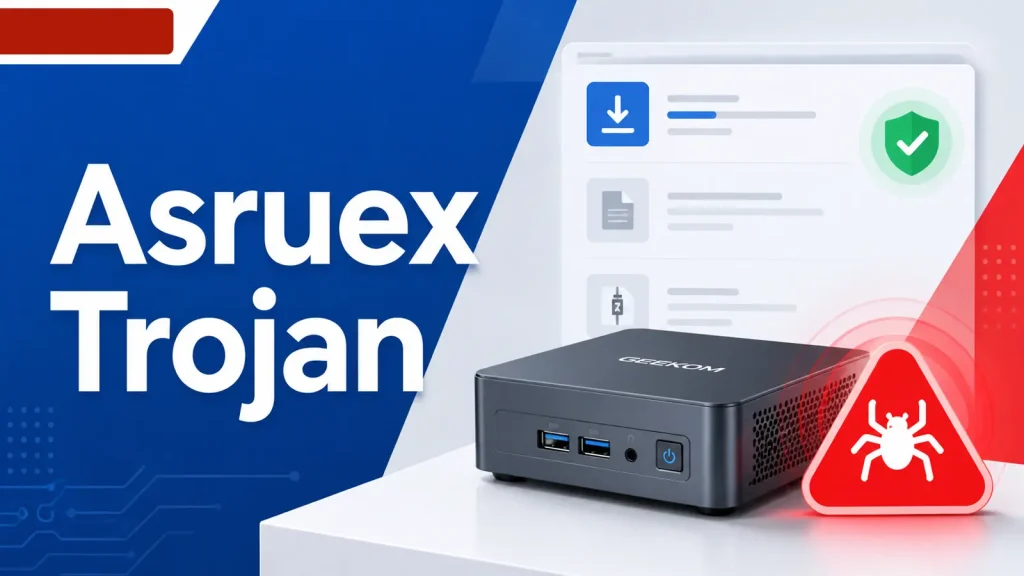
GEEKOM Mini PC Realtek LAN Driver Package Found Infected With Asruex Trojan
GEEKOM Mini PC Realtek LAN Driver Package: A Trojan Horse in Digital Disguise
Network connectivity is the bedrock of modern computing. When a critical component like a LAN driver, essential for getting a machine online, turns malicious, it raises significant concerns across the cybersecurity landscape. Recently, a troubling discovery emerged: a Realtek LAN driver package, hosted on a legacy GEEKOM support page, was found to be infected with the Asruex Trojan. This incident highlights the insidious ways malware can propagate and underscores the continuous need for vigilance in software supply chains.
Understanding the Threat: The Asruex Trojan
The Asruex Trojan is a sophisticated piece of malware known for its persistence and ability to compromise systems deeply. Trojans, by definition, masquerade as legitimate software, tricking users into executing them. Once active, Asruex can:
- Establish a Backdoor: Granting unauthorized remote access to the infected system.
- Steal Sensitive Data: Including credentials, financial information, and personal files.
- Install Additional Malware: Acting as a dropper for other malicious payloads.
- Maintain Persistence: Employing various techniques to survive system reboots and evade detection.
The severity of this threat is compounded by its distribution vector: a seemingly benign network driver. Users downloading such a package would naturally assume its safety, given its origin from a manufacturer’s support site.
The GEEKOM Mini PC Incident: A Closer Look
The compromise specifically involved a downloadable installer for a Realtek LAN driver package. Crucially, the issue was with the software package hosted on a legacy GEEKOM support page, not with hardware leaving the factory. This distinction is vital for understanding the scope of the exposure. It implies that GEEKOM’s manufacturing process itself was not compromised, but rather a digital asset distributed post-production. The Cyber Security News report details this discovery, bringing to light a potential supply chain vulnerability that could affect numerous users seeking driver updates or reinstallations for their GEEKOM Mini PCs.
Implications for Users and Supply Chain Security
This incident serves as a stark reminder of several critical cybersecurity principles:
- Software Supply Chain Risk: Even official sources can be compromised. Organizations must rigorously vet third-party software and maintain secure distribution channels.
- Trust but Verify: Users should exercise caution even when downloading software from reputable vendors.
- Legacy System Vulnerabilities: Older support pages or archived software versions can become forgotten attack vectors if not properly maintained and secured.
The potential impact on individuals who downloaded this specific driver package could range from system instability and data loss to complete compromise of their devices.
Remediation Actions and Best Practices
For users who may have downloaded the affected Realtek LAN driver package for their GEEKOM Mini PC, immediate action is required. Organizations should also review their asset management and software distribution policies.
Immediate Steps:
- Isolate Infected Systems: Disconnect any potentially compromised GEEKOM Mini PC from the network immediately to prevent further spread or data exfiltration.
- Scan with Reputable Antivirus/Anti-Malware: Perform a full system scan using up-to-date security software. Consider multiple scans with different tools for thoroughness.
- Change All Passwords: Especially for accounts accessed from the potentially infected machine.
- Reinstall Operating System: The most secure remediation for a deep-seated Trojan like Asruex is often a clean operating system reinstallation, formatting the drive to ensure complete removal.
- Update Drivers from Official and Secure Sources: Always download drivers directly from the manufacturer’s primary, up-to-date support page. Verify the integrity of downloads using checksums if provided.
Long-Term Recommendations:
- Implement Endpoint Detection and Response (EDR): EDR solutions can provide advanced threat detection and response capabilities, identifying suspicious behavior that traditional antivirus might miss.
- Maintain Robust Backup Strategies: Regularly back up critical data to an isolated location, enabling swift recovery in case of compromise.
- Educate Users: Promote awareness about phishing, suspicious downloads, and the importance of verifying software sources.
- Regularly Audit Download Servers: Vendors like GEEKOM should implement continuous monitoring and regular security audits of all their download servers, including those hosting legacy content.
Detection and Mitigation Tools
Identifying and removing the Asruex Trojan requires robust security tools. The following table lists relevant categories of tools and their purpose:
| Tool Category | Purpose | Examples/Links |
|---|---|---|
| Antivirus/Anti-Malware | Detect and remove known malware, including Trojans. Essential for initial scanning. | Malwarebytes, Kaspersky, Bitdefender |
| Endpoint Detection & Response (EDR) | Advanced threat detection, incident response, and forensic capabilities for endpoints. | CrowdStrike Falcon Insight, Microsoft Defender for Endpoint |
| Network Intrusion Detection/Prevention (NIDS/NIPS) | Monitor network traffic for suspicious activity and block malicious connections. | Snort, Suricata |
| File Integrity Monitoring (FIM) | Detect unauthorized changes to critical system files, often an indicator of compromise. | OSSEC, Tripwire IP360 |
Conclusion
The discovery of the Asruex Trojan within a GEEKOM Mini PC Realtek LAN driver package serves as a critical reminder that cybersecurity threats are multifaceted and constantly evolving. Even trusted sources can inadvertently host malicious software, making diligent security practices paramount. Users and IT professionals must remain vigilant, prioritize secure download practices, and implement comprehensive security measures. Proactive threat intelligence, robust endpoint security, and regular audits of digital distribution channels are essential to safeguard against such compromises in an interconnected world.