
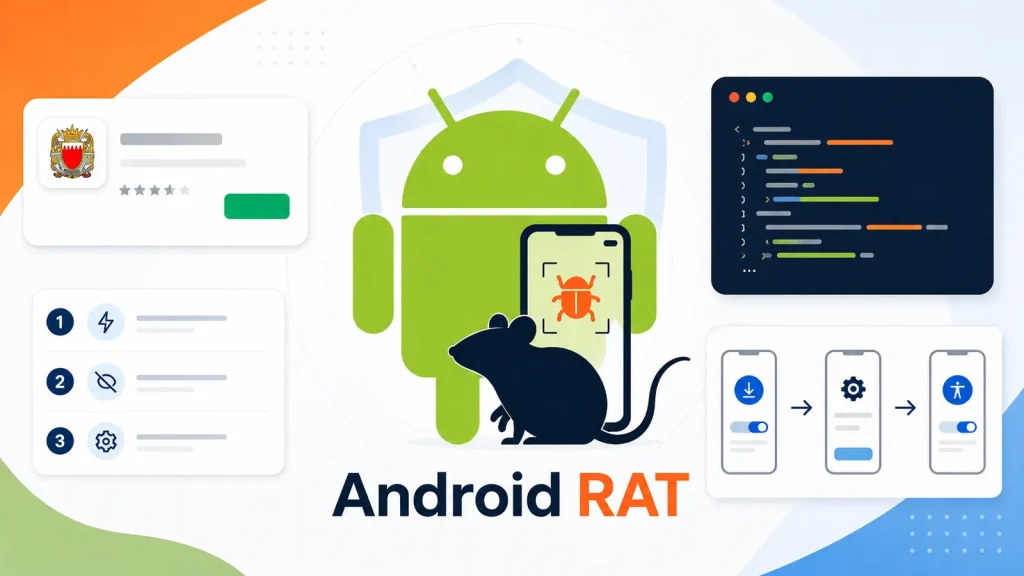
Android RAT Survives Reboots Using Watchdog Services and Boot Receivers
A disturbing new threat has emerged for Android users, masquerading as a critical emergency alert system and demonstrating alarming persistence. This sophisticated remote access Trojan (RAT), dubbed Octagon, highlights the evolving tactics of cybercriminals and the crucial need for robust mobile security. This post delves into how Octagon exploits fundamental Android services to survive reboots, ensuring a long-term foothold on compromised devices.
The Octagon Threat: Disguise and Deception
Octagon capitalizes on public anxiety, presenting itself as Bahrain’s legitimate BH Alert service. This social engineering tactic is particularly effective during times of regional unrest, preying on users’ instinct to stay informed and safe. The malware meticulously guides victims through a seemingly innocuous setup process, subtly coercing them into granting dangerous permissions. These permissions are the keys to the kingdom, allowing Octagon to operate covertly and maintain control.
Persistence through Watchdog Services and Boot Receivers
The true cunning of Octagon lies in its ability to withstand device reboots, a critical feature for any persistent malware. It achieves this by leveraging two core Android mechanisms:
- Boot Receivers: Android’s
BOOT_COMPLETEDbroadcast action is designed to notify applications when the device has finished booting. Legitimate apps use this to initialize services or perform tasks after startup. Octagon exploits this by registering a broadcast receiver that listens for this event. Upon device reboot, when theBOOT_COMPLETEDbroadcast is sent, Octagon’s receiver is triggered, allowing it to restart its malicious services or components automatically. - Watchdog Services: While not explicitly detailed in the provided source, the concept of a “watchdog service” in malware refers to a mechanism that monitors the main malicious process. If the main process is terminated (e.g., by the user force-stopping it or due to system memory management), the watchdog service will detect this and attempt to relaunch it. This creates a self-healing loop, making it incredibly difficult for users to permanently disable the malware without a complete factory reset. This persistence mechanism often involves foreground services, which are less likely to be killed by the Android system due to their user-visible notification, or by scheduling periodic tasks that check the status of the RAT.
Dangerous Permissions and Remote Access Capabilities
Once Octagon establishes persistence and obtains the necessary permissions, it transforms into a fully functional remote access tool. While specific capabilities are not entirely detailed in the source, typical Android RAT functionalities include:
- Data Exfiltration: Accessing and transmitting sensitive information such as contacts, SMS messages, call logs, photos, and even banking credentials.
- Keylogging: Recording keystrokes to capture passwords and other sensitive input.
- Microphone and Camera Access: Covertly recording audio and video from the device.
- SMS Interception: Reading and sending SMS messages, potentially for bypassing two-factor authentication.
- Location Tracking: Monitoring the victim’s physical location.
- Remote Control: Executing commands, installing/uninstalling apps, and manipulating device settings.
Remediation Actions
Protecting against sophisticated Android RATs like Octagon requires a multi-layered approach. Here are actionable steps to enhance your mobile security posture:
- Be Skeptical of Unsolicited Downloads: Always download apps from official sources like the Google Play Store. Avoid sideloading applications from unknown websites or through suspicious links.
- Scrutinize App Permissions: Before installing any app, carefully review the permissions it requests. If an emergency alert app asks for permissions to access your camera, microphone, or SMS, it’s a significant red flag.
- Keep Your Android OS Updated: Regular operating system updates often include security patches that address known vulnerabilities.
- Install a Reputable Mobile Security Solution: Antivirus and anti-malware apps for Android can detect and remove malicious software, including RATs.
- Regularly Review App Usage and Permissions: Periodically check which apps have access to sensitive data and revoke permissions for any app that doesn’t genuinely need them.
- Perform a Factory Reset (Extreme Cases): If you suspect your device is compromised and cannot remove the malware through other means, a factory reset is often the most effective solution. Be sure to back up your important data first.
- Educate Yourself: Stay informed about the latest cybersecurity threats and social engineering tactics. Knowledge is your best defense.
Tools for Detection and Mitigation
While specific tools for Octagon are not detailed, here are general categories of tools helpful in detecting and mitigating Android malware:
| Tool Name | Purpose | Link |
|---|---|---|
| Virustotal | Online service for analyzing suspicious files and URLs to detect malware. | https://www.virustotal.com/ |
| AndroGuard | Static analysis tool for Android applications. Can identify suspicious permissions and code patterns. | https://github.com/androguard/androguard |
| Mobile Security Applications (e.g., Avast Mobile Security, Bitdefender Mobile Security, Malwarebytes Security) | Comprehensive mobile security suites offering real-time protection, malware scanning, and anti-theft features. | (Links vary by provider, search respective app stores) |
| APK Analyzer (Android Studio) | Built-in tool in Android Studio for inspecting the contents of an APK file, including manifest, resources, and DEX files. | https://developer.android.com/studio/build/apk-analyzer |
Conclusion
The Octagon RAT serves as a stark reminder of the persistent and evolving nature of mobile threats. Its use of social engineering combined with sophisticated persistence mechanisms like boot receivers and watchdog services underscores the need for constant vigilance. By understanding these attack vectors and implementing robust security practices, users can significantly reduce their risk of falling victim to such insidious malware. Always verify app sources, be cautious with permissions, and maintain up-to-date security measures on your Android devices.




