
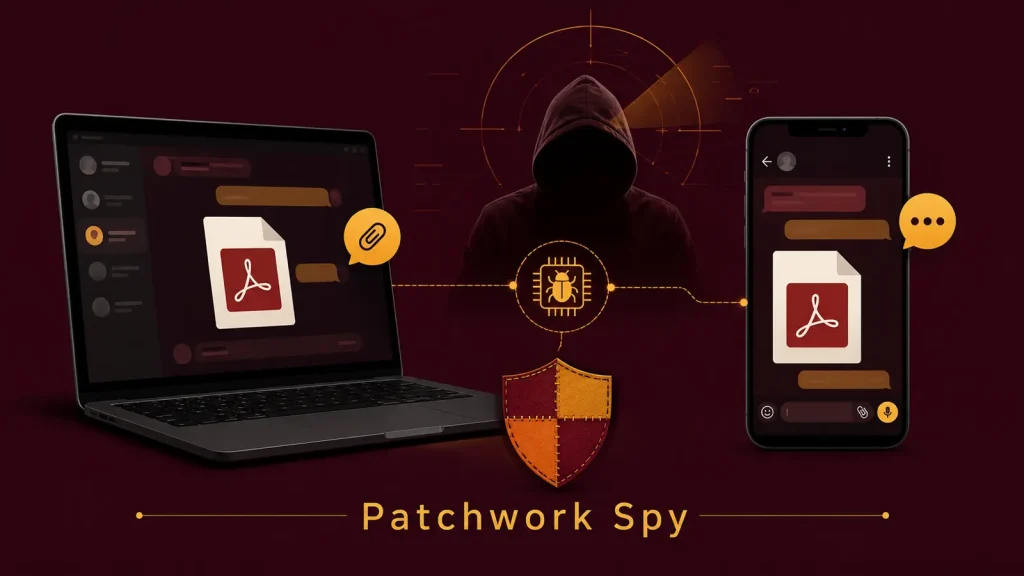
Fake PDFs and Chat Apps Let Patchwork Spy on PCs and Android Phones
Unmasking Patchwork: How Fake PDFs and Chat Apps Become Digital Spies
In the complex landscape of cyber espionage, advanced persistent threats (APTs) continually refine their tactics. One such group, known as Patchwork (or Dropping Elephant), has resurfaced with sophisticated campaigns employing seemingly innocuous fake PDFs and chat applications to compromise both Windows systems and Android mobile devices. This long-running espionage operation highlights the persistent danger of social engineering combined with multi-platform attack vectors, targeting individuals and organizations with precision.
The Dual-Platform Attack Vector: Windows Under Siege
Patchwork’s strategy involves distinct yet equally insidious attack paths tailored for different operating systems. For Windows users, the initial compromise often begins with a meticulously crafted shortcut file. This file, disguised as something benign, is the critical first step in their infiltration.
Once activated, this shortcut initiates a multi-stage infection chain. While the full specifics of the payload delivery mechanism for Windows are proprietary to threat intelligence, it’s clear that the objective is to establish a persistent backdoor, enabling reconnaissance and data exfiltration. The group’s ability to evolve its Windows-based TTPs (Tactics, Techniques, and Procedures) demonstrates a continuous effort to bypass traditional security measures.
Android Devices: Chat Apps as Covert Operatives
Mobile devices are not immune to Patchwork’s surveillance ambitions. The group leverages fake chat applications, exploiting the trust users place in communication tools. These malicious apps are designed to mimic legitimate messaging platforms, deceiving users into downloading and installing them. Once installed, these rogue applications grant Patchwork extensive access to sensitive information stored on the Android device.
The functionality of these malicious chat apps can range from collecting call logs, SMS messages, and contact lists to recording audio and tracking location data. This level of access transforms a personal communication device into a potent surveillance tool, enabling comprehensive monitoring of the target’s activities. The specific vulnerabilities exploited in Android applications are often zero-days or recently discovered flaws, though the primary vector remains user deception rather than complex technical exploits like CVE-2021-0697 (a past Android vulnerability, not directly linked to Patchwork’s current activities but illustrative of Android’s potential exploit surface).
Patchwork’s Modus Operandi: Espionage and Data Exfiltration
The overarching goal of Patchwork’s campaigns is espionage. By compromising both desktops and mobile devices, the group establishes a comprehensive surveillance network. The collected sensitive information can include:
- Confidential documents and files
- Login credentials and authentication tokens
- Communication records (emails, chat messages, call logs)
- Geolocation data
- Device information and network configurations
This data is invaluable for state-sponsored or financially motivated espionage, providing insights into the target’s personal and professional life. The persistence and adaptability of Patchwork underscore the need for a layered security approach.
Remediation Actions: Fortifying Your Digital Defenses
Protecting against sophisticated threats like Patchwork requires a combination of robust technical controls and vigilant user behavior. Here are actionable steps to enhance your security posture:
- Exercise Extreme Caution with Attachments: Never open email attachments or click on links from unknown or suspicious senders, even if they appear to be legitimate PDFs or documents. Verify the sender’s identity through an alternative communication channel.
- Verify Application Sources: For Android devices, download applications exclusively from official app stores (Google Play Store). Avoid third-party app stores or direct downloads from unverified links. Always check app permissions before installation.
- Keep Systems Updated: Regularly update your operating systems (Windows, Android), applications, and security software. Patches often address critical vulnerabilities that attackers exploit, such as those covered by recent CVEs like CVE-2023-21715 (a recent Windows security bypass vulnerability).
- Implement Endpoint Detection and Response (EDR): EDR solutions provide advanced threat detection, monitoring endpoint activities for suspicious behavior and providing real-time incident response capabilities.
- Utilize Mobile Device Management (MDM): For organizations, MDM solutions help enforce security policies, manage app installations, and monitor the security posture of corporate-owned and BYOD (Bring Your Own Device) Android devices.
- Educate Users: Conduct regular cybersecurity awareness training to educate employees about social engineering tactics, phishing attempts, and the dangers of sideloading applications.
- Employ Strong Authentication: Implement multi-factor authentication (MFA) wherever possible to add an extra layer of security, even if credentials are compromised.
Tools for Detection and Mitigation
Leveraging the right tools is crucial in the fight against advanced threats. Here’s a selection of categories and examples:
| Tool Category | Purpose | Examples / Link Type |
|---|---|---|
| Antivirus/Endpoint Protection (EPP) | Detects and removes known malware, including trojans and spyware. | Commercial EPP solutions (e.g., CrowdStrike, SentinelOne) |
| Endpoint Detection & Response (EDR) | Monitors endpoint activities for suspicious behavior, aids in incident response. | Commercial EDR solutions (e.g., Microsoft Defender for Endpoint) |
| Mobile Threat Defense (MTD) | Protects Android and iOS devices from malware, phishing, and network attacks. | Commercial MTD solutions (e.g., Zimperium, Check Point Harmony Mobile) |
| Network Intrusion Detection/Prevention (NIDS/NIPS) | Monitors network traffic for malicious activity and known attack signatures. | Open-source: Suricata, Snort |
| Vulnerability Management Solutions | Identifies and prioritizes security vulnerabilities in systems and applications. | Commercial vulnerability scanners (e.g., Tenable, Qualys) |
Conclusion
Patchwork’s continued use of fake documents and chat applications to conduct espionage on both PCs and Android phones underscores the pervasive nature of modern cyber threats. Their dual-platform approach and reliance on social engineering highlight the need for comprehensive security strategies that encompass user education, robust technical controls, and proactive threat intelligence. Staying informed about the evolving tactics of groups like Patchwork is paramount for individuals and organizations seeking to safeguard their digital assets.




