
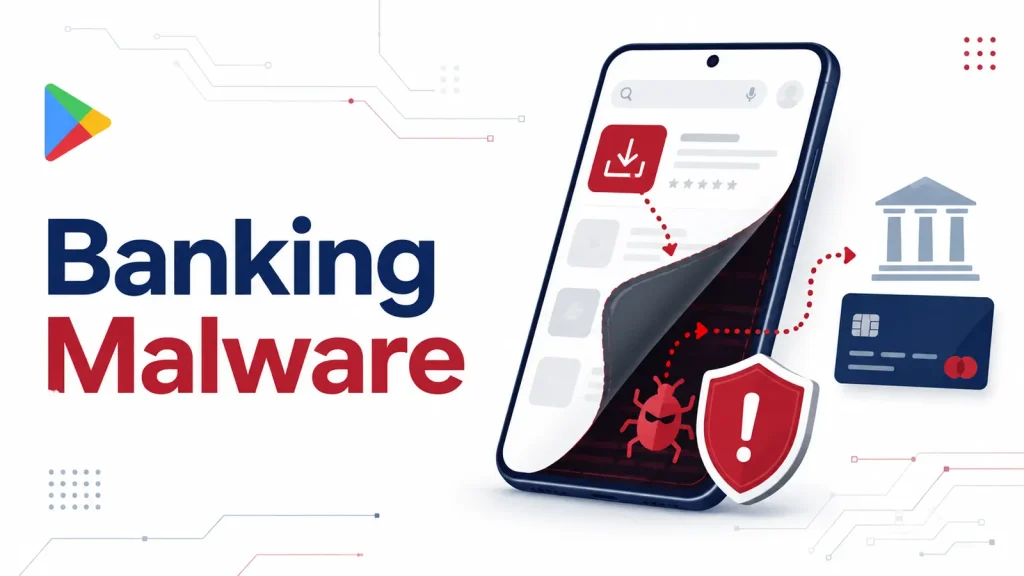
Google Play Apps Use Stealth Loaders to Deliver Anatsa Banking Malware
Stealthy Threats: Unpacking Anatsa Banking Malware’s Google Play Infiltration
The digital landscape consistently reminds us that even seemingly innocuous sources can harbor significant threats. Android users, particularly, face a renewed caution as researchers uncover a sophisticated campaign leveraging seemingly legitimate Google Play applications to deliver the insidious Anatsa banking Trojan. This isn’t a simple case of a malicious app disguising itself; instead, we’re witnessing the deployment of stealth loaders designed to meticulously prepare the ground for financial fraud, putting sensitive account access at severe risk.
The Anatsa Threat: A Deeper Dive into Banking Malware
Anatsa is not a new player in the realm of Android banking malware, but its persistent evolution and sophisticated delivery mechanisms underscore its danger. This Trojan is specifically engineered to steal financial credentials, often through overlay attacks where it mimics legitimate banking application login screens. Once successful, Anatsa can intercept SMS messages, bypass multi-factor authentication, and even initiate unauthorized transactions, giving attackers direct control over victims’ bank accounts. The current campaign’s use of “stealth loaders” marks a significant escalation in its delivery tactics, making detection more challenging for both users and automated security systems.
Stealth Loaders: The Trojan Horse on Google Play
The core of this new attack vector lies in the deployment of stealth loaders. Unlike overt malicious applications that might immediately trigger suspicion, these loaders appear benign and often offer legitimate, albeit basic, functionality. Their true purpose is concealed: to act as a preliminary stage for the eventual download and execution of the Anatsa banking Trojan. This multi-stage approach serves several critical functions:
- Evasion of Google Play Protections: By initially presenting a clean application, the loaders can bypass automated vetting processes designed to identify overtly malicious code.
- Delayed Payload Delivery: The actual Anatsa payload is downloaded and installed only after the initial loader has established a foothold, often days or even weeks after the user installs the app. This delay makes attribution harder and reduces immediate suspicion.
- Targeted Attacks: Loaders can be programmed to assess the device environment or user location before deploying the final payload, potentially targeting specific regions or user profiles for maximum impact.
This method highlights a persistent challenge in app store security: the difficulty in detecting threats that don’t reveal their true nature until much later in their lifecycle.
Anatsa’s Modus Operandi and Impact
Once the Anatsa banking Trojan is successfully loaded onto a device, its capabilities are extensive and alarming. Key functionalities include:
- Overlay Attacks: Creating fake login screens that appear identical to legitimate banking or financial applications to trick users into entering their credentials.
- SMS Interception: Gaining access to incoming SMS messages, crucial for intercepting one-time passwords (OTPs) and multi-factor authentication (MFA) codes.
- Remote Control: In some variants, attackers can gain remote control over the infected device, allowing them to perform actions directly, such as initiating transactions or changing settings.
- Keylogging: Recording keystrokes to capture sensitive information typed by the user.
The financial impact on victims can be devastating, ranging from depletion of bank accounts to unauthorized credit card usage. Beyond direct financial loss, victims may also suffer from identity theft and long-term financial insecurity.
Remediation Actions and Proactive Defense
Protecting against sophisticated threats like Anatsa requires a multi-layered approach encompassing user vigilance and robust security practices. Here are actionable steps for users and organizations:
- Scrutinize App Permissions: Always review the permissions requested by any application before installation. Be wary of apps requesting excessive or irrelevant permissions (e.g., a flashlight app requesting SMS access).
- Maintain Updated Software: Ensure your Android operating system and all applications are kept up-to-date. Security patches often address vulnerabilities that malware exploits.
- Utilize Reputable Antivirus/Anti-Malware: Install and regularly update a reputable mobile security solution on your Android device. These tools can often detect and block known malware, including Anatsa variants.
- Enable Multi-Factor Authentication (MFA): Where available, enable MFA on all your financial accounts. While Anatsa can intercept SMS-based MFA, app-based or hardware token MFA provides stronger protection.
- Download from Trusted Sources: Prioritize downloading apps only from the official Google Play Store. Even then, exercise caution as this campaign demonstrates, but avoid third-party app stores which often have weaker security vetting.
- Monitor Financial Statements: Regularly check your bank and credit card statements for any suspicious or unauthorized transactions. Report discrepancies immediately.
- Be Skeptical of UI Changes: If your banking app’s login screen suddenly looks different or behaves unexpectedly, close the app and access your bank’s official website via a browser to verify its legitimacy.
There are no specific CVEs directly linked to the Anatsa malware family itself, as it represents a broader category of banking Trojans. However, the vulnerabilities it exploits often involve Android’s permission model or social engineering tactics. For broader Android security advisories, users can consult the CVE database for recent Android OS vulnerabilities (placeholder for specific CVE, as the article does not provide one).
Detection and Mitigation Tools
For organizations and security professionals, deploying appropriate tools is crucial for detecting and mitigating such threats.
| Tool Name | Purpose | Link |
|---|---|---|
| Google Play Protect | On-device security service for Android, scans apps for malware. | Integrated into Android devices |
| Mobile Threat Defense (MTD) Solutions | Enterprise-grade security for mobile devices, offering advanced threat detection and remediation. | Varies by vendor (e.g., Lookout, Zimperium, Check Point) |
| VirusTotal | Online service that analyzes suspicious files and URLs to detect types of malware. | https://www.virustotal.com/ |
| Android Debug Bridge (ADB) | Developer tool for interacting with Android devices, useful for analyzing app behavior in a controlled environment. | https://developer.android.com/tools/adb |
Conclusion
The discovery of stealth loaders delivering the Anatsa banking Trojan via Google Play apps serves as a stark reminder of the persistent and evolving nature of mobile malware. Attackers are increasingly employing sophisticated, multi-stage delivery methods to bypass traditional security measures, emphasizing the need for continuous vigilance and proactive security hygiene. By understanding these new tactics and implementing recommended remediation actions, users and organizations can significantly strengthen their defenses against financial fraud and protect their sensitive information.




