
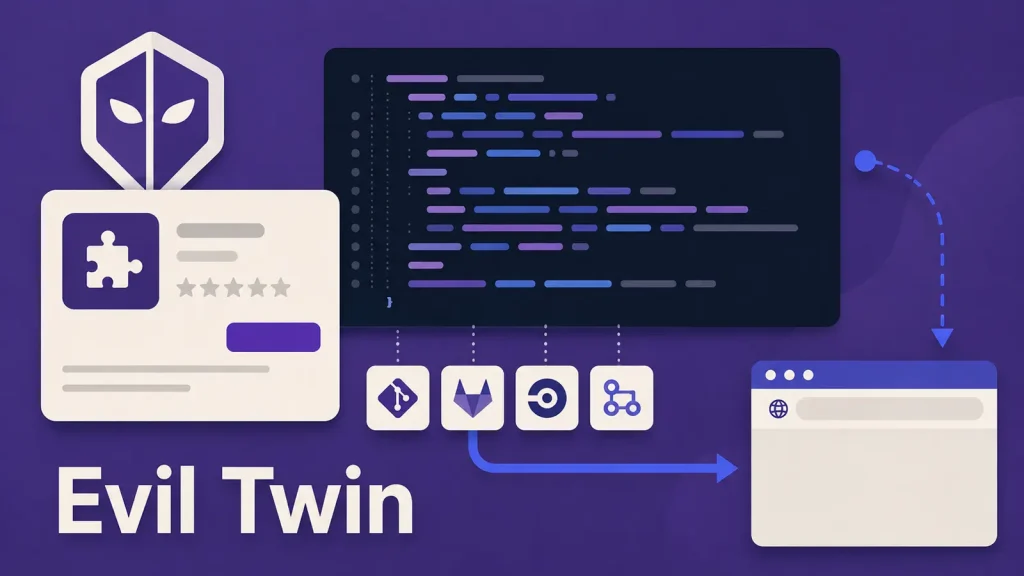
77 Evil Twin Open VSX Extensions Exfiltrate Private Git Repository and CI Data
The integrity of our development tools is paramount. When those very tools, designed to streamline workflows and foster innovation, turn into vectors for data exfiltration, the implications for businesses and individuals can be severe. A recent discovery has unveiled a sophisticated campaign involving 77 malicious Open VSX extensions, cunningly crafted as “evil twins” of legitimate packages. This operation was designed to harvest sensitive private Git repository and CI data, highlighting a critical vulnerability in the developer supply chain.
This incident underscores how easily trusted development environments can be compromised, leading to the unauthorized collection of proprietary information. Understanding the mechanisms of such attacks and implementing robust protective measures is no longer optional but essential for every organization leveraging VS Code-compatible environments.
The Anatomy of an Evil Twin Attack
The campaign, observed between July 26 and August 1, 2026, employed a classic “evil twin” strategy. Malicious actors duplicated the names, namespaces, and descriptions of 77 popular and legitimate Open VSX extensions. These counterfeit packages were then distributed, luring developers into downloading and installing them under the false pretense of enhanced functionality or familiar tools.
Upon installation, these rogue extensions initiated contact with a newly registered domain. While most packages initially exfiltrated only basic device details, this establishes a persistent communication channel. The primary objective, as revealed by analysis, was the exfiltration of sensitive information, specifically targeting private Git repository and continuous integration (CI) data. This type of data can include proprietary source code, API keys, authentication tokens, deployment scripts, and other critical intellectual property, making its unauthorized access extremely damaging.
Understanding Open VSX and Supply Chain Risks
Open VSX is an open-source registry for VS Code extensions, serving as an alternative to Microsoft’s Visual Studio Code Marketplace. Its open nature, while fostering community contributions, also presents a unique attack surface. The ease with which extensions can be published and the trust developers place in these tools create fertile ground for supply chain attacks.
A supply chain attack, in this context, involves compromising a legitimate software component (or mimicking one) to distribute malware or gain unauthorized access to systems. Developers often install numerous extensions to enhance productivity, sometimes without thoroughly vetting their origin or potential risks. This blind trust is precisely what threat actors exploit. The exfiltration of private Git repository and CI data represents a severe breach, potentially compromising entire development pipelines and intellectual property.
Indicators of Compromise (IoCs) and Detection
While specific IoCs like domain names were not fully disclosed in the initial report, the methodology provides key indicators for detection:
- Unusual Network Traffic: Look for outbound connections from developer machines to newly registered or suspicious domains, especially from processes associated with VS Code or its extensions.
- Duplicate Extension Names: Be wary of extensions with identical names or descriptions to existing popular ones, particularly if they appear to be published by unknown or untrusted entities.
- Unexpected Permissions: Extensions often request specific permissions. Be suspicious of extensions requesting broad access to file systems, network communication, or sensitive configuration files beyond their stated functionality.
- Unexpected File Modifications: Monitor for unauthorized modifications to Git configurations, CI/CD pipeline scripts, or sensitive credential files.
Remediation Actions and Best Practices
Mitigating the risk of such “evil twin” attacks requires a multi-layered approach:
- Verify Extension Authenticity: Always verify the publisher and repository of an extension before installation. Prioritize extensions from official sources or well-known, reputable developers. Check for publisher verification badges where available.
- Principle of Least Privilege: Limit the permissions granted to extensions wherever possible. Regularly review the permissions requested by installed extensions.
- Network Monitoring: Implement robust network monitoring to detect suspicious outbound connections from development environments. Utilize Security Information and Event Management (SIEM) systems to correlate network logs with other security events.
- Static and Dynamic Analysis: For critical environments, consider static and dynamic analysis of extensions before deployment. Tools can help identify malicious code patterns or suspicious behaviors.
- Regular Audits: Periodically audit installed extensions across your development teams. Remove any extensions that are no longer needed or appear suspicious.
- Secure Git Configuration: Implement strong authentication for Git repositories (e.g., SSH keys with passphrases, multi-factor authentication). Avoid hardcoding credentials directly in configuration files.
- CI/CD Security: Secure your CI/CD pipelines by regularly rotating secrets and credentials. Use dedicated service accounts with minimal necessary permissions. Implement security scanning as part of your CI/CD pipeline.
- Employee Awareness Training: Educate developers on the risks associated with installing unverified extensions and the importance of supply chain security.
- Isolate Development Environments: Where feasible, isolate development environments from critical production systems to limit the blast radius of a potential compromise.
Tools for Detection and Mitigation
| Tool Name | Purpose | Link |
|---|---|---|
| SonarQube | Static code analysis for security vulnerabilities in extensions and projects. | https://www.sonarqube.org/ |
| OWASP Dependency-Check | Identifies known vulnerabilities in project dependencies, including those brought in by extensions. | https://owasp.org/www-project-dependency-check/ |
| Wireshark | Network protocol analyzer for detecting unusual network traffic patterns from development machines. | https://www.wireshark.org/ |
| Maltrail | Malicious traffic detection system. | https://github.com/stamparm/maltrail |
| VS Code Marketplace / Open VSX | Official sources for extensions, use with caution and verify publishers. | https://marketplace.visualstudio.com/ https://open-vsx.org/ |
Conclusion
The discovery of 77 malicious Open VSX extensions serving as “evil twins” is a stark reminder of the persistent and evolving threats targeting developer ecosystems. The exfiltration of private Git repository and CI data poses a significant risk to intellectual property and operational security. Organizations must prioritize robust security measures, including diligent verification of extensions, continuous network monitoring, and comprehensive developer training. Remaining vigilant and proactive in securing development supply chains is crucial for safeguarding sensitive data and maintaining the integrity of software development processes.




