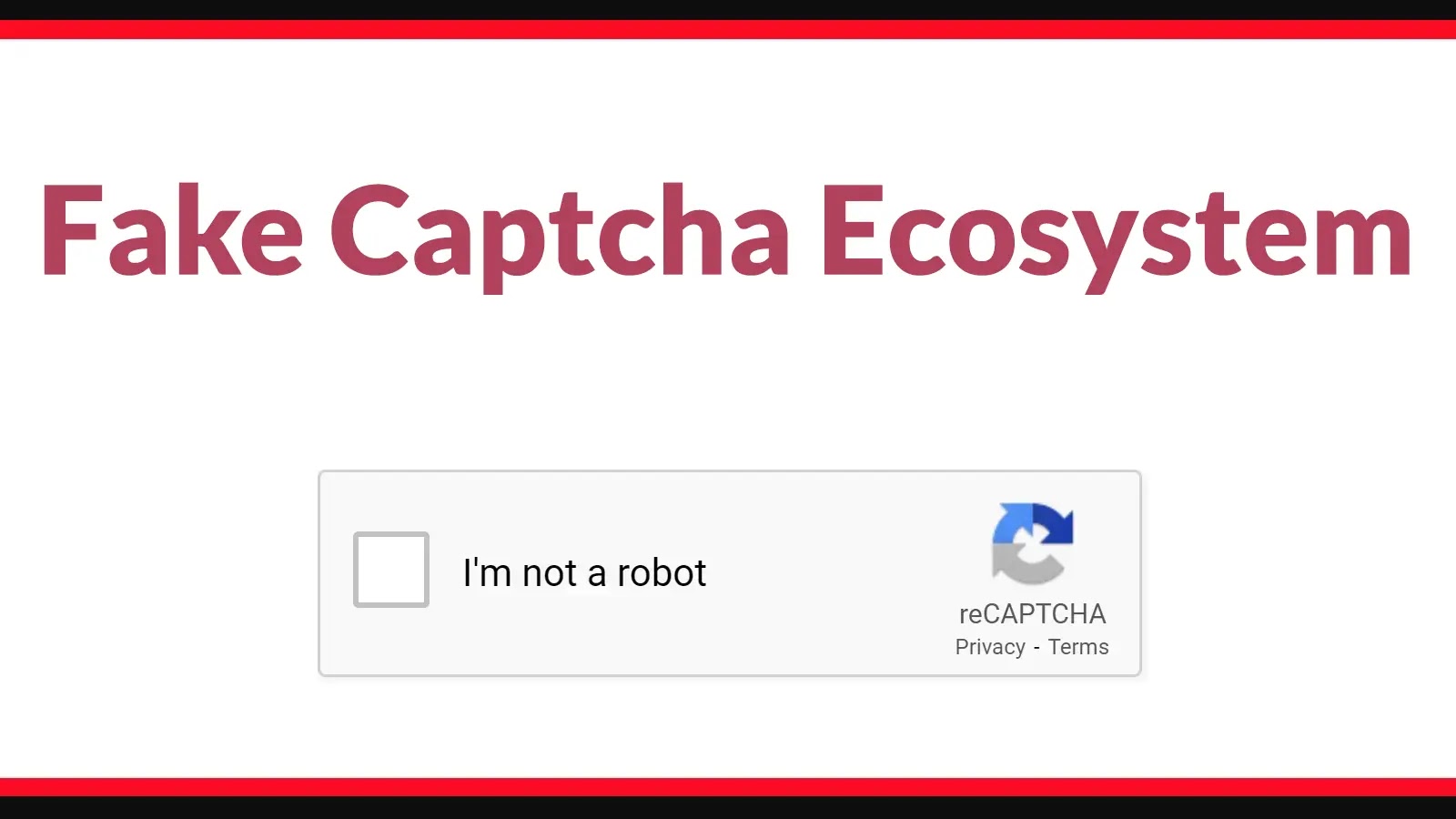
Fake Captcha Ecosystem Exploits Trusted Web Infrastructure to Deliver Malware
The web is a vast, interconnected space, and with its convenience comes the constant need for verification. We encounter CAPTCHAs and security checks daily, a necessary gatekeeper against bots and automated attacks. But what happens when these very mechanisms, designed to protect us, are weaponized? A disturbing trend has emerged: a “fake CAPTCHA ecosystem” that expertly mimics trusted web infrastructure to deliver dangerous malware.
This evolving threat leverages our familiarity and trust in these verification processes, turning what should be a safeguard into a deceptive entry point for malicious software. As cybersecurity professionals, understanding and mitigating this sophisticated attack vector is paramount.
The Deceptive Nature of Fake CAPTCHAs
At its core, the fake CAPTCHA ecosystem thrives on deception. Threat actors meticulously craft imitation verification pages that are almost indistinguishable from legitimate security checks. These aren’t crude phishing attempts; they are polished, highly convincing replicas designed to fool even discerning users. The goal is simple: trick users into believing they are completing a standard security protocol when, in reality, they are initiating a malware download or execution.
This technique exploits cognitive biases and user habits. Most internet users are conditioned to complete CAPTCHAs without much thought, viewing them as a routine step in accessing content. This automatic compliance makes them vulnerable to sophisticated imitations that leverage trusted branding and visual cues.
Exploiting Trusted Web Infrastructure
The effectiveness of this fake CAPTCHA ecosystem stems from its ability to exploit trusted web infrastructure. This means attackers aren’t just sending malicious links; they are often embedding these fake verification pages within seemingly legitimate browsing experiences or hijacking well-known websites through various compromise techniques. When users encounter a fake CAPTCHA on a domain they trust, their guard is naturally lowered.
This could involve:
- Compromised websites hosting these fake verification steps.
- Malicious advertisements redirecting users to these deceptive pages.
- Browser extensions or plug-ins secretly injecting these fake CAPTCHAs.
- Social engineering tactics guiding users to specific URLs that house these traps.
The attackers exploit the inherent trust users place in the web’s visual language, turning ubiquitous security elements into vectors for malware delivery.
Malware Delivery Mechanisms
Once a user falls for the fake CAPTCHA, the payload delivery mechanisms can vary. Common outcomes include:
- Drive-by Downloads: The “verification” process secretly initiates the download of malicious executable files, often disguised as legitimate software updates or plugins.
- Browser Hijacking: Installation of unwanted browser extensions or toolbars that alter browsing behavior, redirect traffic, or display intrusive advertisements.
- Credential Theft: Although less common with pure fake CAPTCHAs (which typically lead to downloads), some variations might prompt for login details after “verification,” facilitating CVE-2023-38829 related phishing attacks.
- Ransomware or Spyware: The downloaded software could be a dropper for more severe threats like ransomware, keyloggers, or other forms of spyware designed to exfiltrate sensitive data.
The specific type of malware delivered often depends on the attacker’s objectives, ranging from financial gain through ad revenues to sophisticated nation-state espionage.
Remediation Actions for Individuals and Organizations
Addressing the threat posed by fake CAPTCHAs requires a multi-layered approach, combining user education with robust technical controls.
For Individuals:
- Exercise Prudence: Always scrutinize CAPTCHA requests. If a CAPTCHA appears unusual, out of context, or demands excessive permissions (e.g., to download a file), be suspicious.
- Verify URLs: Before interacting with any prompt, check the URL in the address bar. Look for legitimate domain names and HTTPS encryption.
- Use Ad Blockers and Script Blockers: Tools that block malicious advertisements and control script execution can prevent some of these deceptive pages from loading or functioning.
- Keep Software Updated: Ensure your operating system, browser, and all applications are kept up-to-date to patch known vulnerabilities that attackers might exploit.
- Antivirus/Anti-Malware: Maintain a reputable antivirus solution with real-time protection enabled.
For Organizations:
- Employee Training: Conduct regular cybersecurity awareness training, specifically highlighting the tactics used in fake CAPTCHA and social engineering attacks. Emphasize the dangers of unsolicited downloads.
- Network Security Controls: Implement robust firewalls, intrusion detection/prevention systems (IDS/IPS), and web content filtering to block access to known malicious sites.
- Email Security: Deploy advanced email filtering solutions to detect and quarantine phishing attempts that could lead to these fake CAPTCHA pages.
- Endpoint Detection and Response (EDR): Utilize EDR solutions to monitor endpoints for suspicious activity, detect malware execution, and provide rapid response capabilities.
- Least Privilege Principle: Enforce the principle of least privilege for users and applications to limit the potential damage if a system is compromised.
- Patch Management: Maintain a rigorous patch management program for all systems and software to minimize vulnerability windows.
Tools for Detection and Mitigation
While no single tool offers a complete panacea, a combination of technologies can significantly bolster an organization’s defense against this evolving threat.
| Tool Name | Purpose | Link |
|---|---|---|
| Web Application Firewalls (WAFs) | Protect web applications from common web-based attacks, including those used to inject malicious content. | OWASP ModSecurity Core Rule Set |
| DNS Filtering Solutions | Block access to known malicious domains and C2 servers associated with malware distribution. | Google Public DNS (for basic blocking) / Enterprise Solutions |
| Reputable Antivirus/Endpoint Protection (EPP/EDR) | Detect and prevent malware execution, offering real-time protection against known and some zero-day threats. | Gartner Peer Insights for EPP |
| Browser Security Extensions | Enhance browser security by blocking ads, scripts, and tracking, reducing exposure to malicious elements. | uBlock Origin |
| Threat Intelligence Platforms | Provide up-to-date information on emerging threats, including indicators of compromise (IOCs) related to fake CAPTCHA campaigns. | Recorded Future |
Conclusion
The fake CAPTCHA ecosystem represents a sophisticated evolution in web-based malware delivery. By masquerading as legitimate security checks, these campaigns exploit our trust in commonplace web infrastructure, making them particularly dangerous. As cybersecurity professionals, our focus must be on continuous user education, robust security controls, and vigilant monitoring. Understanding the deceptive tactics involved and implementing layered defenses are crucial steps in protecting both individual users and organizational assets from this cunning threat.