
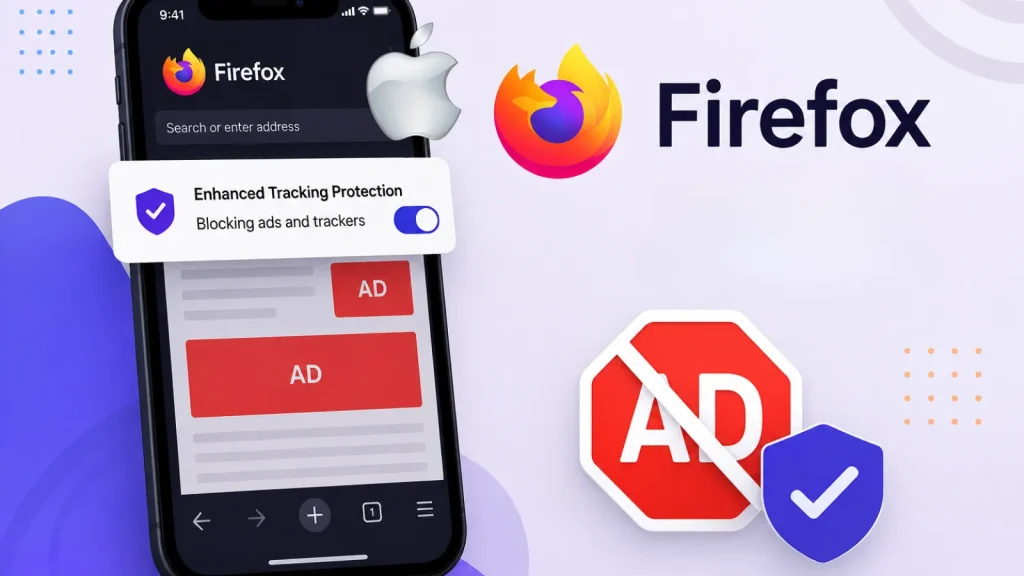
Firefox on iPhone Can Now Block Ads and Trackers Without Installing an Extension
Enhanced Privacy for iPhone Users: Firefox Blocks Ads Natively
In an increasingly interconnected digital landscape, online privacy and user experience are paramount. Intrusive advertisements and persistent trackers can not only degrade browsing speed but also compromise personal data. For iPhone users, the pursuit of a cleaner, more secure web experience often involves navigating complex extension installations. However, Mozilla has recently rolled out a significant update for Firefox on iOS, fundamentally changing how users can combat unwanted digital intrusions. This new built-in ad blocker eliminates the need for separate extensions, offering a streamlined path to a more private and efficient browsing journey on your iPhone.
The Power of Built-In Ad Blocking
Mozilla’s latest enhancement for Firefox on iOS introduces a robust, native ad-blocking capability. This means iPhone users can now significantly reduce the presence of third-party advertisements and ad-related trackers without the hassle of downloading and configuring additional browser extensions. This integration simplifies the process for users seeking a less cluttered and more private online experience.
Combatting Digital Clutter and Performance Degradation
The primary motivation behind this new feature is to address common pain points for mobile web users. Visual clutter from pop-ups, intrusive overlays, and resource-intensive third-party advertising scripts are notorious for slowing down page load times and interrupting the user’s flow, especially when reading articles or consuming content. By blocking these elements directly within the browser, Firefox aims to deliver a smoother, faster, and more focused browsing experience on iOS devices. This proactive approach helps users reclaim control over their digital environment.
Beyond Ad Removal: Enhanced Privacy and Security
While the immediate benefit is a reduction in visible ads, the true power of this built-in blocker extends to privacy and security. Many third-party ad scripts are designed not just to display advertisements but also to track user behavior across websites. This data collection can be extensive, creating detailed profiles that are often used for targeted advertising and, in some cases, can be vulnerable to breaches. By blocking these ad-related trackers, Firefox on iPhone helps to mitigate cross-site tracking, thereby enhancing user privacy and reducing exposure to potential data exploitation. This move aligns with Mozilla’s long-standing commitment to user privacy and open web principles.
Simplified User Experience: No Extensions Needed
One of the most significant advantages of this new feature is its native integration. Unlike other browsers that might require users to find, evaluate, and install separate content blockers or ad-blocking extensions from an app store, Firefox on iOS now provides this functionality out-of-the-box. This streamlines the user experience, making privacy-enhancing features more accessible to a broader audience without the technical overhead often associated with managing browser add-ons. Users can simply enable the feature within Firefox settings and immediately benefit from a cleaner web.
Key Takeaways for iPhone Users
- Native Ad Blocking: Firefox for iOS now includes a built-in mechanism to block third-party ads and trackers, removing the need for external extensions.
- Improved Performance: Expect faster page load times and a smoother browsing experience by eliminating resource-intensive ad scripts.
- Enhanced Privacy: Reduced exposure to ad-related trackers helps mitigate cross-site tracking and protects user data.
- Simplified Setup: Enable ad blocking directly within the Firefox app settings, making privacy features more accessible.
- Cleaner Interface: Enjoy a less cluttered web, free from pop-ups and intrusive overlays, allowing for a more focused content consumption.




