
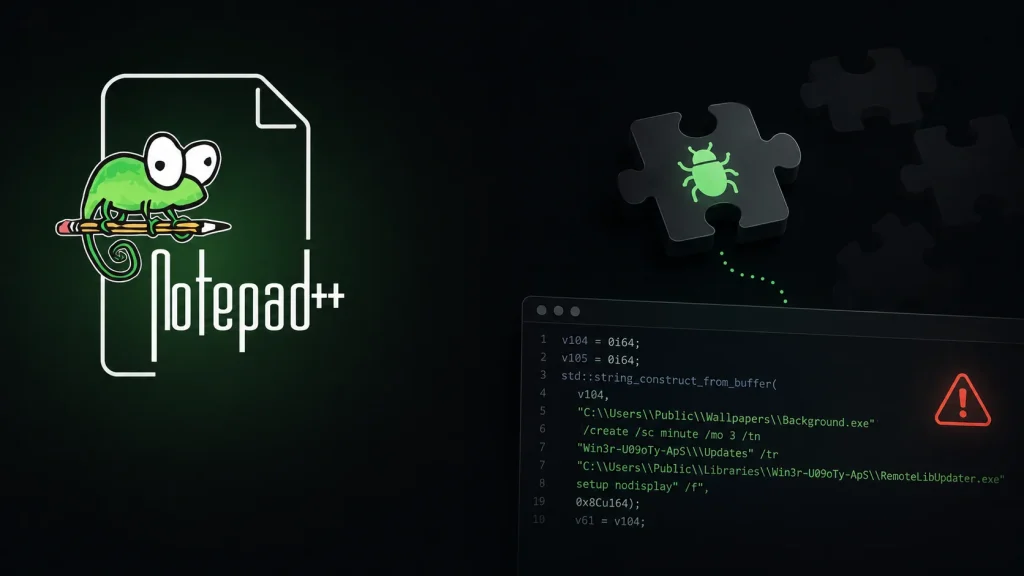
Hackers Abuse Notepad++ Plugins to Compromise Your System Silently
The digital landscape is a constant battlefield, and threat actors are perpetually refining their strategies. A recent and particularly insidious campaign has emerged, demonstrating an alarming evolution in tactics: hackers are now abusing legitimate Notepad++ plugins to silently compromise systems. This subtle approach, uncovered by Ukraine’s CERT-UA, represents a significant shift, allowing adversaries to embed malicious code deep within trusted software, often going unnoticed until significant damage is done.
UAC-0099’s Shifting Tactics: Hijacking Trust
The threat cluster identified as UAC-0099 has a track record of malicious activity, but their latest methodology marks a notable advancement. Since mid-summer 2026, this group has moved beyond conventional phishing lures to weaponize the very tools users rely on. By hijacking a legitimate Notepad++ plugin, UAC-0099 effectively turns a benign utility into a Trojan horse, capable of planting malware without triggering immediate suspicion. This method leverages the inherent trust users place in popular applications and their extensions.
The Infection Chain: A Stealthy Approach
The initial vector for this attack remains a classic: phishing. However, the execution is far more sophisticated. The infection typically begins with a deceptive email containing an image. This image, rather than being a direct attachment, links via a URL-shortening service to the malicious payload. This layering of redirection makes it harder for traditional security solutions to immediately flag the threat. Once the victim interacts with the link, the compromised Notepad++ plugin is deployed, initiating the silent installation of malware. This sophisticated chain illustrates a deliberate effort to bypass network and email security filters.
Why Notepad++ Plugins? The Appeal of Legitimate Software
Notepad++ is a widely used and trusted open-source text editor, particularly popular among developers and IT professionals. Its extensive plugin architecture allows users to customize and extend its functionality. This open and extensible nature, while beneficial for productivity, also presents an attractive target for threat actors. By compromising a legitimate plugin, attackers can:
- Evade Detection: Malicious code embedded within a legitimate plugin can often bypass antivirus and endpoint detection solutions that might otherwise flag suspicious standalone executables.
- Leverage Trust: Users are less likely to scrutinize a plugin associated with a trusted application, reducing the chances of the compromise being discovered early.
- Achieve Persistence: Once installed, a malicious plugin can provide a persistent backdoor, allowing attackers repeated access to the compromised system.
Remediation Actions and Protective Measures
Defending against these evolving threats requires a multi-layered security strategy and heightened vigilance. Organizations and individual users must implement the following actions:
- Educate Users on Phishing: Continuous training on identifying phishing emails, especially those with unusual links or attachment types, is paramount. Emphasize caution with shortened URLs.
- Scrutinize Plugin Sources: Always download Notepad++ plugins (or any software extensions) from official, verified sources. Avoid third-party repositories or unofficial download sites.
- Implement Application Whitelisting: Restrict the execution of unauthorized applications and plugins. This can prevent malicious code from running even if it bypasses other defenses.
- Regularly Update Software: Keep Notepad++ and all other software, operating systems, and security applications fully patched and updated. Vendors often release security fixes for known vulnerabilities.
- Utilize Advanced Endpoint Detection and Response (EDR): EDR solutions can monitor system behavior for anomalous activities that might indicate a compromise, even if the initial malware evaded traditional antivirus.
- Network Monitoring: Implement robust network monitoring to detect unusual outbound connections or data exfiltration attempts.
- Principle of Least Privilege: Ensure users operate with the minimum necessary permissions to perform their tasks. This limits the potential impact of a successful compromise.
Detection & Analysis Tools
To aid in detecting and analyzing such threats, several tools can be invaluable:
| Tool Name | Purpose | Link |
|---|---|---|
| Mandiant Threat Intelligence | Provides insights into APT groups like UAC-0099, their tactics, techniques, and procedures (TTPs). | https://www.mandiant.com/resources/insights/threat-intelligence |
| VirusTotal | Analyzes suspicious files and URLs for malware and provides detection results from various antivirus engines. | https://www.virustotal.com/ |
| PE-bear | A free multi-platform reversing tool for PE files. Useful for analyzing compromised Notepad++ plugin executables (.dll files). | https://hshazin.github.io/pe-bear/ |
| Ghidra | A free software reverse engineering (SRE) suite of tools developed by the NSA for analyzing compiled code. | https://ghidra-sre.org/ |
Conclusion
The UAC-0099 campaign abusing Notepad++ plugins serves as a stark reminder that threat actors are continuously innovating. Their shift towards leveraging legitimate software and its extensible architecture underscores the importance of a proactive and vigilant security posture. By understanding the infection chain, scrutinizing software sources, and implementing robust endpoint and network security measures, organizations and individuals can significantly reduce their attack surface and protect against these stealthy and sophisticated compromises.




