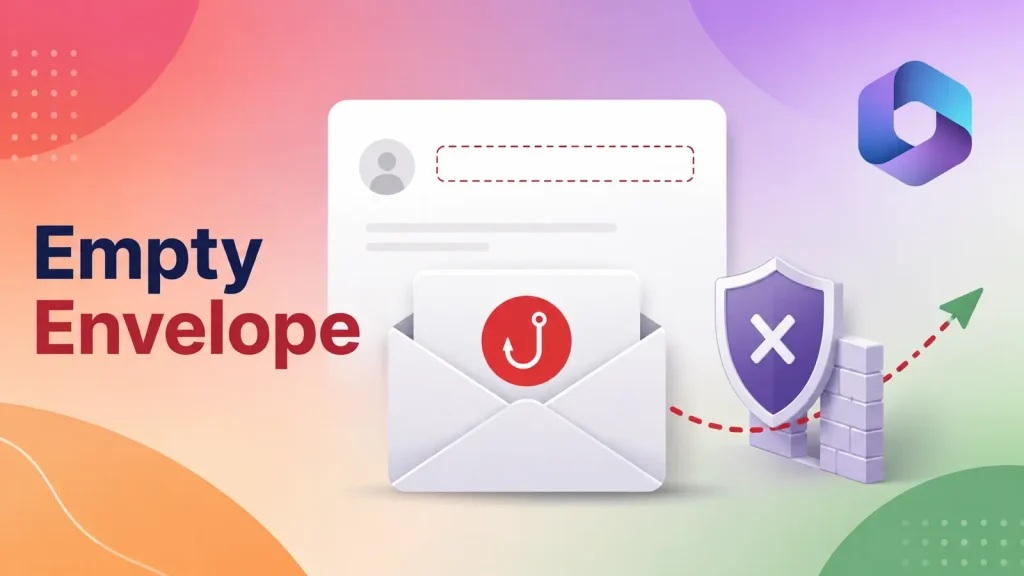
Microsoft 365 Phishing Technique Uses Empty Envelope Sender to Evade Direct Send Blocking
Unmasking a Stealthy Microsoft 365 Phishing Technique: The Empty Envelope Sender
Organizations worldwide rely on Microsoft 365 for critical communication and collaboration. Yet, the very systems designed to protect these interactions are constantly challenged by evolving phishing tactics. A recent and particularly insidious technique targets Microsoft 365 users by exploiting a subtle but significant detail: the absence of an SMTP envelope sender. This oversight allows attackers to bypass standard Direct Send safeguards, presenting employees with seemingly legitimate emails originating from their own organization. Understanding this method is crucial for bolstering your defenses.
The Empty Envelope Sender: A Simple Bypass, Significant Impact
The core of this phishing technique lies in the SMTP envelope sender, a critical component of email transmission that typically specifies the sender’s address for bounce-back purposes. In this scenario, attackers deliberately leave this field blank. While it might seem like a minor omission, its impact is profound for Microsoft 365 environments configured with Direct Send.
Direct Send is a feature within Microsoft 365 that allows applications and devices to send emails directly to recipients within the organization without requiring authentication. It’s often used for internal notifications, scans, or alerts. The problem arises because the absence of an envelope sender can cause Direct Send to misinterpret the message’s origin. Instead of failing due to an unauthenticated sender, the system permits the message to pass, creating a dangerous illusion of legitimacy.
The danger is compounded by the fact that the “From” address displayed to the end-user can be spoofed to appear as an internal organizational email address. This creates a highly convincing phishing attempt, as recipients are more likely to trust an email seemingly from a colleague or an internal system.
Not a Microsoft Flaw, But an Exploitable Configuration
It’s important to clarify that this technique does not represent a software flaw or vulnerability within Microsoft 365 itself. Instead, it leverages a specific behavior of Direct Send when confronted with an empty envelope sender. Microsoft 365 is functioning as designed; the exploit capitalizes on a scenario that wasn’t explicitly guarded against under certain configurations. Therefore, there’s no specific CVE associated with this behavioral bypass (e.g., CVE-2023-XXXXX is not applicable here as it’s not a software vulnerability).
The effectiveness of this technique underscores the need for robust email security policies that go beyond basic authentication checks and consider the nuances of SMTP protocols.
Remediation Actions: Fortifying Your Microsoft 365 Environment
Mitigating this type of phishing attack requires a multi-layered approach focusing on email configuration, user awareness, and advanced threat protection. Here are actionable steps:
- Review and Restrict Direct Send Configurations: Carefully evaluate where and how Direct Send is used within your organization. Consider if it’s truly necessary for all use cases. Restrict it to only essential applications and devices, and ensure those applications/devices are properly secured and monitored.
- Implement and Enforce SPF, DKIM, and DMARC: While SPF, DKIM, and DMARC primarily protect against external spoofing, their robust implementation can help detect anomalous email traffic. DMARC, in particular, provides powerful reporting capabilities that can highlight attempts to send mail using your domain without proper authentication. Ensure your DMARC policy is set to “reject” or “quarantine” after a monitoring period.
- Enable and Configure Microsoft 365 Anti-Phishing Policies: Leverage Microsoft Defender for Office 365 (MDO) anti-phishing capabilities. Configure policies to identify and quarantine messages that exhibit spoofing characteristics, even those originating internally. Pay close attention to “impersonation protection” features.
- User Awareness Training: Educate employees about sophisticated phishing techniques, including those that appear to come from internal sources. Train them to identify suspicious signs, such as unusual requests, urgency, grammatical errors, and unexpected attachments/links, even if the sender appears legitimate. Emphasize verification procedures for sensitive requests.
- Implement Mail Flow Rules (Transport Rules): Create custom mail flow rules in Exchange Online to detect and act upon emails with suspicious characteristics. For example, you could create a rule to quarantine or flag messages where the envelope sender is blank, but the “From” header uses your internal domain.
Tools for Detection and Mitigation
While this isn’t a software vulnerability in the traditional sense, several tools and services can significantly aid in detecting and mitigating such phishing attempts.
| Tool Name | Purpose | Link |
|---|---|---|
| Microsoft Defender for Office 365 (MDO) | Advanced threat protection, anti-phishing, spoof intelligence, impersonation detection. | Microsoft Learn |
| DMARC Analyzers/Reporting Services | Monitor DMARC reports, identify unauthorized senders spoofing your domain. | dmarcian, EasyDMARC |
| Email Security Gateways (e.g., Proofpoint, Mimecast) | Provide advanced email filtering, anti-spoofing, and anomaly detection beyond native M365 capabilities. | Proofpoint, Mimecast |
Conclusion
The empty envelope sender phishing technique targeting Microsoft 365 environments serves as a potent reminder that attackers constantly innovate by exploiting subtle technical details. This method bypasses Direct Send safeguards, creating a convincing illusion of legitimacy that can trick even vigilant employees. By understanding this technique, implementing robust email security configurations, leveraging advanced threat protection tools, and continuously educating users, organizations can significantly reduce their exposure to such sophisticated attacks. Proactive defense and a keen eye for subtle anomalies are essential in the ongoing battle against phishing.