
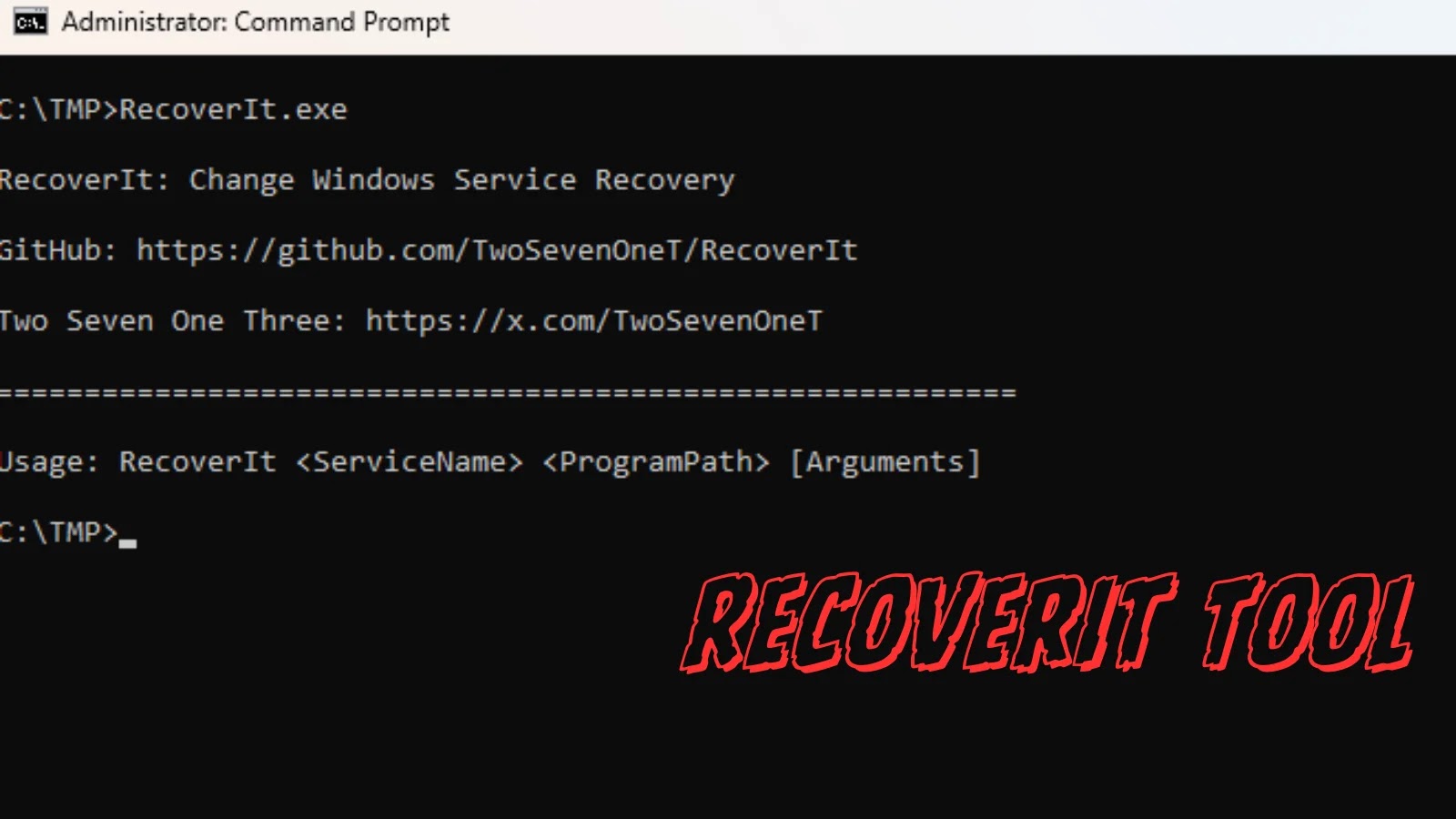
New RecoverIt Tool Exploits Windows Service Failure Recovery Functions to Execute Payload
Unveiling RecoverIt: A Novel Persistence and Lateral Movement Tool
The landscape of offensive security is continually reshaped by innovative techniques that challenge conventional defenses. In a significant development, a new open-source offensive security tool named RecoverIt has emerged, providing Red Teams and penetration testers with a sophisticated method for achieving persistence and facilitating lateral movement within compromised Windows environments. Developed by security researcher TwoSevenOneT, RecoverIt weaponizes an often-overlooked, built-in feature of Windows Services: their failure recovery mechanisms.
How RecoverIt Leverages Windows Service Failure Recovery
Windows Services are fundamental components of the operating system, performing critical background tasks without direct user interaction. A lesser-known aspect of these services is their configurable failure recovery options. System administrators can specify actions to be taken if a service terminates unexpectedly, such as restarting the service, running a program, or rebooting the system.
RecoverIt cleverly exploits this functionality. Instead of directly injecting malicious code into services or using more detectable persistence methods, the tool modifies the failure recovery settings of legitimate Windows Services. Specifically, it configures these services to execute an arbitrary payload – such as a reverse shell, a custom script, or a beacon implant – when they fail. This approach offers several advantages for attackers:
- Stealth: The modifications appear as legitimate configuration changes, making them harder to detect through traditional endpoint security solutions focused on anomaly detection in process execution.
- Evasion: Since the payload is executed by a legitimate Windows Service process after a “failure,” it can bypass some sandboxing or whitelisting solutions that trust signed system binaries.
- Reliability: The mechanism is built directly into the operating system, making it inherently robust and resilient to simple clean-up attempts.
By intentionally causing a service to fail (or waiting for a natural failure), the attacker can trigger their malicious code. This technique provides a persistent backdoor and a flexible platform for executing further attack stages, including privilege escalation and lateral movement across the network.
Implications for Defensive Strategies
The introduction of RecoverIt highlights a critical area that defenders must address. While general service monitoring is common, specific scrutiny of service failure recovery configurations is often overlooked. This tool underscores the importance of a defense-in-depth strategy that includes:
- Advanced Endpoint Detection and Response (EDR): EDR solutions capable of monitoring and flagging unusual modifications to service configurations, particularly those related to failure actions, are crucial.
- Configuration Management: Regularly auditing and enforcing baseline configurations for critical Windows Services can help identify unauthorized changes.
- Threat Hunting: Security analysts should be equipped to proactively search for indicators of compromise (IoCs) related to this technique, such as unexpected executables in service recovery paths or unusual service terminations followed by script execution.
Remediation Actions and Detection Strategies
Defending against tools like RecoverIt requires a multifaceted approach. Here are actionable steps security teams can take:
- Monitor Service Control Manager (SCM) Events: Pay close attention to events logged by the Service Control Manager (Event ID 7036 for service state changes, Event ID 7045 for service installation, Event ID 4697 for changes to a service’s configuration). Look for:
- Modifications to the
FailureActionsandFailureCommandregistry keys underHKLM\SYSTEM\CurrentControlSet\Services\[Service Name]. - New entries or changes to existing service recovery programs that point to unusual or non-standard executables/scripts.
- Modifications to the
- Implement Least Privilege: Restrict permissions for modifying service configurations. Only authorized accounts should have the ability to change service settings.
- Network Segmentation: Limit lateral movement potential by segmenting networks and enforcing strict access controls between different zones.
- Application Whitelisting: Implement application whitelisting solutions that only permit trusted applications and executables to run, preventing the execution of arbitrary payloads configured through service recovery.
- Regular Audits: Periodically audit Windows Service configurations across your environment to identify any deviations from baseline or known good states.
Relevant Tools for Detection and Mitigation
| Tool Name | Purpose | Link |
|---|---|---|
| Sysmon | Advanced logging of system activity, including registry changes and process creation, which can help detect service configuration modifications. | https://learn.microsoft.com/en-us/sysinternals/downloads/sysmon |
PowerShell cmdlets (e.g., Get-WmiObject, Get-Service) |
Scripting for auditing and querying service configurations, including failure actions. | https://learn.microsoft.com/en-us/powershell/module/microsoft.powershell.management/ |
| Endpoint Detection and Response (EDR) Solutions | Real-time monitoring, detection, and response to malicious activities, including TTPs similar to RecoverIt. | (Vendor Specific – e.g., CrowdStrike Falcon, SentinelOne, Microsoft Defender for Endpoint) |
| Windows Event Viewer / Centralized SIEM | Analysis of Windows Event Logs for suspicious SCM events. | https://learn.microsoft.com/en-us/windows/win32/eventlog/event-logging |
Conclusion
The introduction of the RecoverIt tool by TwoSevenOneT underscores the continuous evolution of offensive security techniques. By creatively exploiting native Windows Service failure recovery mechanisms, attackers gain a stealthy and resilient method for persistence and lateral movement. Defenders must recognize this emerging threat and adapt their strategies to include robust monitoring of service configurations, enhanced endpoint detection, and proactive threat hunting. Understanding and defending against such innovative approaches is paramount in maintaining a strong cybersecurity posture.




